Build a K-drama scene with your AI assistant
This is a real build. An AI assistant made a 39-second Korean fantasy scene called SoulShifter using only the ShowMaker connector. It wrote the script, built the cast and their costumes, cast Korean voices, drew every frame, rendered the video and burned in centered captions. Below is each step, the tool it used, and the mistakes we caught along the way.
Before you start
- Connect ShowMaker to your assistant. The steps for Claude, ChatGPT, Cursor and others are on the MCP connector page.
- You need a Starter plan or above. Connecting an assistant is a paid-plan feature.
- Your assistant starts with a short list of tools. It can find the rest by itself with
find_tools, read how one works withdescribe_tool, and run it withcall_tool. You do not need to know tool names. Ask for the result you want.
Step 1. Ask for the project
This is the request that started it:
I want to do a quick soul shifter scene with recognizable dress and Korean language, with centered captions this time.
The assistant made a new project with create_project. The one setting that matters most here is the dialogue language:
create_project
  title:            "영혼술사 (The Soul Shifter)"
  aspectRatio:      "9:16"
  visualStyle:      "photoreal"
  dialogueLanguage: "Korean"
Setting dialogueLanguage to Korean means every character added later is given a native Korean voice automatically. Without it, Korean lines are read by English voices.
Step 2. Build the cast and the place
Each person is made with create_character and the place with create_location. Two fields do different jobs:
- prompt is how they look. This is what the image model reads.
- backstory is who they are. It helps the writing tools and never reaches the image model.
To get "recognizable dress", name every piece of clothing. A vague word like "traditional" gets you a vague costume. For the sorceress, the assistant wrote:
Korean woman, 29, pale porcelain East Asian skin, long straight black
hair tied in a high warrior topknot bound with a black silk cord, a
thin line of blood at the corner of her mouth; long black silk
Joseon-era mage robe with a high crossed white under-collar, wide
sleeves and a dark crimson waist sash, black leather wrist bracers,
a jade pendant at her belt
The servant got a cream jeogori with an indigo tie, a hemp-brown chima and a single braid with a red ribbon. The student got a black horsehair gat with amber beads and a jade-green dopo. The shrine got painted eaves, stone lanterns, paper talismans on a rope, mist and a full moon.
Step 3. Draw a reference picture of each one
generate_character_still and generate_location_still draw the pictures every later shot copies from. Each costs 4 to 5 credits. Look at every one before you go on, because a mistake here repeats in every shot.
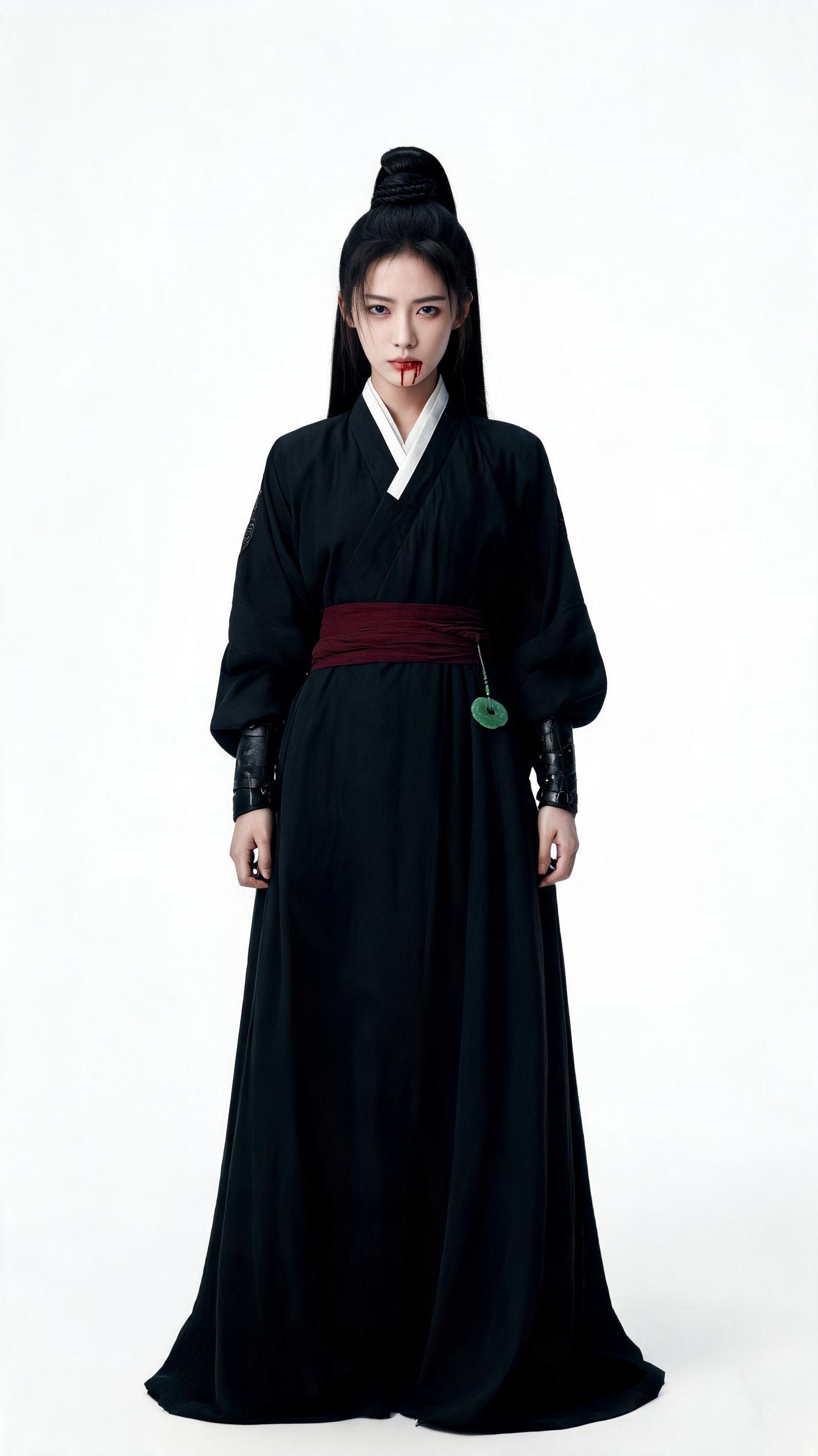
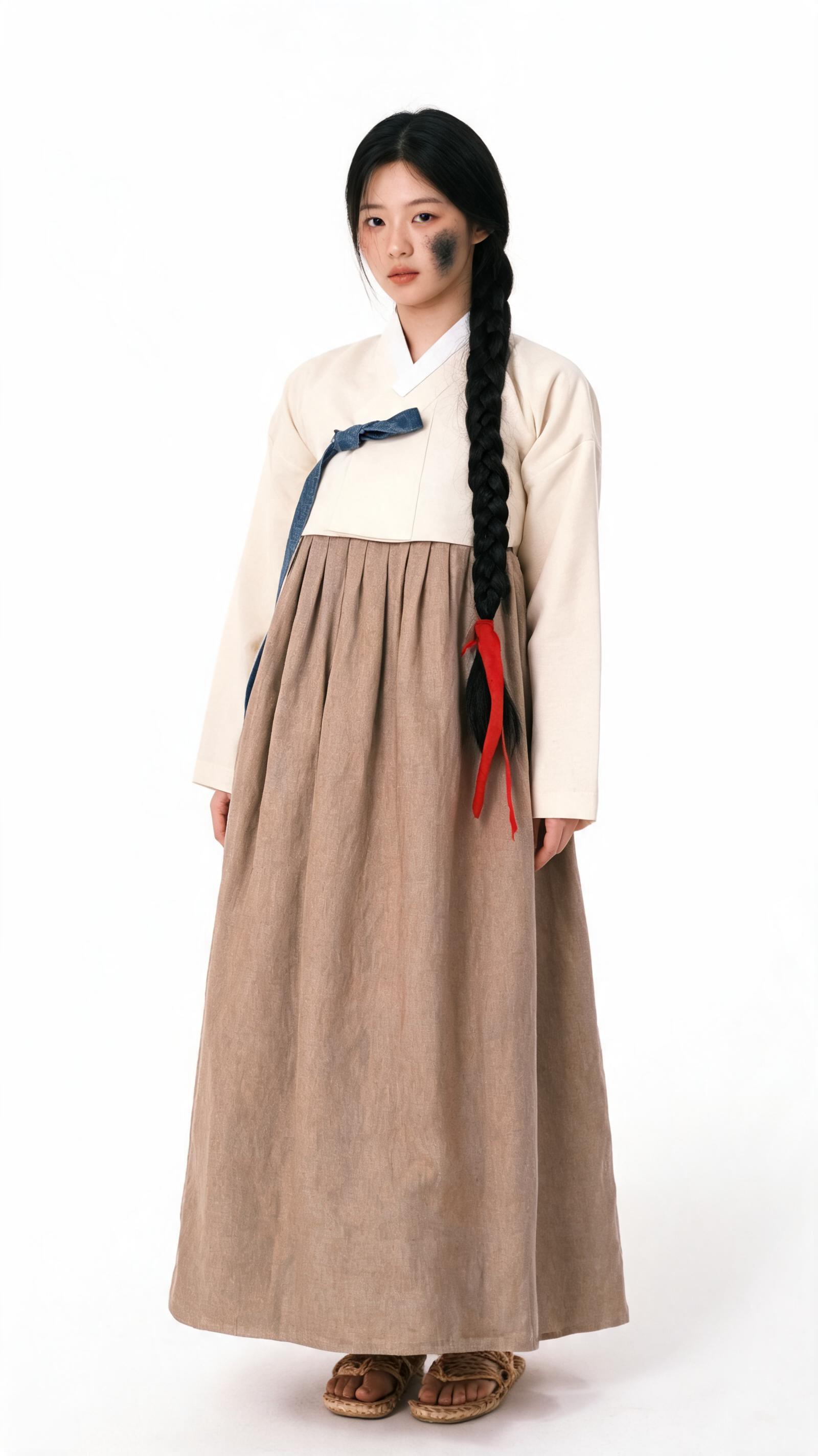
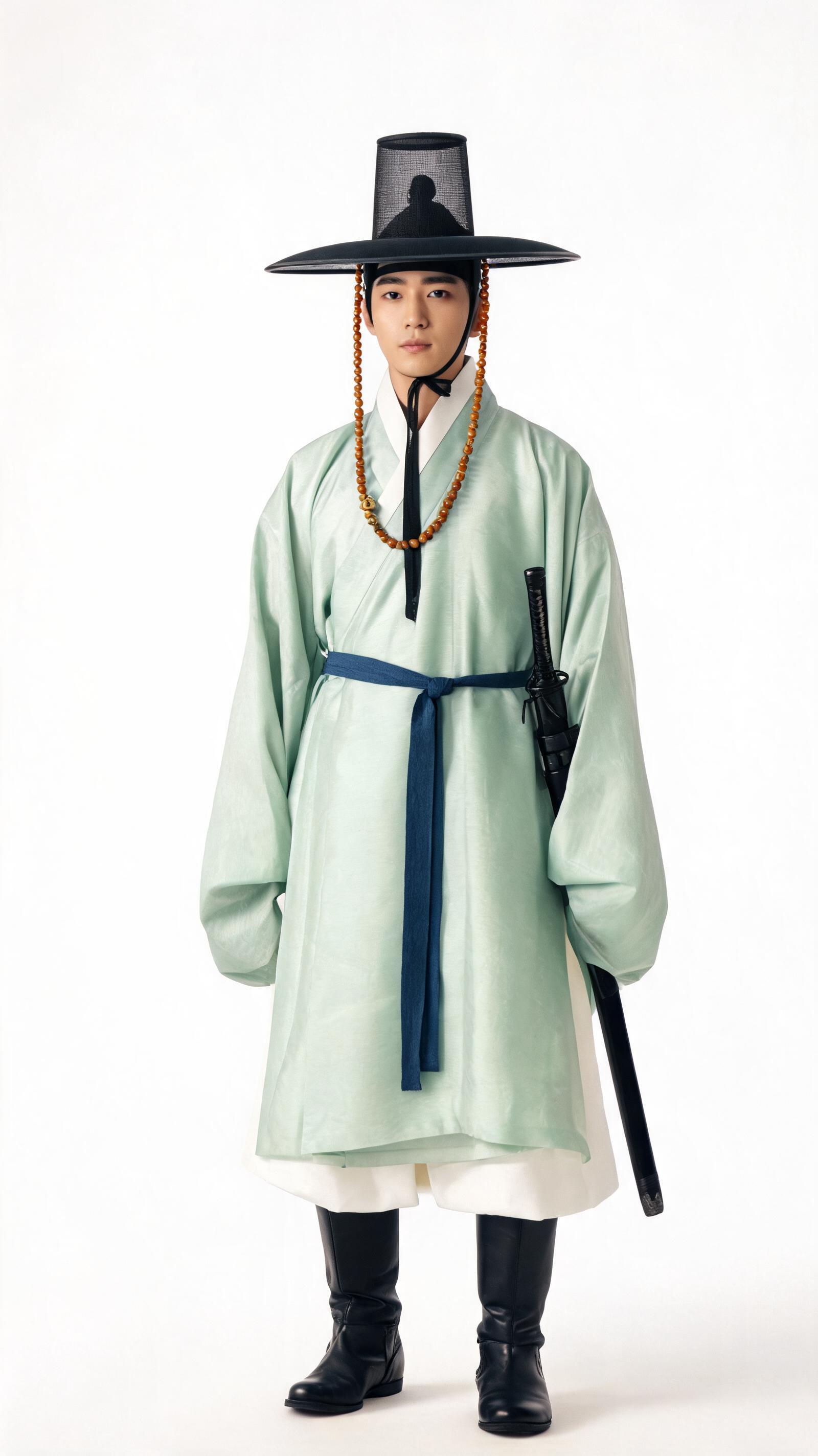
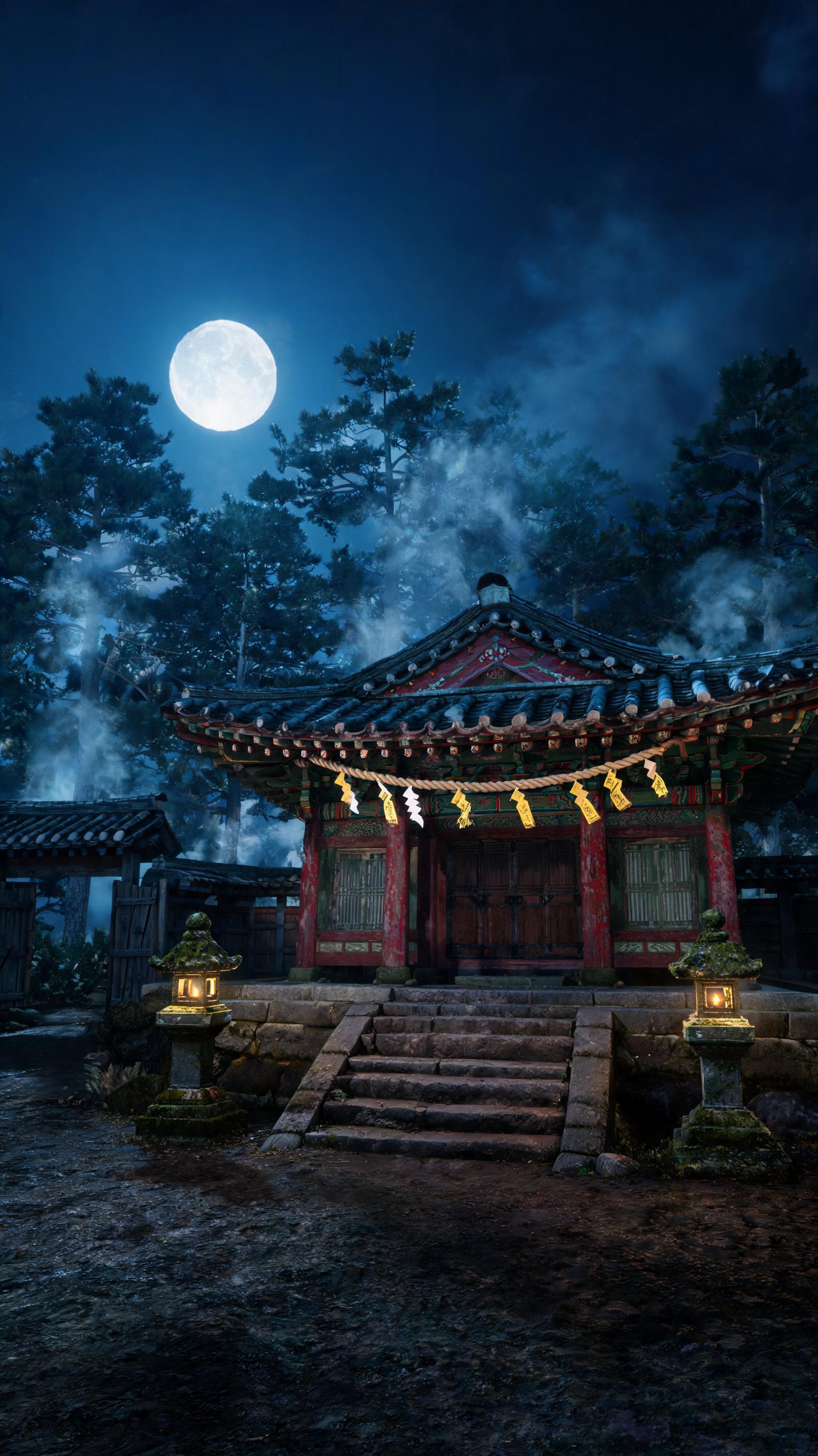
Our first picture of Bori looked younger than the 19 we asked for. The fix took three calls: update_character with "young woman, 21, adult", then delete_character_still on the old picture, then a new draw. Delete the old picture first. A new drawing is added beside the old one, and the old one would still be used as a reference.
Step 4. Write the scene as panels, and approve it
The scene is written as multishot panels with save_multishot_panel. A panel is a run of short shots, called beats, that renders as one continuous clip with hard cuts between them. Each beat is one camera setup, written in plain prose, with the cast and the place tagged by their @names and any line in quotes after the speaker:
Close-up on @yoon_jae in @mountain_shrine, grief twisting into fury,
the gold light along his blade flaring as he levels it at @bori.
@yoon_jae: "네 이년... 스승님께 무슨 짓을 했느냐!"
Saving a panel is free. The answer shows the exact prompt the render will send, the total length, any @name that matches nobody, and the price. That makes it the right moment to stop and read. Our director asked for exactly that: "make sure the writing is good and the fight is good first, before doing any render."
The approved scene was two panels, 39 seconds in all:
| Panel | Beats | What happens |
|---|---|---|
| The Shift, 17 s | 5 | A dying sorceress grabs a servant girl. Glowing sigils spin around their wrists. The girl's own soul is torn out of her mouth. The sorceress's old body is drained to a dry husk. The girl wakes with burning blue eyes: "나쁘지 않군." (Not bad.) |
| The Duel, 22 s | 7 | Her student arrives and attacks the girl he thinks killed his master. A sword flies to her hand. He throws a gold arc of sword energy and she cuts it in two. Their blades lock. She disarms him, blade at his throat. He knows the move: "그 검법은... 스승님?" (That sword form... Master?) |
Writing spell effects a video model can follow
- Give each beat one clear action. Three seconds is enough for an effect.
- Give each person their own color of power so viewers can follow it. Hers is icy blue. His is gold.
- Describe what the effect does to things you can see: "a gold crescent of sword energy tears across the courtyard", "every talisman overhead bursts into flame".
- Let the dialogue carry the twist. Her last line praises him the way a teacher would, which tells him who she is without saying it.
Step 5. Draw a start frame for every beat, and look at them
draw_multishot_beat_frame draws the picture each beat opens on, using the place, the cast pictures and the frame before it. Draw them one at a time, in order. Each costs about 4 credits.
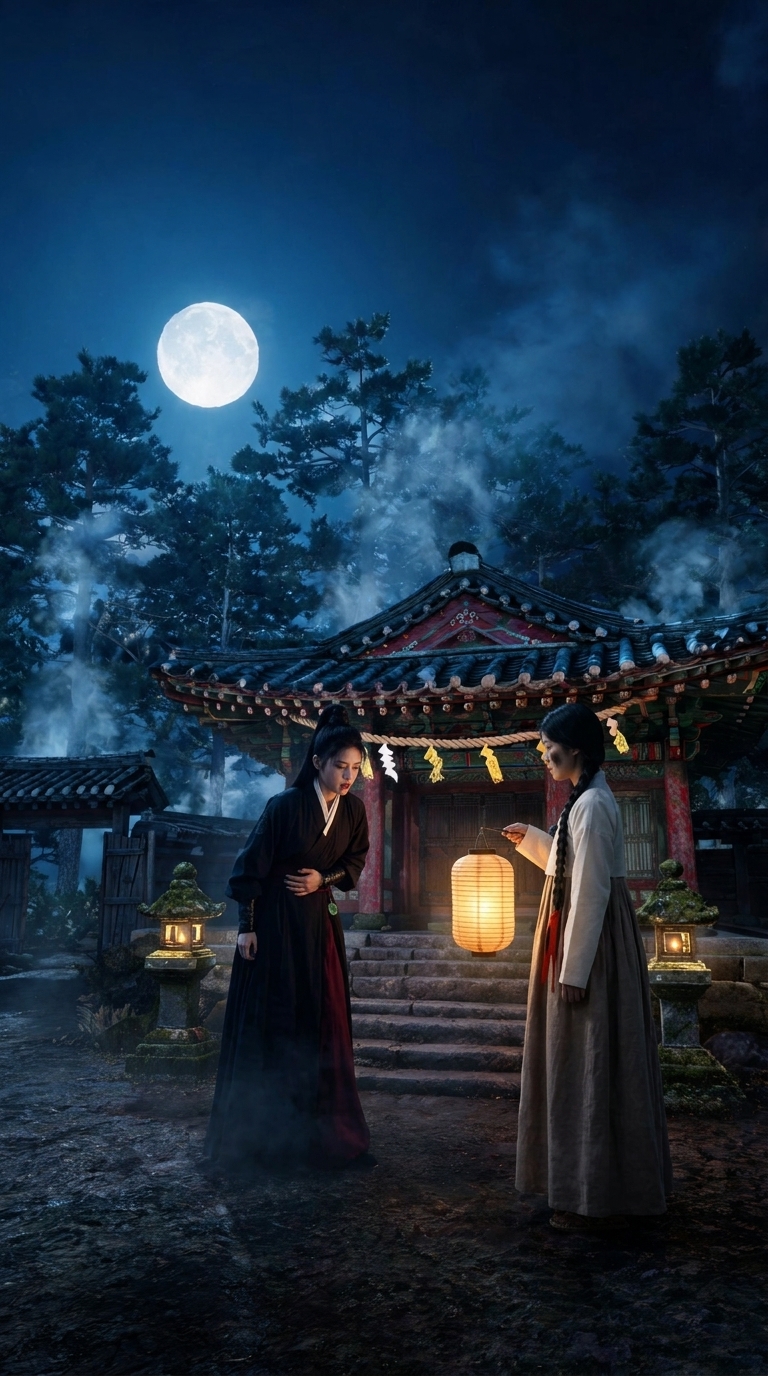
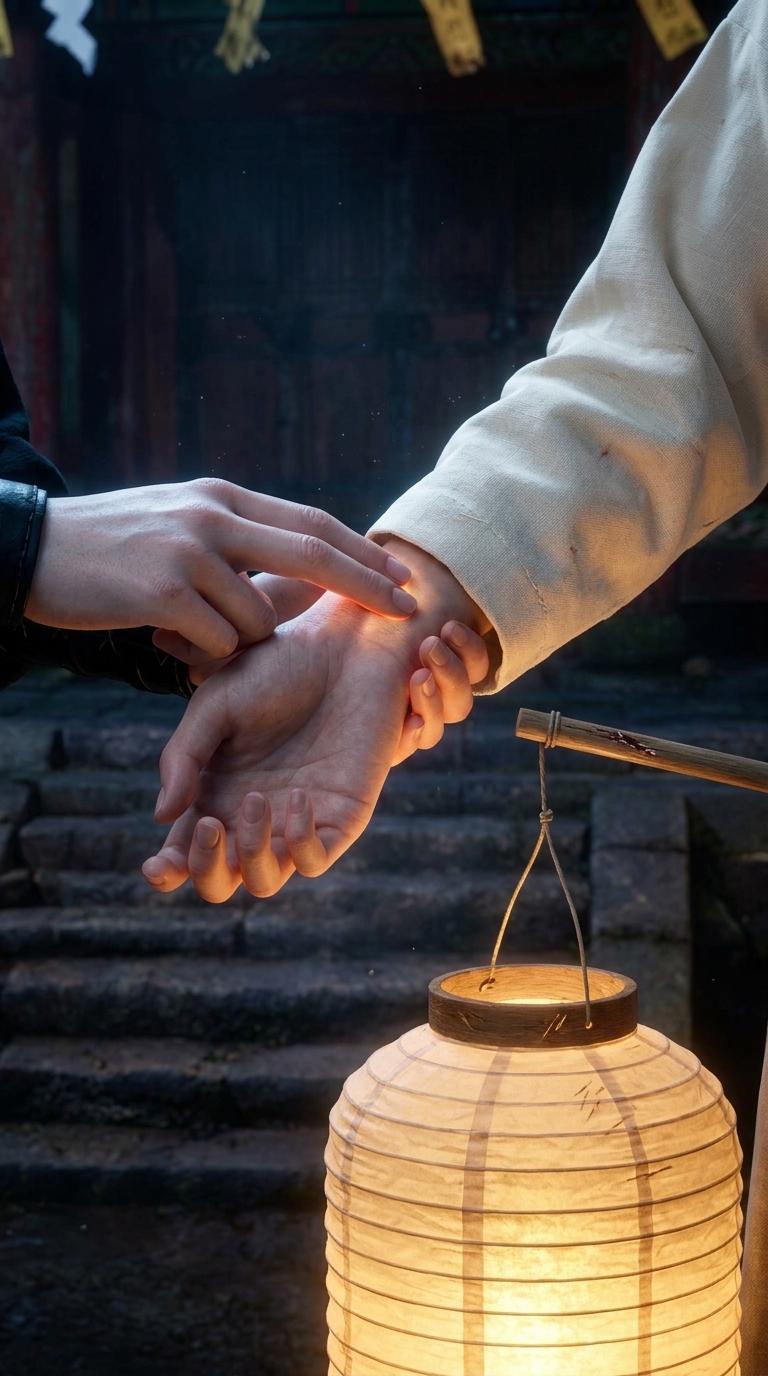
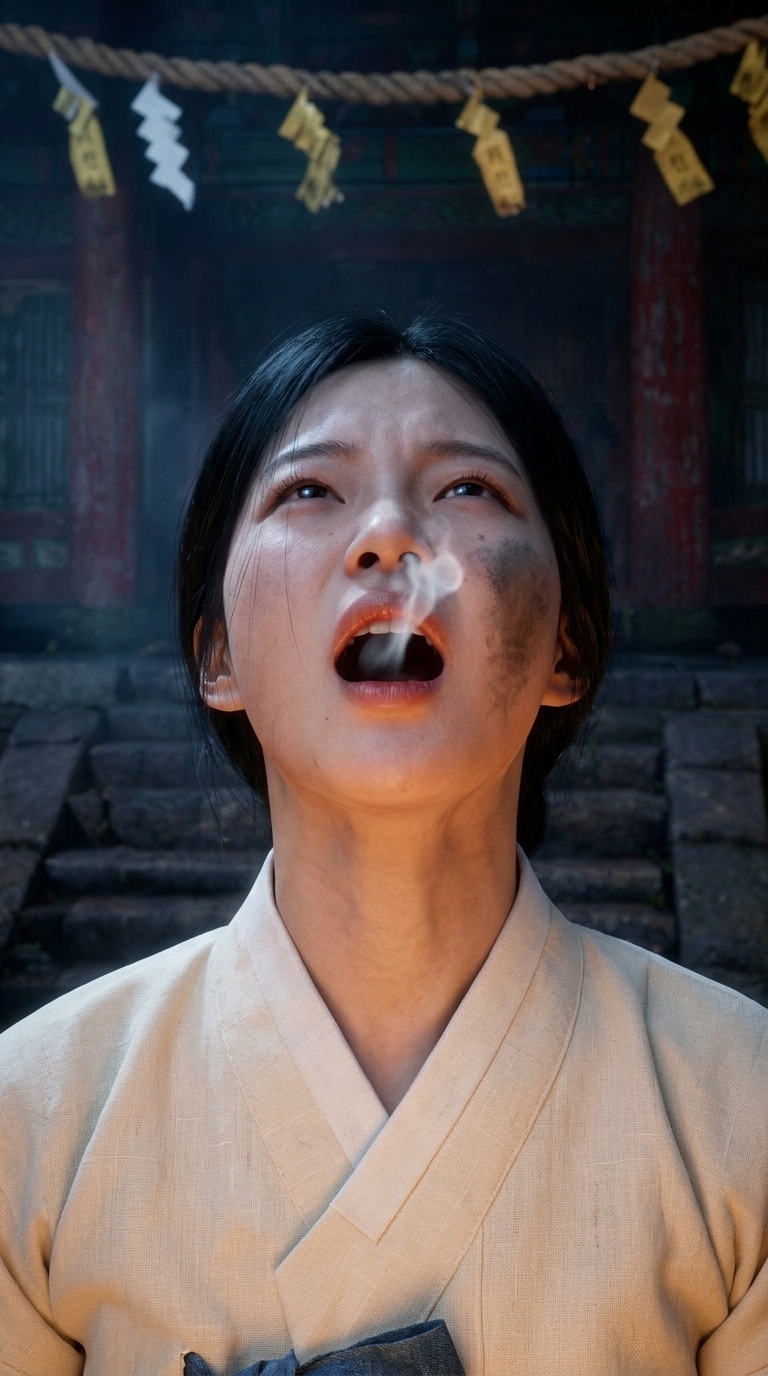
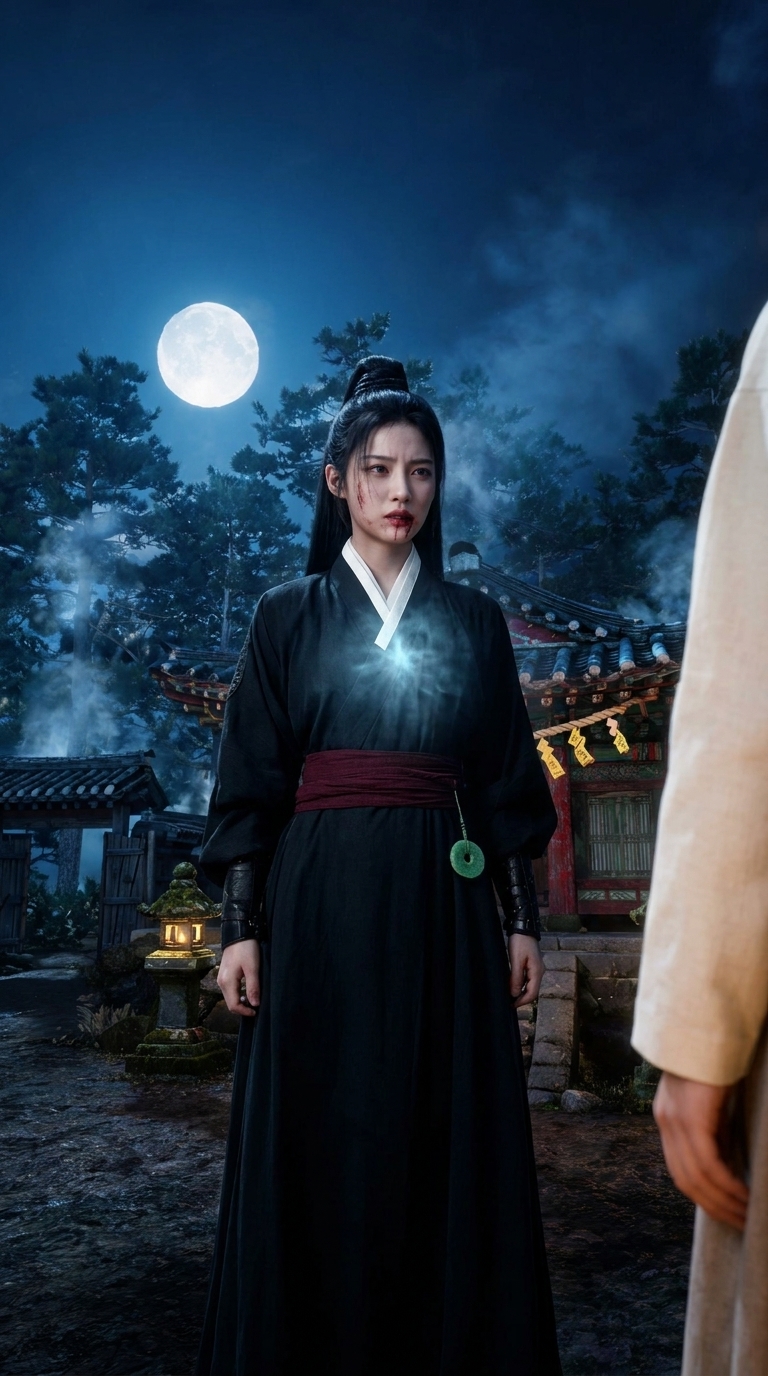
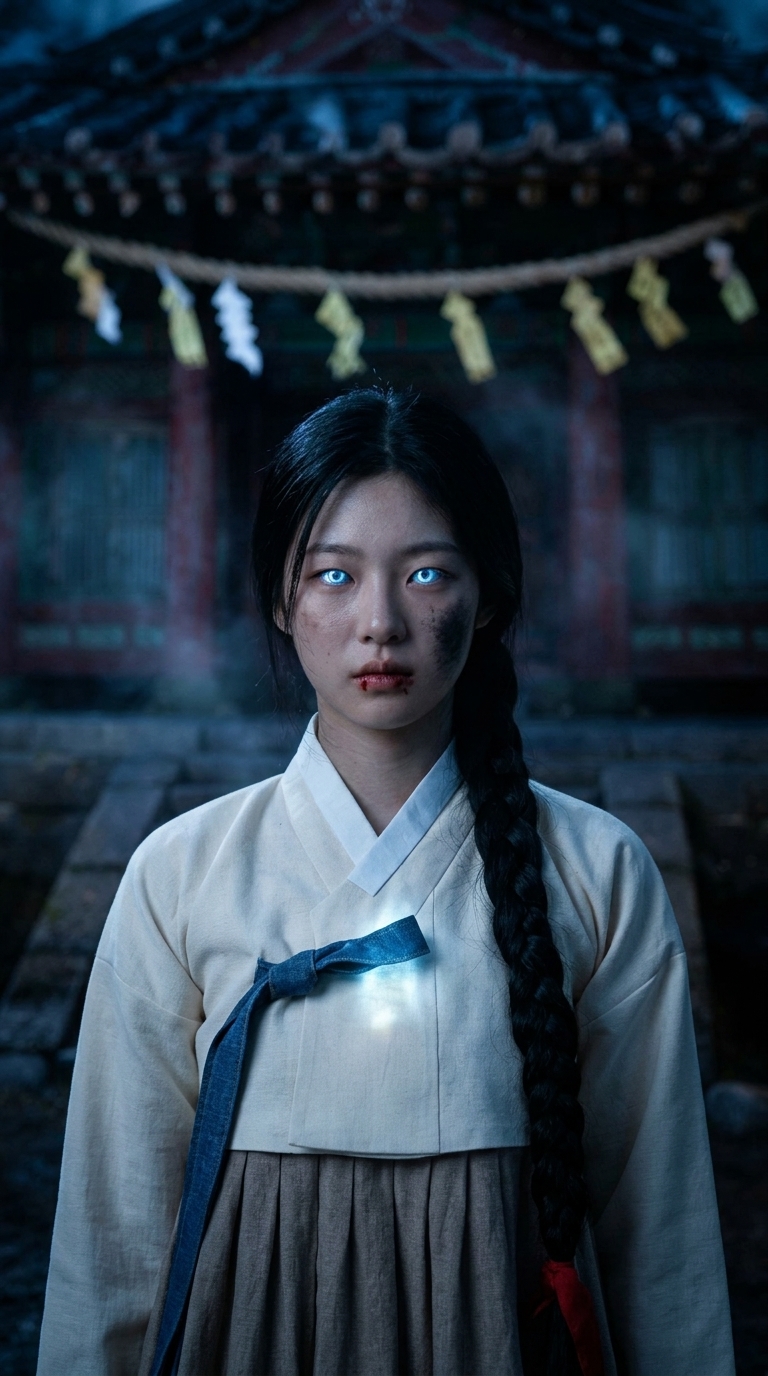
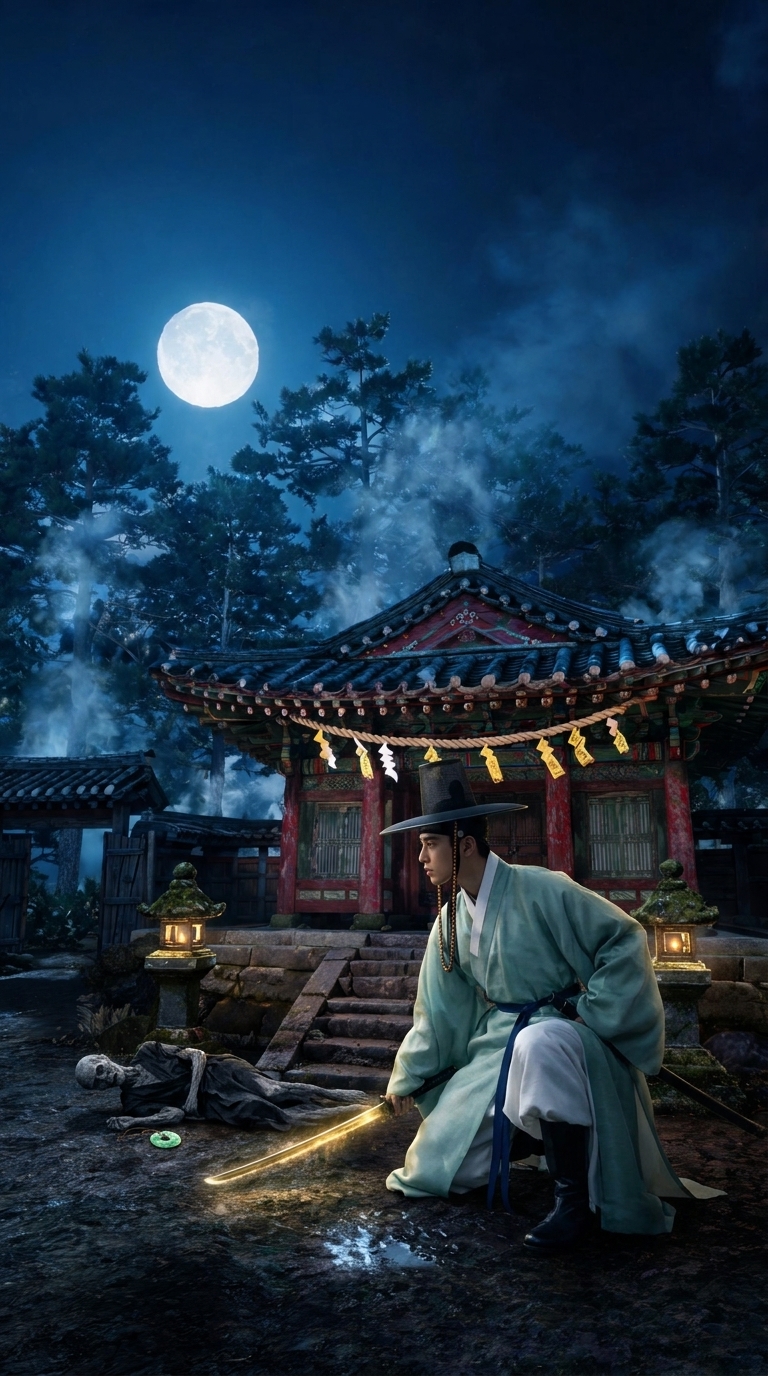
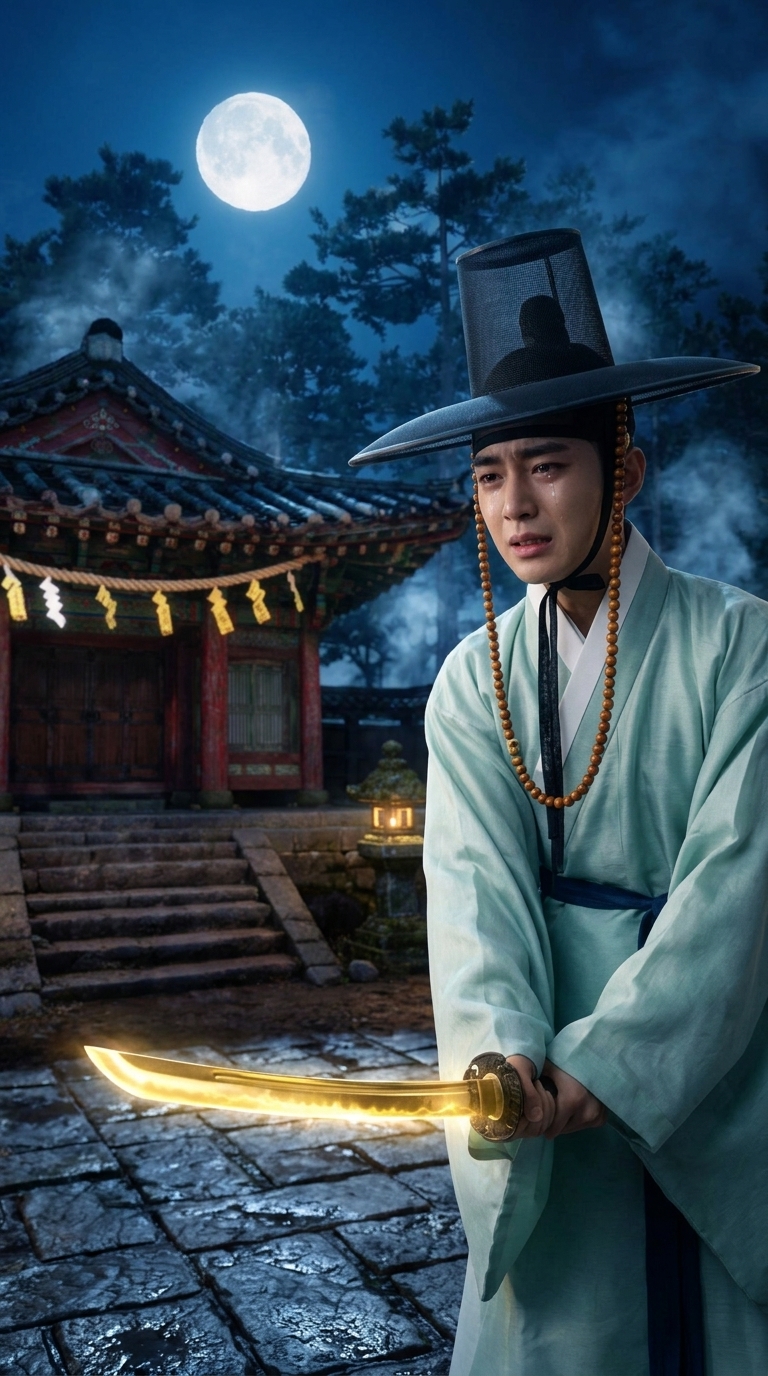
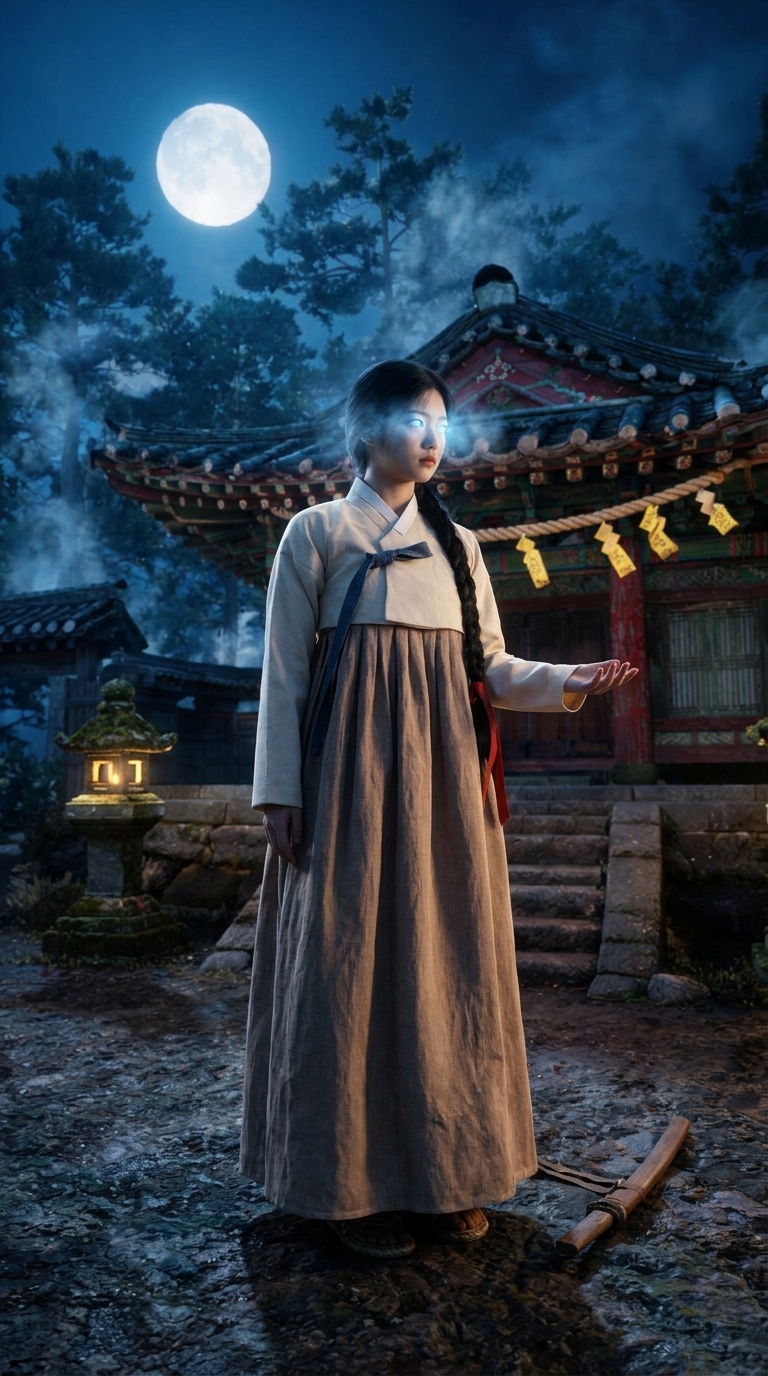
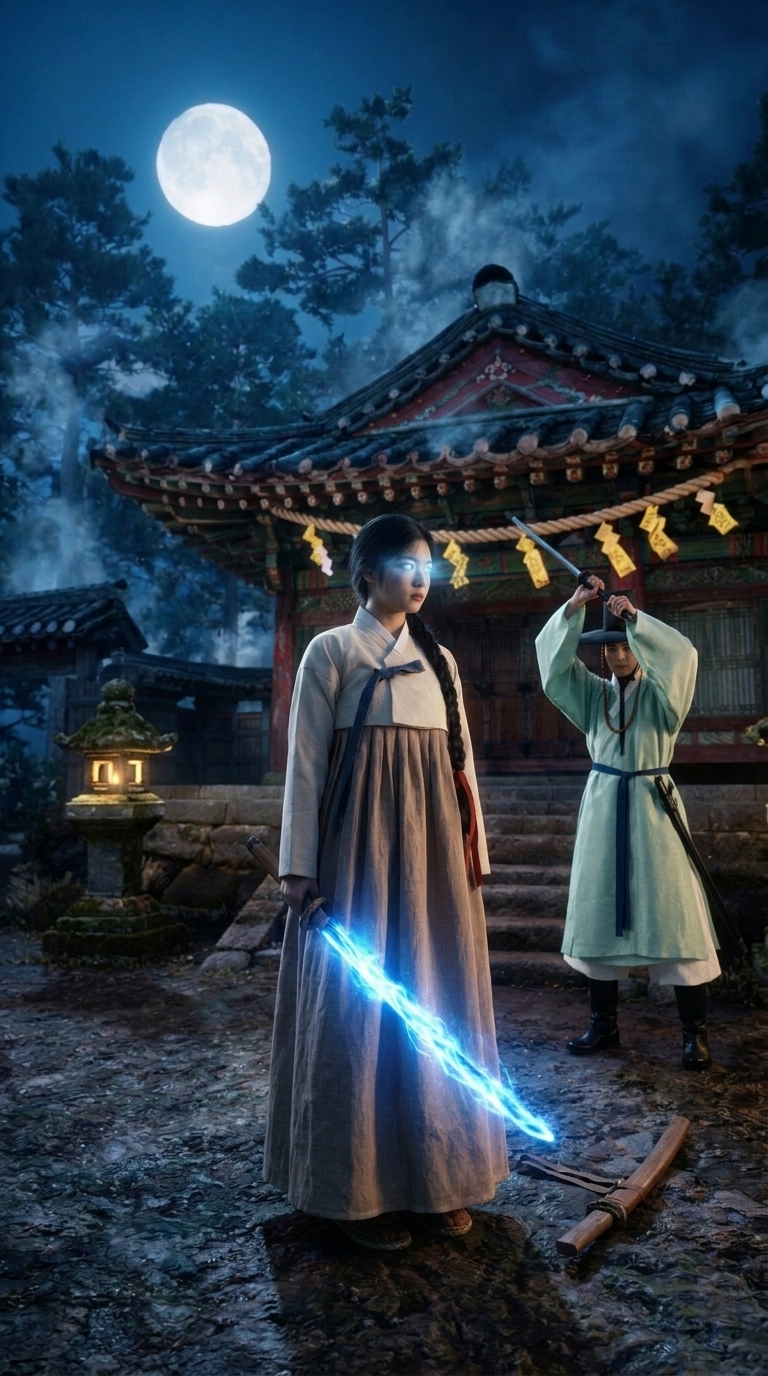
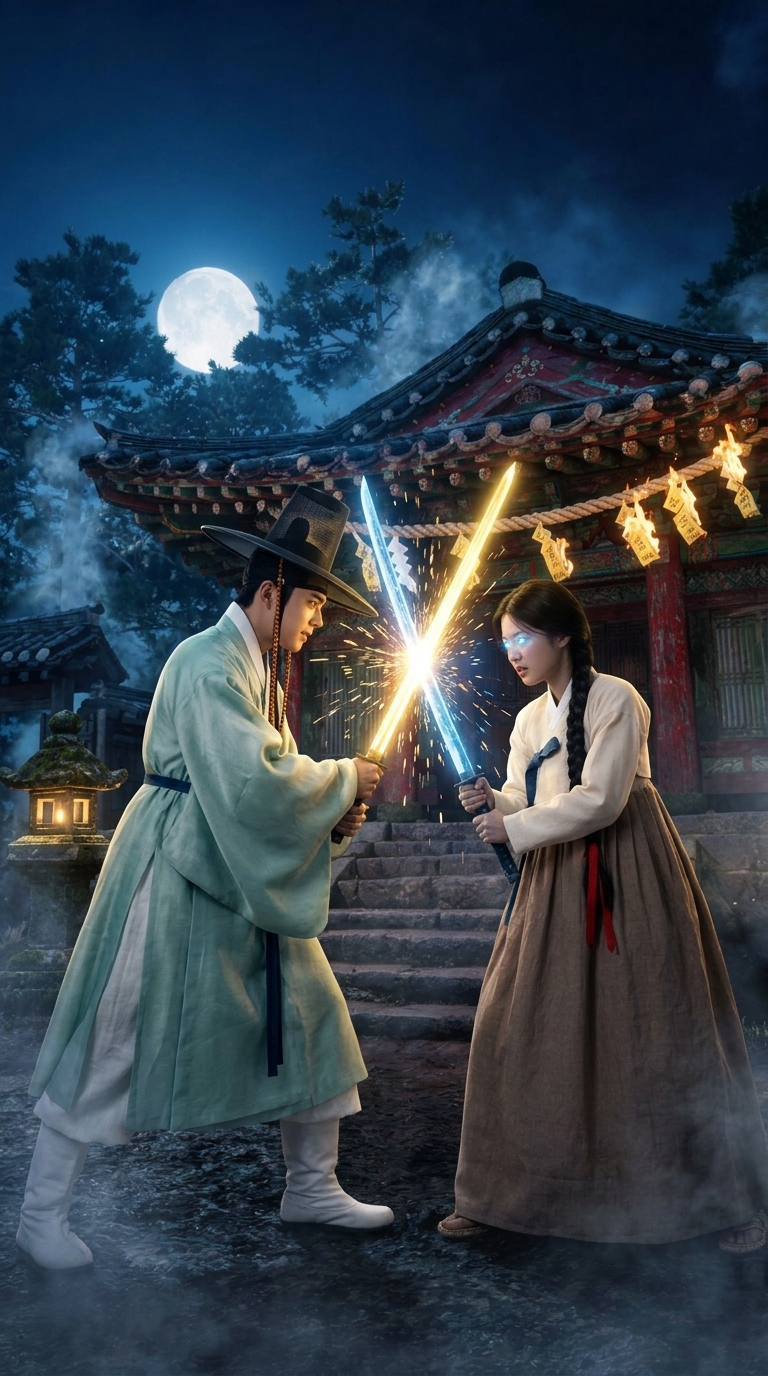
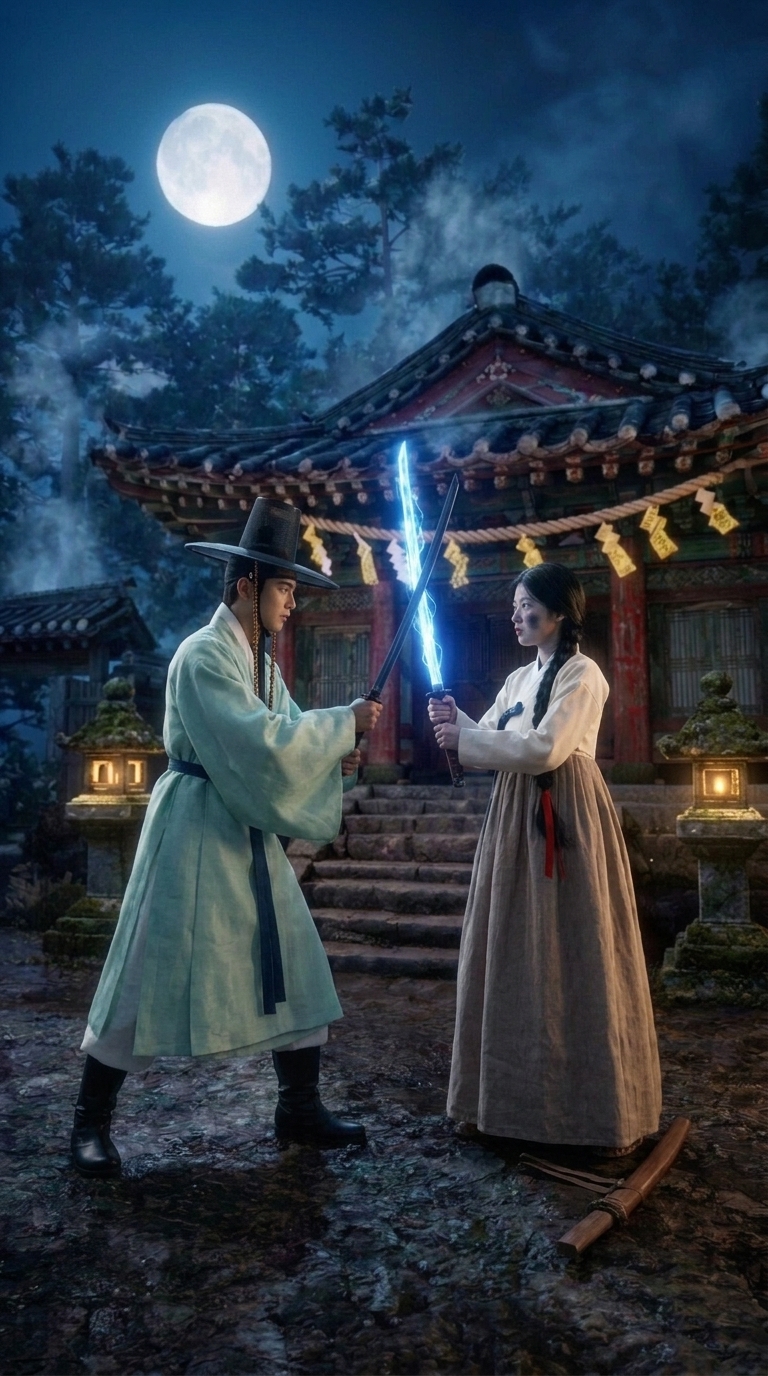
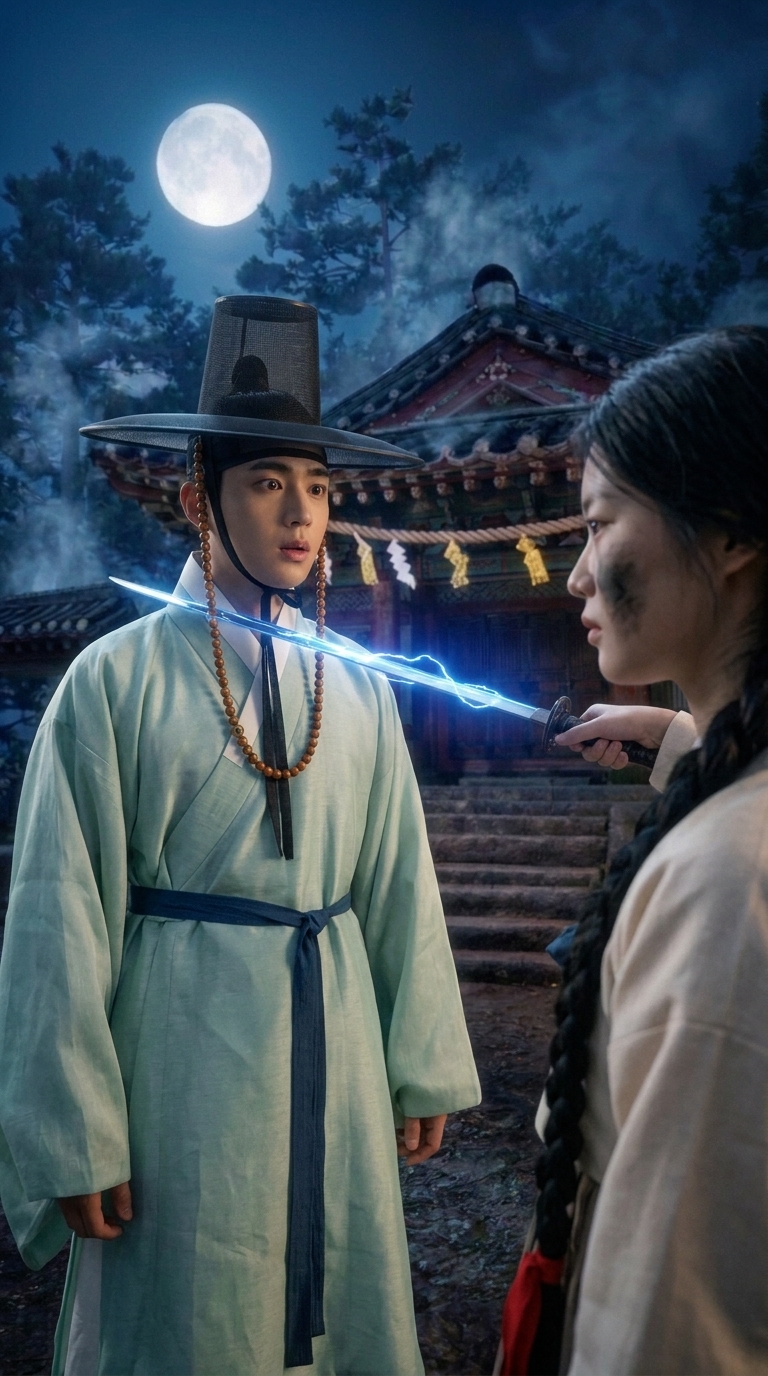
Each frame comes back with an automatic check, but read the pictures yourself. Four of ours needed a second try, and a short note passed as change fixed each one in a single redraw:
- One frame came back turned on its side and showed the wrong woman. The check missed both. Note: "Upright frame, not rotated. The face is Bori: braid with a red ribbon, cream jacket, soot on her cheek."
- One put the scene inside the shrine hall. Note: "Outdoors in the moonlit courtyard, in front of the shrine steps."
- One left the student out of his own entrance because he was still in mid-air. Note: "Yoon-jae is in frame, just landed in a crouch." A frame with nobody in it gives the video no face to hold on to.
- One lost the gold glow on his sword in the clash. Note: "Blades locked, his gold, hers icy blue, sparks where they meet."
Fixed since we made this scene: the check now compares each person with their cast picture, looks for a frame that is turned on its side, and leaves out people the beat keeps off-screen. A change note now also updates the beat's written opening, so the check reads the new words. It is still a helper, so keep looking at the pictures.
Step 6. Voice the lines
voice_multishot_panel reads every line in its speaker's voice. Run it once without allowExpensive to see the lines and the price, then again with it to record them. Voice before you render, because the video model uses the recordings.
Our director wanted a younger voice for Bori. The assistant searched Korean voices with search_voices (language Korean, female, young), picked one described as built for character performances, and set it with assign_voice_speaker.
One line still sounded flat. A line can be directed with tags in square brackets, added with the expressions field of save_multishot_panel. The words stay exactly the same:
[exhales slowly] [low, quiet, coldly amused] 나쁘지 않군.
Only that line was recorded again. The new take ran 3.9 seconds, longer than its 3-second beat, so the beat was stretched to 4. After any new take, compare its length with its beat.
Step 7. Set the captions, then render
Captions are made automatically when a render finishes, so set how they should look first, with update_shot_settings on the storyboard row:
update_shot_settings
  sceneId:             1
  captionsPosition:    "middle"
  captionsTranslateTo: "English"
middle centers them. The positions are bottom, middle, top and lower-third, which is the default on vertical video. captionsTranslateTo adds a smaller English line under the Korean.
Then render_multishot_panel with allowExpensive: true. Without that flag it refuses and tells you the price. Our two panels cost 45 and 58 credits on Wan 3.0 at 480p, ran side by side, and were both done in about seven minutes.
Step 8. Fix the captions and make one clip
The first automatic captions misheard the name 윤재 as 윤제. Running generate_captions again with the script's lines in promptHint brought them back word for word. For a scene that is not in English, always pass the lines this way.
- generate_captionscaptionSource "clip", position "middle", translateTo "English", promptHint set to the exact lines.
- compose_sceneBurns the captions into each clip.
- render_sceneJoins every clip in the scene into one video. It is free when every clip is already rendered.
Mistakes to catch before they cost you
- A timeout is not a failure. Two pictures timed out in the assistant and still finished on our side. Asking again with the same request within ten minutes now returns the first picture and costs nothing. Pass
force: trueonly when you want a second one. - Look at every picture. The automatic check is a helper. It once missed a sideways frame and the wrong person. It checks for both now, but your eyes still decide.
- Delete a bad reference picture before you draw its replacement.
- Put your most important frame early in a long panel. A video model takes a limited number of reference pictures. On our seven-beat duel, the last beat's frame was left out. It still rendered well, but for a longer panel, split it in two.
preview_multishot_panelnow tells you which beats' frames will be left out, before you pay for the render. - Expect a small glitch in busy shots. In one beat the model briefly drew an extra figure in the sky. If a beat matters,
split_multishot_panellets you render that one beat again on its own.
What it took
- About an hour of conversation, including two rounds of changes.
- 5 reference pictures at 5 credits, 16 start frames at about 4 credits, 6 voice takes.
- Two video renders: 45 and 58 credits.
- Posted to YouTube as a Short: SoulShifter.
Try it yourself
Paste one of these into your assistant once ShowMaker is connected:
Make a 30-second Korean historical fantasy scene in 9:16 with Korean dialogue and centered captions with an English line under each. Show me the beats before you spend anything.
Bori's last line sounds flat. Re-voice only that line, slower and colder, and tell me if the new take is longer than its beat.
Show me every start frame as a contact sheet and tell me which ones put a person in the wrong place before we render.
Every tool used here is listed on the MCP connector page, with what each one does and costs.