 1080p
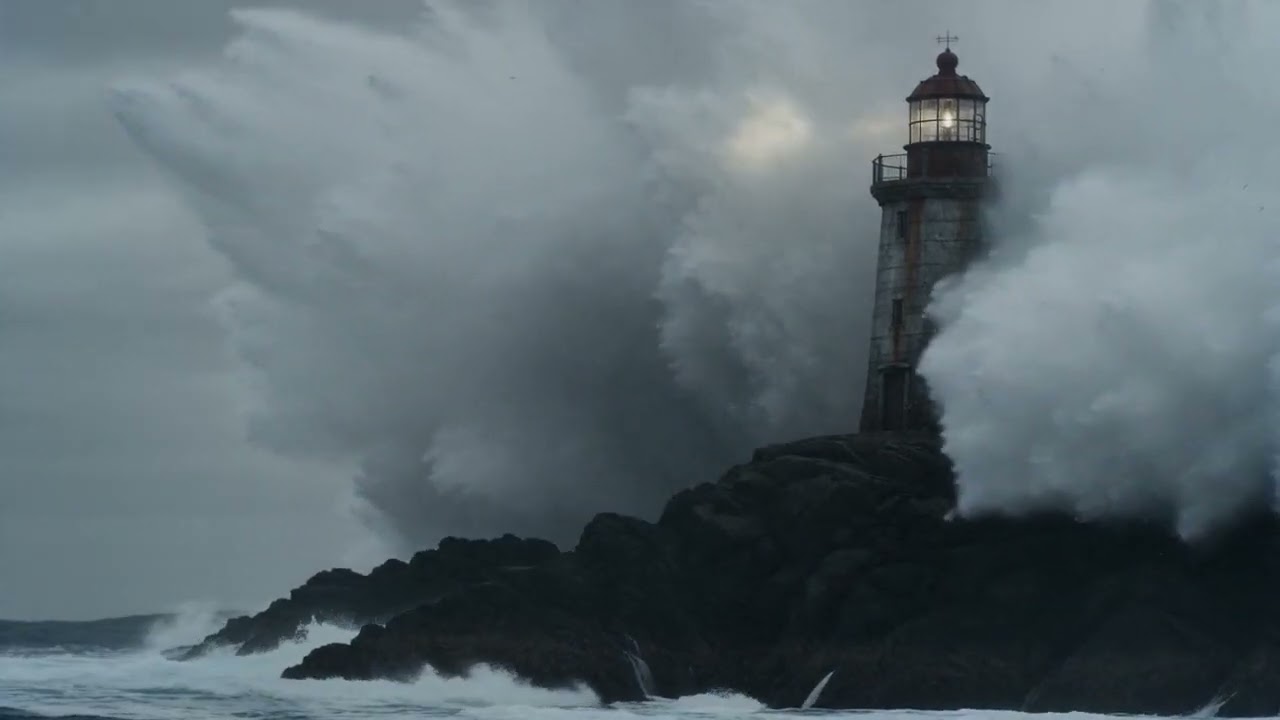
1080pDrama · 90sThe Last LighthouseA lone keeper refuses to surrender the last staffed lighthouse as automation closes in. One storm. One night. One last stand.
The AI show maker that turns your idea into a high‑quality story — without writing a single prompt.
Start from an idea — or bring your own script. ShowMaker Studio's Prompt Intelligence and AI Story Assistant handle the creative heavy lifting, from story to final cut.
Build your entire series right from your phone. ShowMaker Studio gives you the right model at every step — script to storyboard, shots to voice and score, all the way to final cut — no desktop, no juggling five tools.
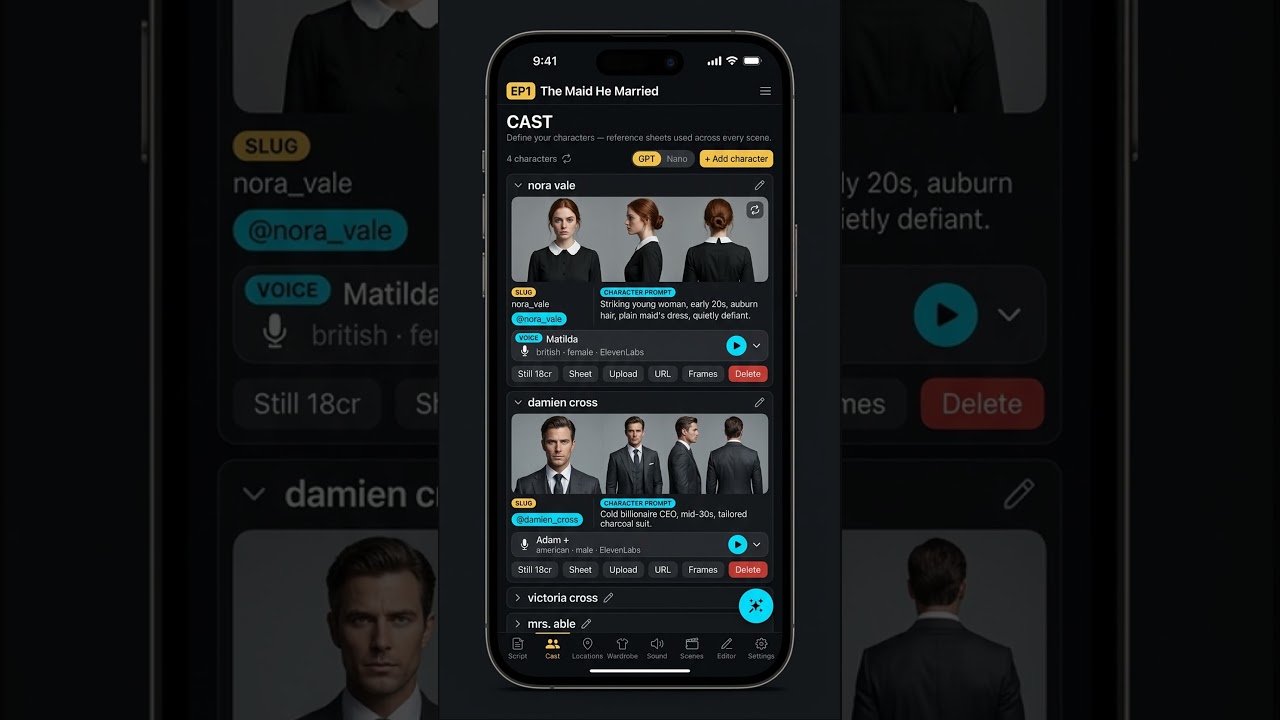
From one logline, ShowMaker Studio writes a beat-structured script — then builds the cast, locations, and wardrobe to match, with reference sheets that stay consistent across every scene.
Each shot routes to the best model for the job — GPT-image and Nano Banana for stills, Seedance, Kling, Veo and Sora for video. You stay in flow; we handle the routing.
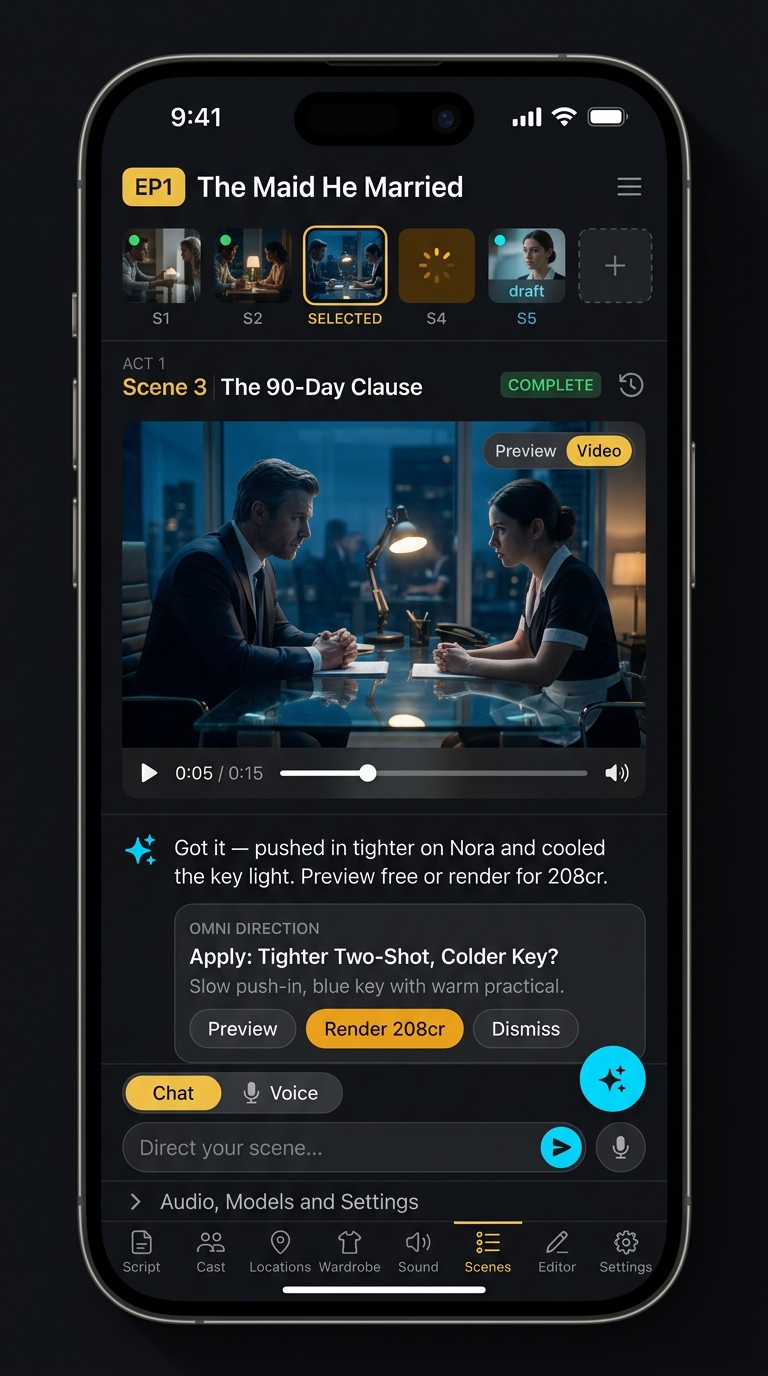
ElevenLabs voices, Suno score, lipsync, color, edit — all assembled into one finished, high-quality piece. Ready to post or export.
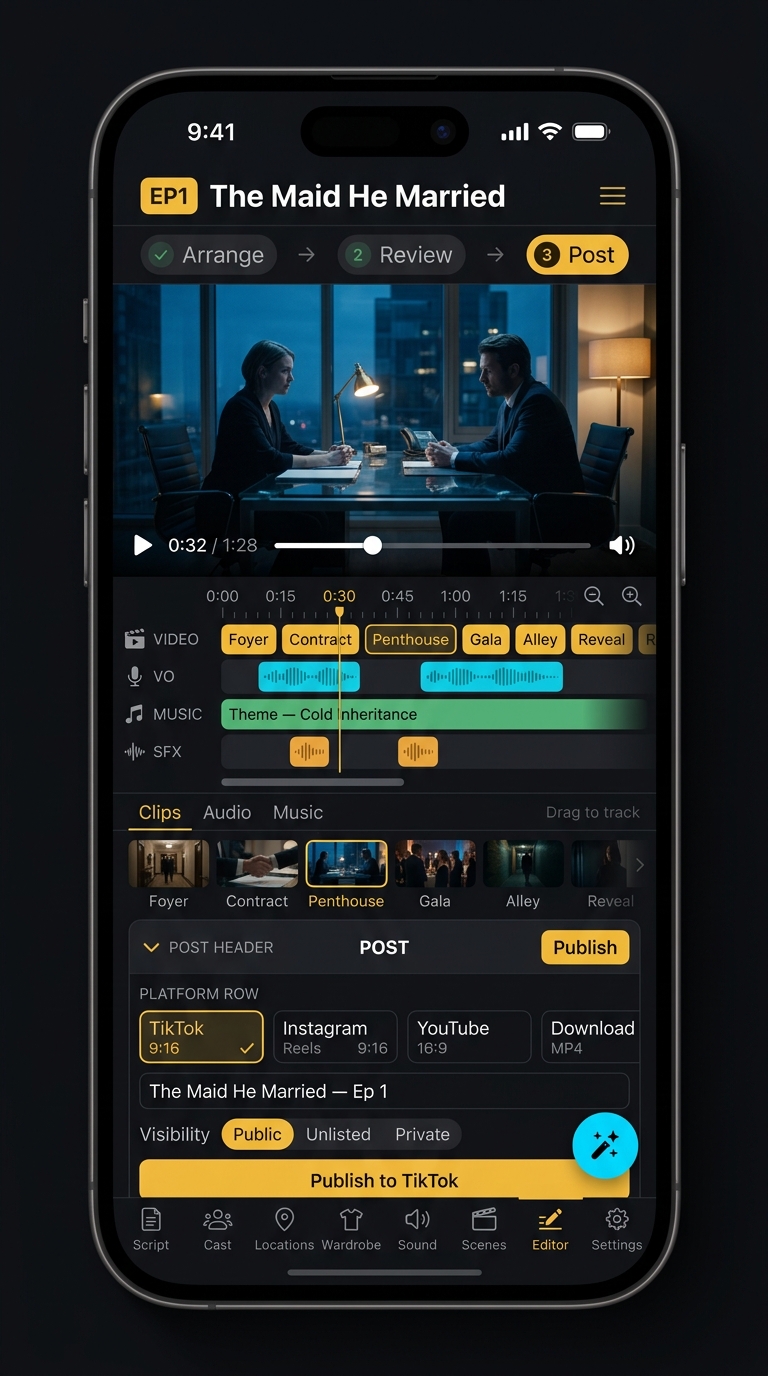
Anyone can generate one good picture. A show needs the fiftieth one to match the first — so ShowMaker locks a cast, a wardrobe and a set before a single frame is drawn, and every shot is built from those.
Two layers of built-in AI mean you never have to wrestle with model parameters, prompt syntax, or camera language. Just describe what you want — ShowMaker Studio does the rest.
Describe a scene in plain language and Prompt Intelligence transforms it into a model-optimised shot — camera movement, lighting, pacing, depth, and style all dialled in automatically. Cinema-quality results without knowing a single model parameter.
Give it a premise — or nothing at all — and it builds out your full production: characters, locations, scene breakdowns, and dialogue, ready to drop straight onto the board. Your show, written for you.
Your creative collaborator at every stage. The Story Assistant helps you build and refine your story, control every aspect of your script and storyboard flow, and shape each scene exactly how you want it. Talk to it in over 50 languages — it works the way you think.
Upload a script and get a watchable rough of the whole show — story, cast, coverage, voices, and score across every scene. Test‑screen it with collaborators, investors, and audiences before anyone commits to production.
Upload your screenplay and ShowMaker structures it faithfully — your story, not a rewrite. No length limit: a scene, a pilot, or a whole feature.
Cast, locations, coverage, voices, and score across every scene — a rough you can actually watch, not a deck you have to imagine.
Screen it as a letterboxed film with title and act cards, share it, and gather real reactions — before you spend on production.
From 15-second vertical clips to full-length rough cuts. Pick a length when you start with an idea — or upload your own script and there's no cap; ShowMaker covers the whole thing.
Yes. Start a Pitch Film, paste or upload your screenplay, and ShowMaker structures it faithfully — your story, not a rewrite — then builds the cast, locations, and coverage from it.
Each character is a stored record with locked identity stills, wardrobe variants, and a voice. Mention them in a shot and their reference images attach automatically, labelled so the model knows which face belongs to which character. That's what keeps a lead recognisable in shot eighty as well as shot one — including across episodes.
The same way film is made: scenes are broken into shots, each shot is generated separately against shared cast and location references, and the whole thing is assembled on a timeline with voice, score, and captions. Shots that need continuous motion chain from the previous clip's last frame. The clips stay short; the finished show has no length cap.
That's exactly what Pitch Film is for. Turn a script into a watchable rough of the whole show, screen it with collaborators, investors, or an audience, and get real reactions before you commit to production.
All of them. ShowMaker Studio picks the best model per shot — premium models for close-ups and dialogue, economy models for wides, cutaways and inserts where the difference doesn't show — and swaps in new ones as they release. You don't have to think about it, and you don't pay hero-shot prices for B-roll.
Built in. Pick from 38+ languages and dozens of voice styles, or clone your own. Each character keeps one voice across the whole production, captions are transcribed from the delivered audio so they can't drift, and the score is generated to fit each scene.
Absolutely. Re-cut scenes, swap voices, tweak the script, regenerate any single shot — without restarting the whole show. You can even repair a wrong word in a take by editing the audio directly, with no re-render and no cost.
Yes. Every show is yours, commercial use included. Free shows get a small watermark; paid plans don't.
Yes. The free tier covers narrated films built from AI stills, so you can take a project all the way to a finished, watchable cut before spending anything. Paid plans unlock full video generation, the character library, and watermark-free export.
Hitting a problem with AI video — faces changing between shots, clips capped at eight seconds, lip sync that won't land, captions drifting, prompts refused? Read the answers →