Export & publishing
Your show is done — now get it out. Download the final cut as a video file, or publish it to social without leaving ShowMaker.
Download the cut
From the Editor monitor you can download a single clip or the whole show as an MP4. That file is yours to post anywhere.
Publish to social
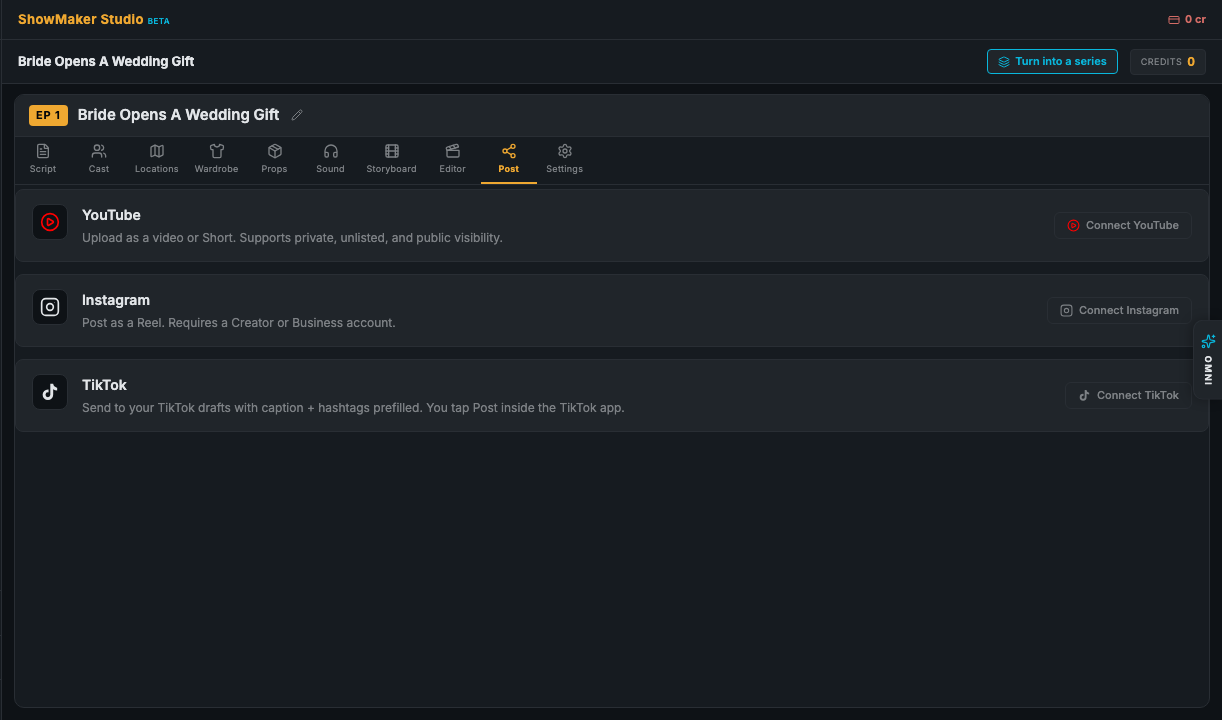
The Post tab publishes your assembled show directly. You need at least one rendered scene first — once a scene has a clip, ShowMaker can assemble a preview and post it.
- YouTube — upload as a video or a Short, with private, unlisted, or public visibility.
- Instagram — post as a Reel (requires a Creator or Business account).
- TikTok — send to your TikTok drafts with the caption and hashtags prefilled; you tap Post inside the TikTok app.
Don't see a platform? Turn it on in Project Settings → Publishing platforms, then come back to the Post tab.
That's the whole pipeline
From a one-line idea to a published video — script, cast, shots, voices, edit, and export, all in one place. Start a new one from your dashboard, or revisit any stage of a project whenever you like; nothing is ever locked.