Make a show, start to finish
ShowMaker Studio takes a story idea all the way to a finished video — script, cast, shots, voices, and the final edit — without a crew, a camera, or any technical skill. These guides walk through every step.
The pipeline
Every project moves through the same five stages. You can go straight through, or jump back to any stage at any time — nothing is locked.
- Write the story.Start from a one-line idea, a premise, or paste in a finished script. The Writers' Room helps you shape it and shows you a quality read before you commit.
- Build the world.Create your cast, locations, wardrobe, and props once. Each gets a consistent look you reuse everywhere with a simple
@reference. - Storyboard the shots.Break each scene into shots, pick how each one is captured, and generate a still frame for every one.
- Add the voices.Give every character a voice and perform the dialogue. Captions are generated for you.
- Cut & deliver.Assemble the timeline, add subtitles, music, and B-roll, then export the final video and publish it.
Browse the guides
Getting started
Create your first project and pick a format.
02Creation flows
Each project type has its own path — see all five, with walkthroughs.
03The Writers' Room
Shape and approve your script before you spend a thing.
04Cast, locations, wardrobe & props
Build a consistent cast and world with reusable @references.
05The Script
Edit the screenplay and get help from the Script Assistant.
06Storyboard & Shot Sheet
Break scenes into shots, generate stills, and cover the action.
07Voices & dialogue
Give every character a voice and perform the lines.
08The Editor
Assemble the timeline, add subtitles and B-roll, and score the show.
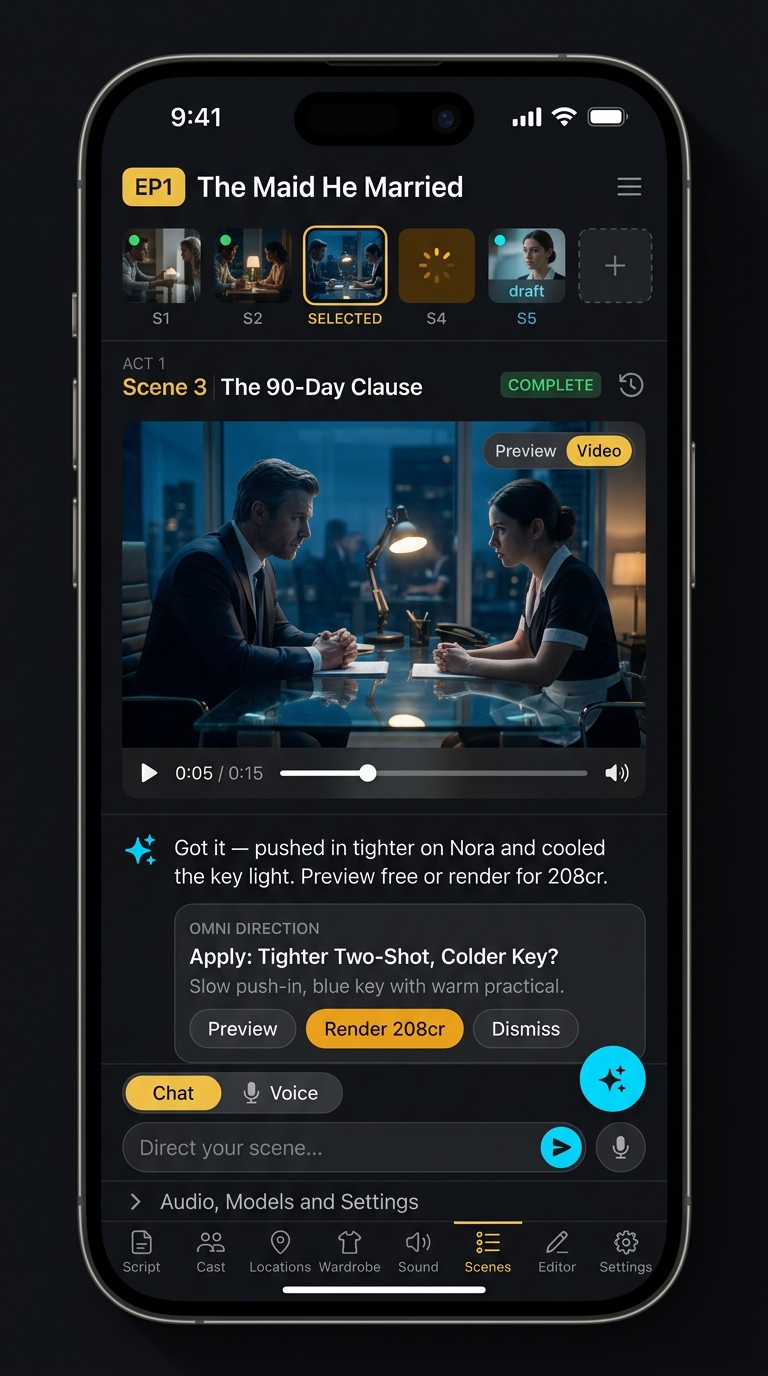
09The Omni Assistant
Talk or type to run the studio hands-free.
10Export & publishing
Download the final cut and publish to social.
11MCP — any AI agent
Run the whole studio from Claude, ChatGPT, Cursor or any MCP client.