Crop
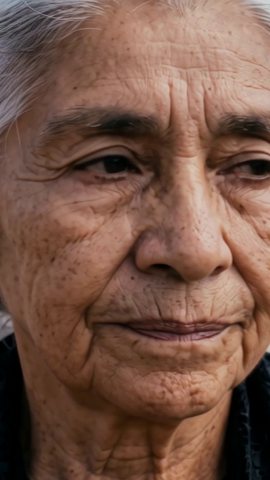
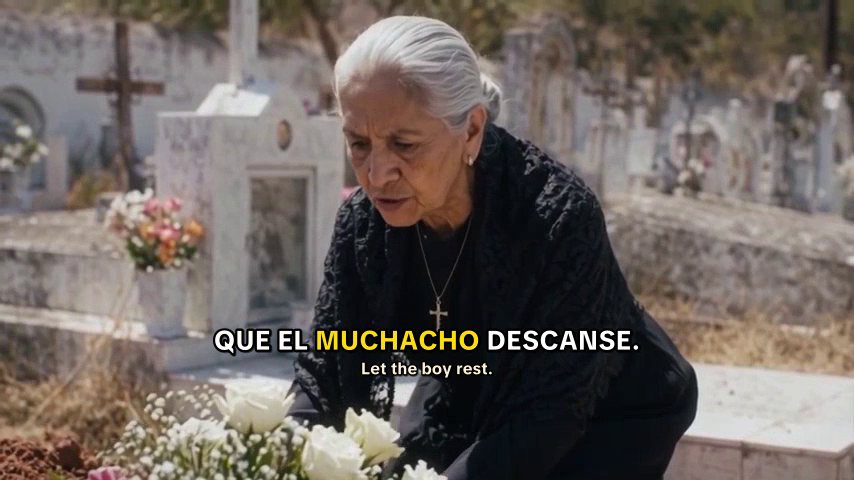
Close ups crop cleanly
A close up of one face fills a vertical frame with almost nothing lost. These are the easiest Shorts to make: take the shot from the film, crop it to 9:16 and caption it.
A good Short does one job for a story channel. It stops someone scrolling, shows them the best moment of your film, and sends them to watch the rest. ShowMaker gives you the pieces: the film itself, vertical versions of its shots, captions, and upload to YouTube.
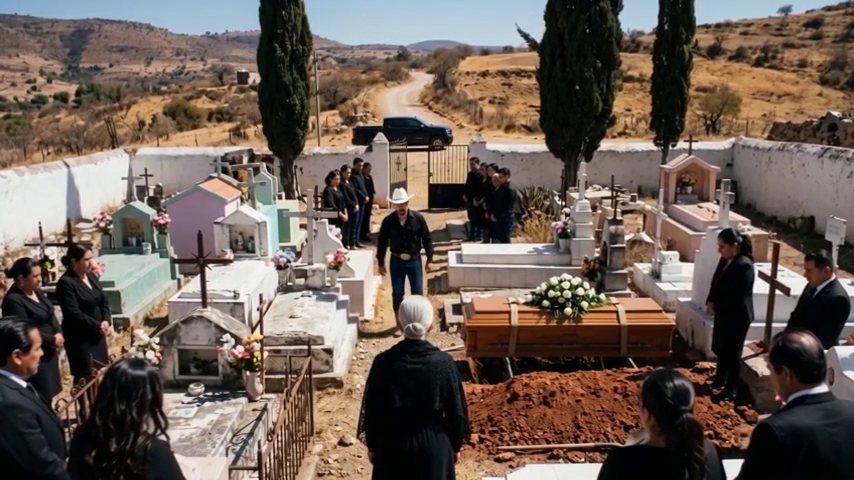 Full film · 16:9Short 1
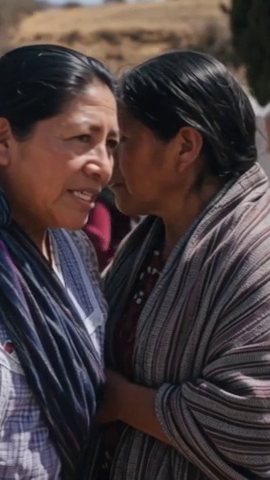 Short 2
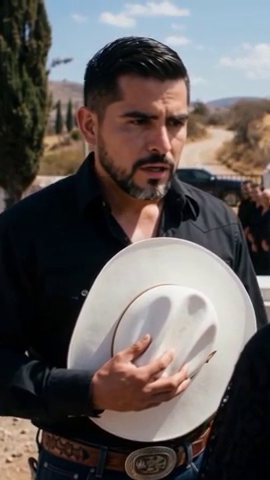 Short 3
A close up of one face fills a vertical frame with almost nothing lost. These are the easiest Shorts to make: take the shot from the film, crop it to 9:16 and caption it.
A wide shot with two people loses one of them when you crop it. In Settings, make a 9:16 version of the project. It shares the film's lines, voices and cast, and you frame those few shots again for a phone.
Many people watch Shorts with the sound off. Captions can be burned into the video with the spoken word lit up as it is said, and with a second line in another language.
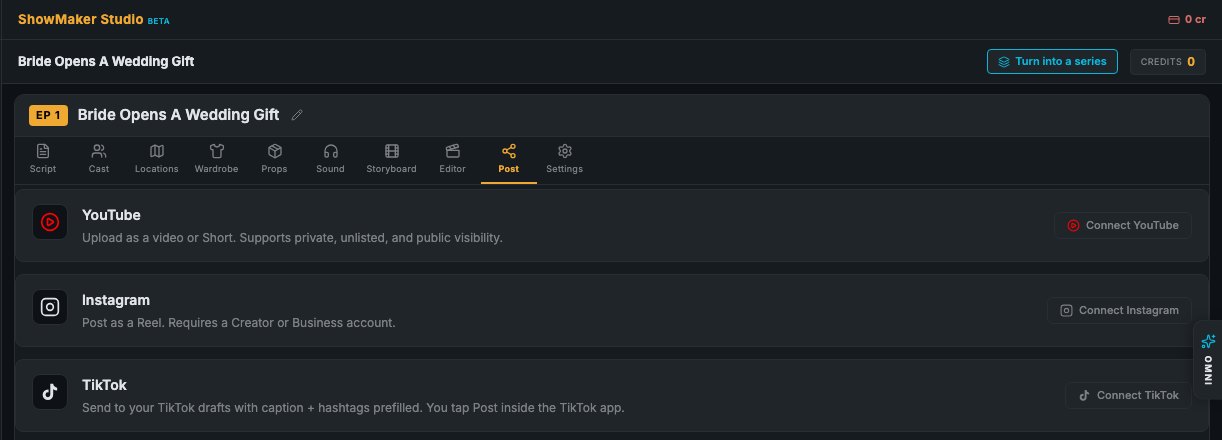
The Post tab uploads to YouTube as a video or a Short. Post the film first, then release the Shorts over the following days.
Watch the film and mark five to eight moments that work alone: a reveal, a threat, a slap, a secret.
Crop the close ups. Reframe the wide shots in a 9:16 version of the project. Caption every one.
Pin a comment with the film's link, set the related video, and post them over several days.
The best Short is a moment that makes the viewer ask a question. Who is that man? Why did she say that? What is in the envelope? If the Short answers its own question, the viewer has no reason to find the film.
Look for moments with a clear face and a clear line. Shorts are watched on a phone, often with no sound, so one strong line with a caption beats a quiet wide shot every time. Keep most Shorts between 15 and 40 seconds.
A 9:16 crop keeps about a third of a 16:9 frame. A single face in the middle of the frame survives that well. Two people talking at the edges of the frame do not, because one of them is cut out.
For those shots, make a 9:16 version of the project from Settings. The new project takes the same lines, beats, voices and cast and stays in step with the film. You only frame and render the few shots your Shorts need.
A Short with no path to the film builds views and nothing else. Give each one three links: a pinned comment with the film's link, the film set as the Short's related video, and a line in the caption saying the full story is on the channel.
Ask for the subscribe in every Short. A subscriber sees your next film in their feed, which is how a channel that grew on Shorts starts to earn watch hours.
Five to eight is a good number for a 20 to 30 minute film. Post the film first so the links work from day one, then release a Short every day or two. Watch which ones bring subscribers and cut more like them from your next film.
Yes. Crop it to 9:16 and keep it under the length YouTube allows for Shorts. Close ups crop well. Wide shots with two people usually need to be framed again for a vertical screen.
Not directly. Shorts views do not count toward the 4,000 watch hours. They help by bringing in subscribers and sending viewers to the full film through the links you add.
Most work best between 15 and 40 seconds. Long enough to set up one moment and short enough that people watch it to the end.
You should add them. Many people scroll with the sound off, and a caption is what makes them stop. ShowMaker burns captions into the video for you.
No. End on the question and let the full film give the answer.
Start with 200 free credits and watch your story as a narrated animatic. No credit card.