Step-by-step guide · 40 steps

Paste any AI fight prompt into your own show: Misty and the Monk

Take a fight prompt you found online or had an AI write, paste it into a Multishot panel, and it comes back cast with your own characters, outfits, location and props. Then add start frames, render, and score the scene.

Paste the prompt
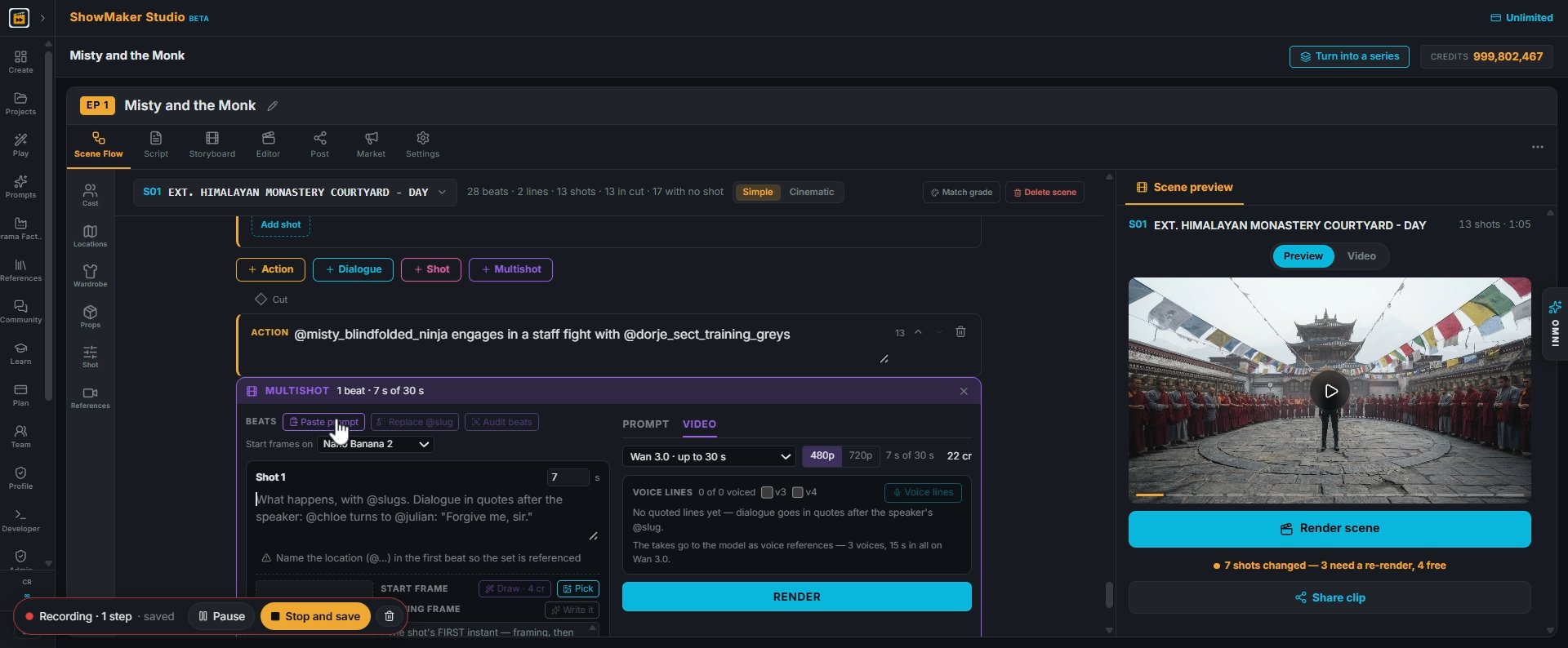
Paste prompt
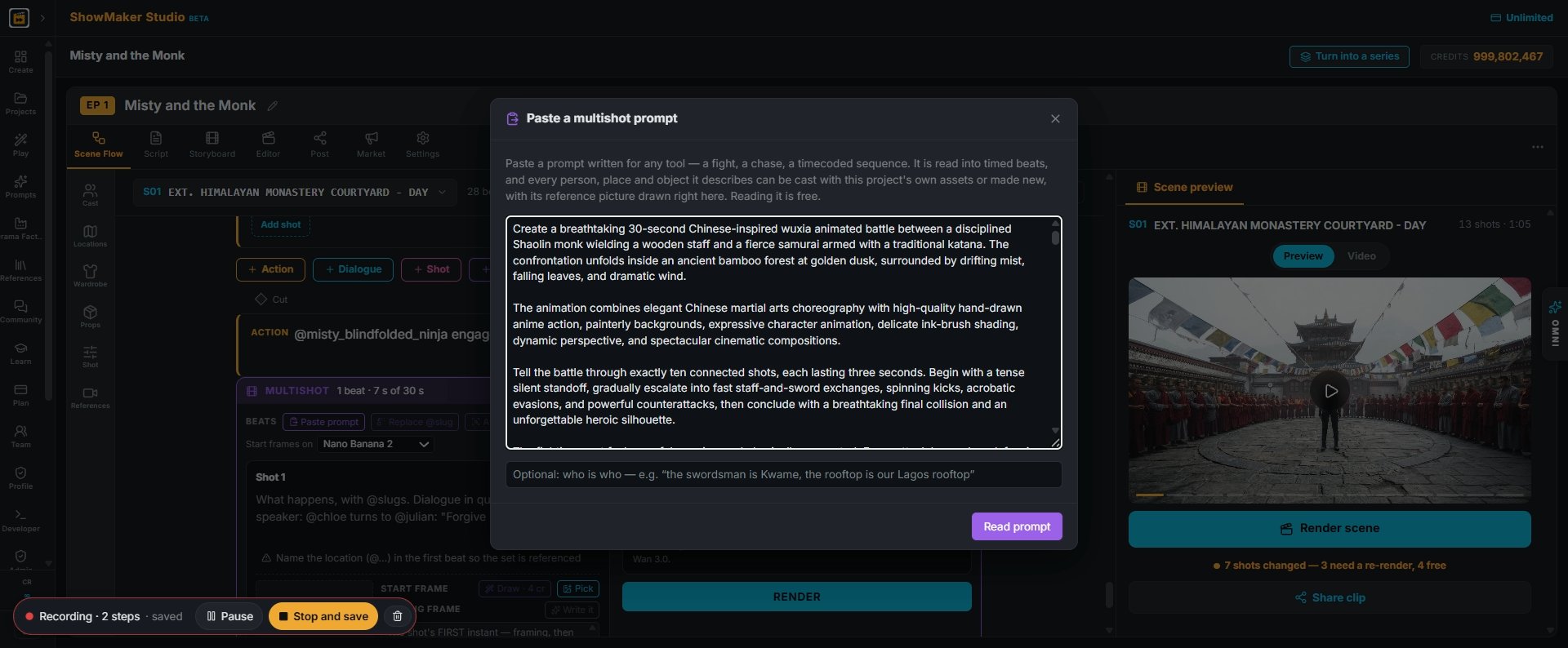
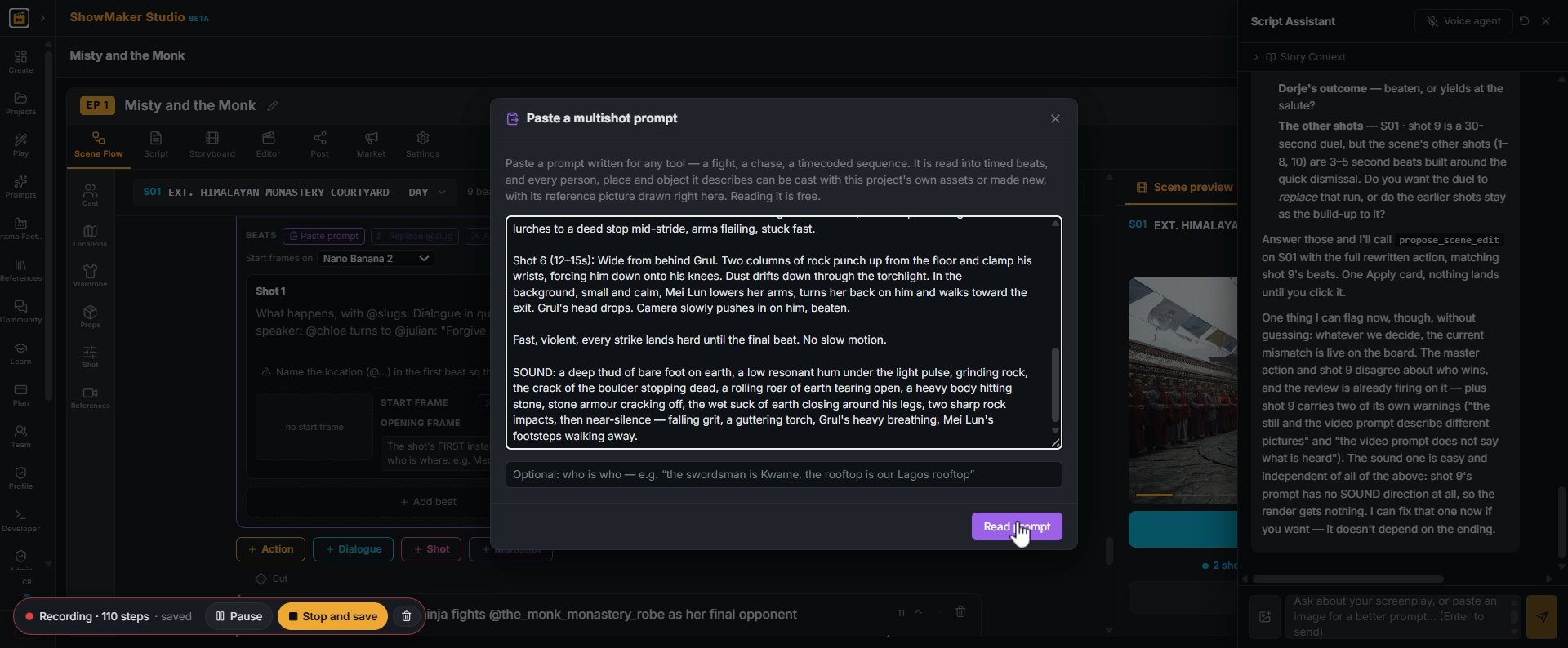
1In Scene Flow, open a Multishot panel and press Paste prompt in the BEATS bar.
Shot 1 (0–3s): Wide, a rain-soaked rooftop at night. A tall swordsman in a torn…
2Paste the whole prompt you found: a fight, a chase, any timecoded sequence. Reading it is free, and nothing is drawn yet.
Read prompt
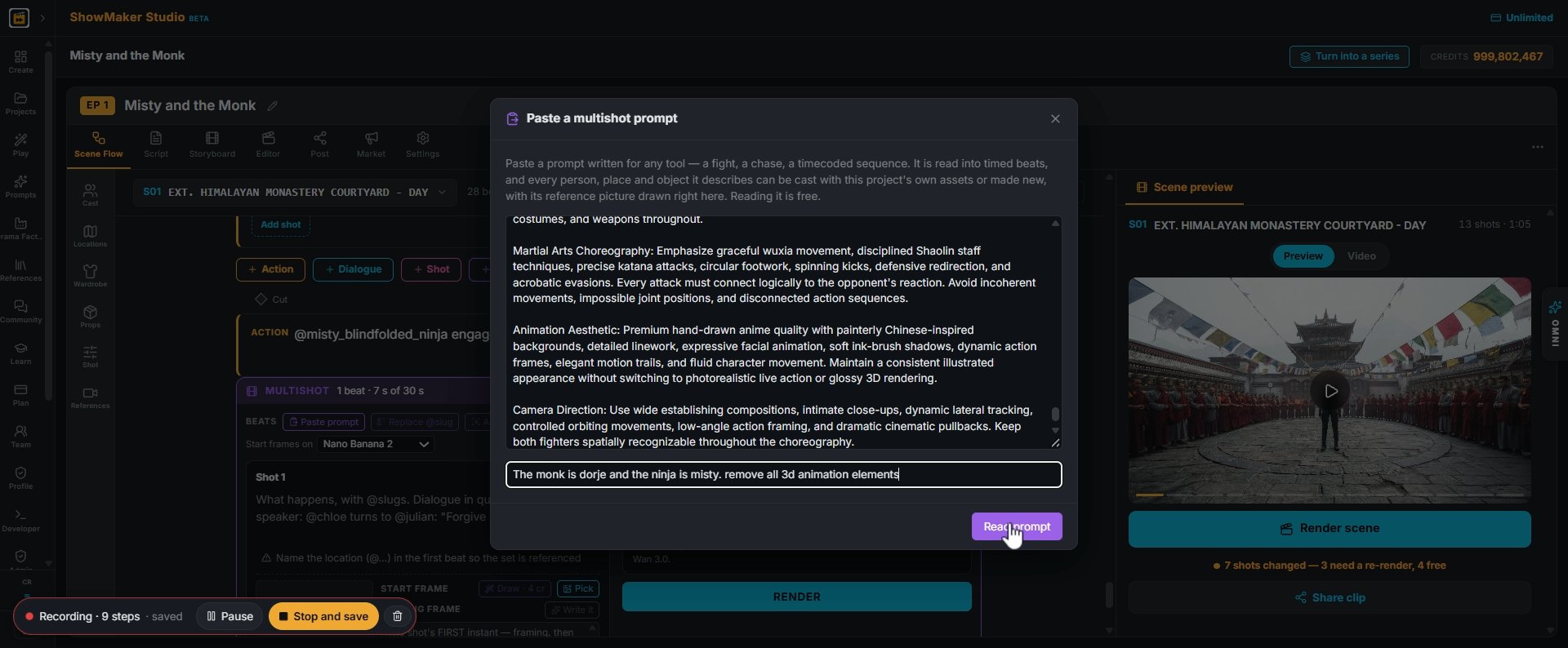
3In the line under the prompt, say who is who: "The monk is Dorje and the ninja is Misty". You can add notes too, like "remove all 3D animation elements". Then press Read prompt.
Shot 1 (0–3s): Wide, a rain-soaked rooftop at night. A tall swordsman in a torn…
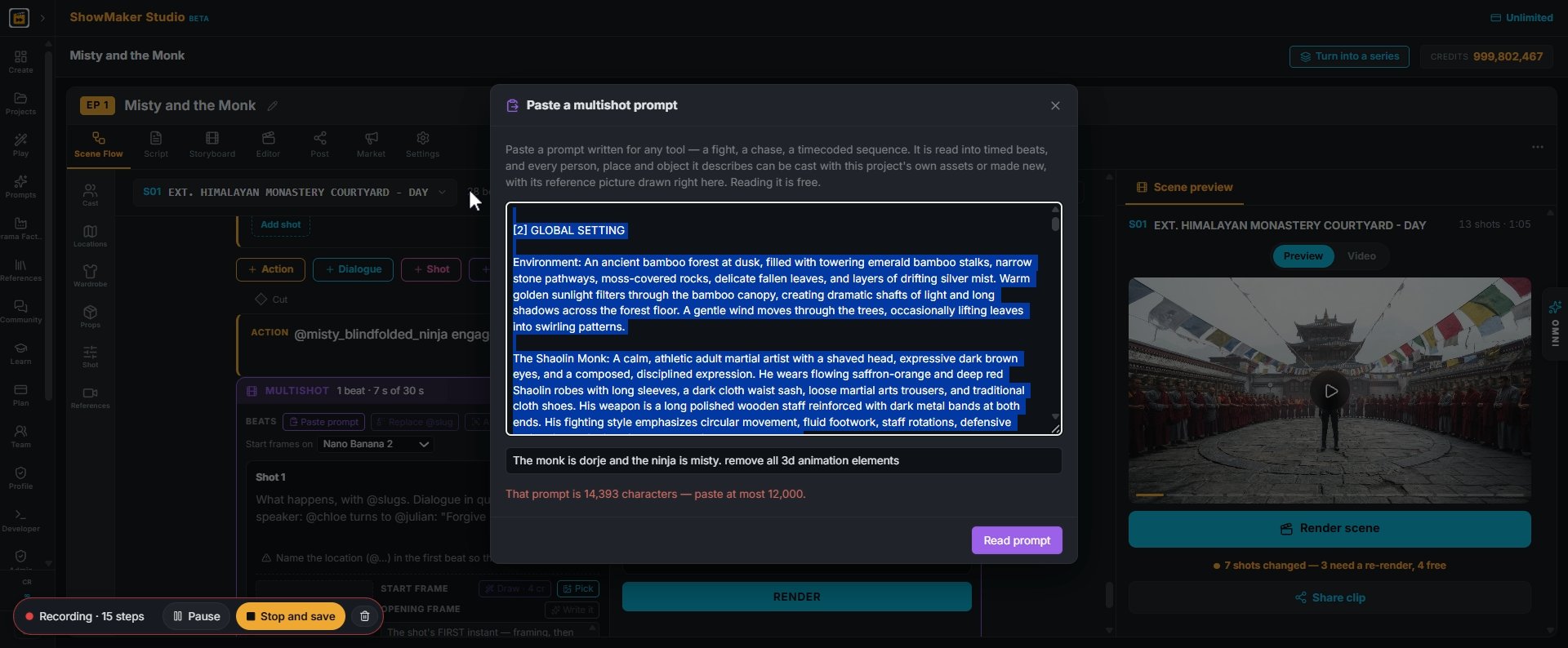
4If the prompt is over 12,000 characters you get a warning. Cut it down to the shots and the setting, and paste again.

Map it to your show

Misty — @misty The Monk — @the_monk The Abbot — @the_abbot Dorje — @dorje Pema…
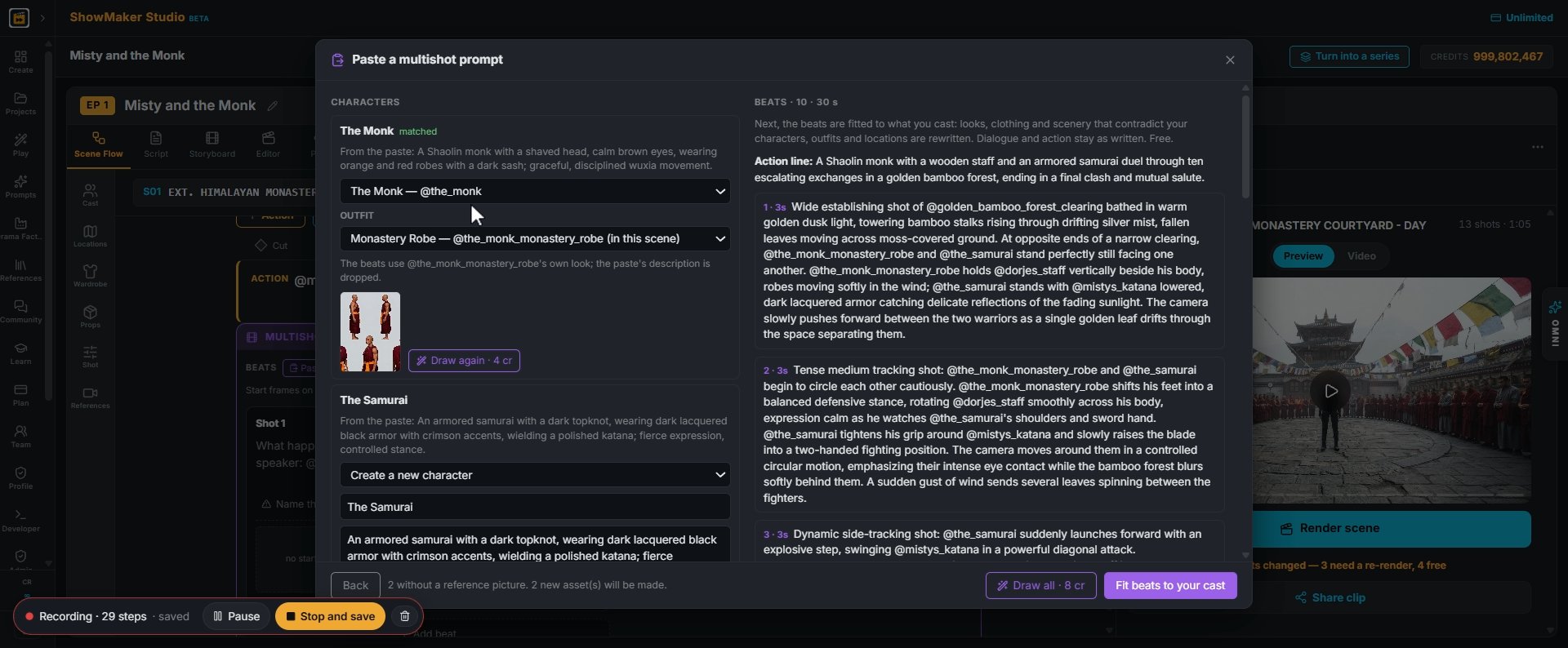
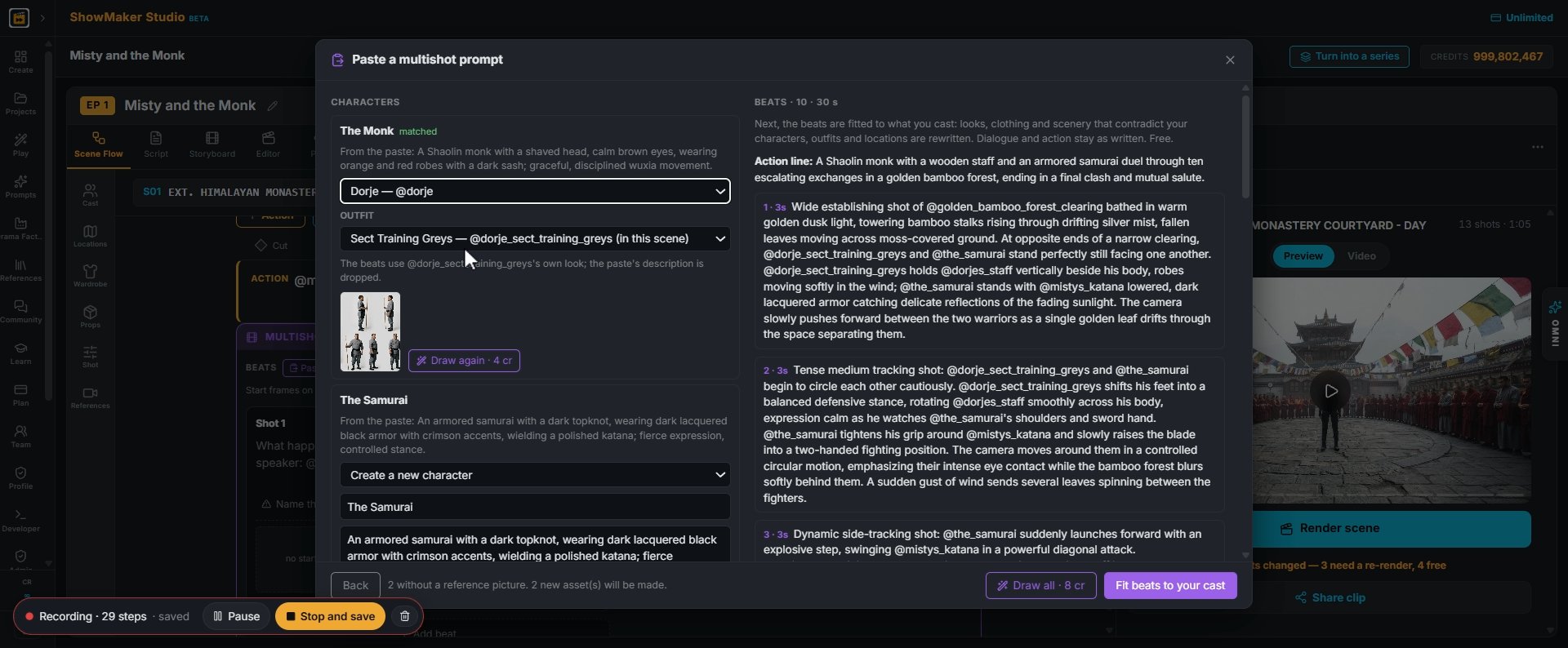
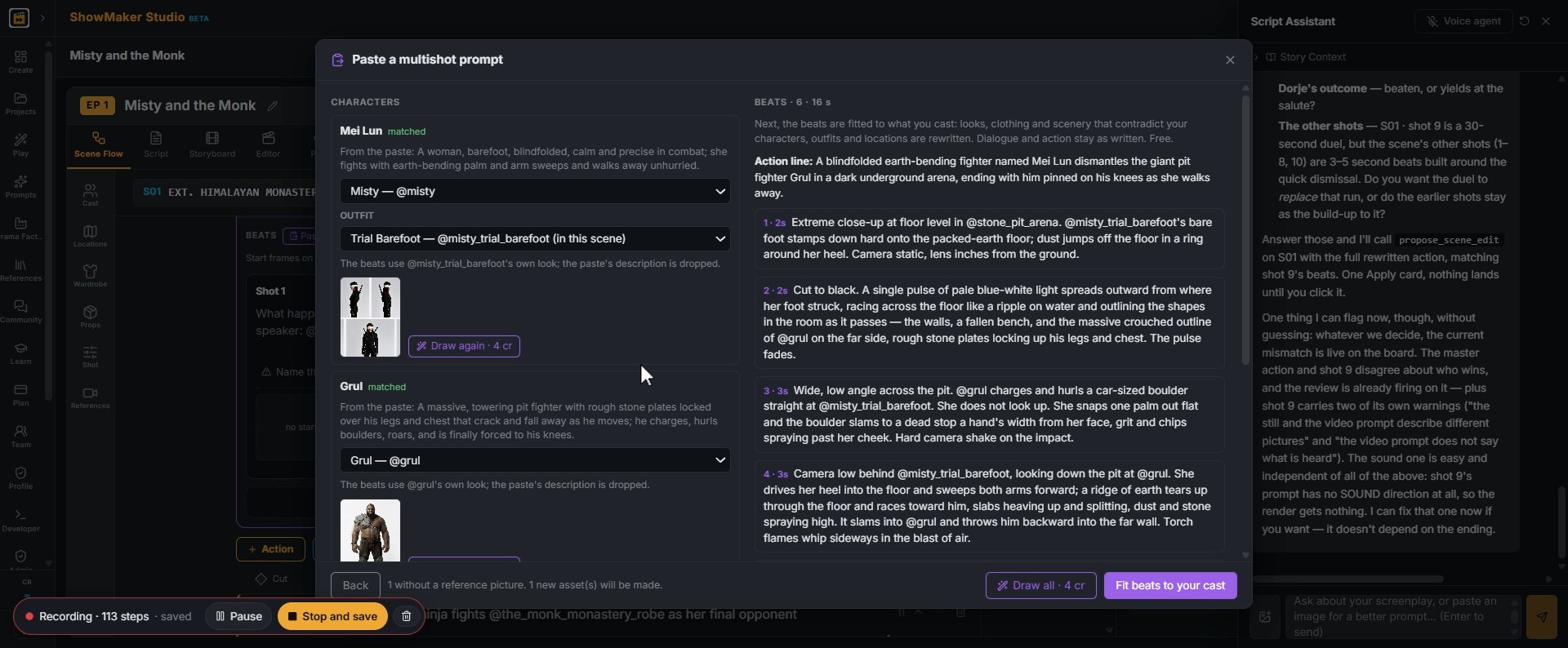
5Each character in the paste gets a dropdown. If it matched the wrong one, pick your own character from the list: here The Monk becomes Dorje.
OUTFITTheir own look (no outfit) — @dorjeSect Training Greys — @dorje_sect_trai…
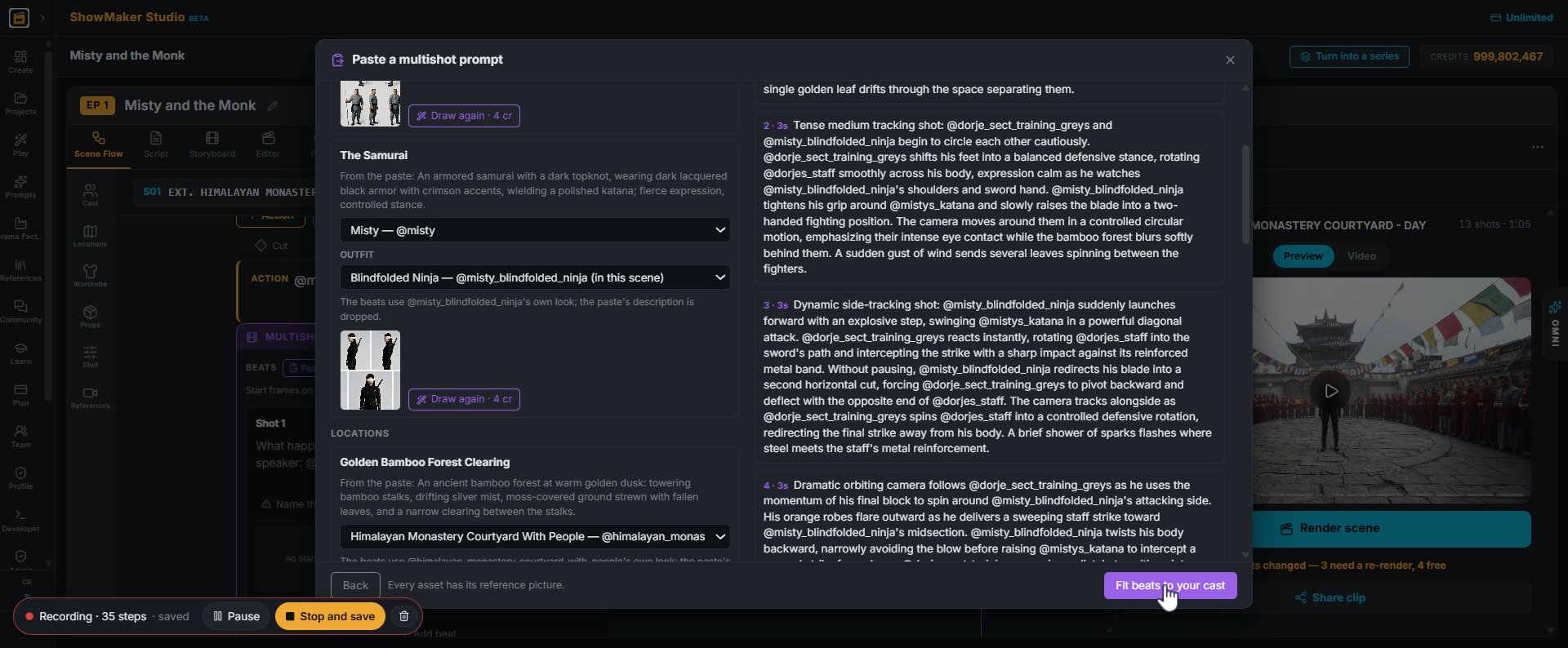
6Pick the OUTFIT for this scene, like Sect Training Greys. The beats use your outfit's look, and the paste's description is dropped.
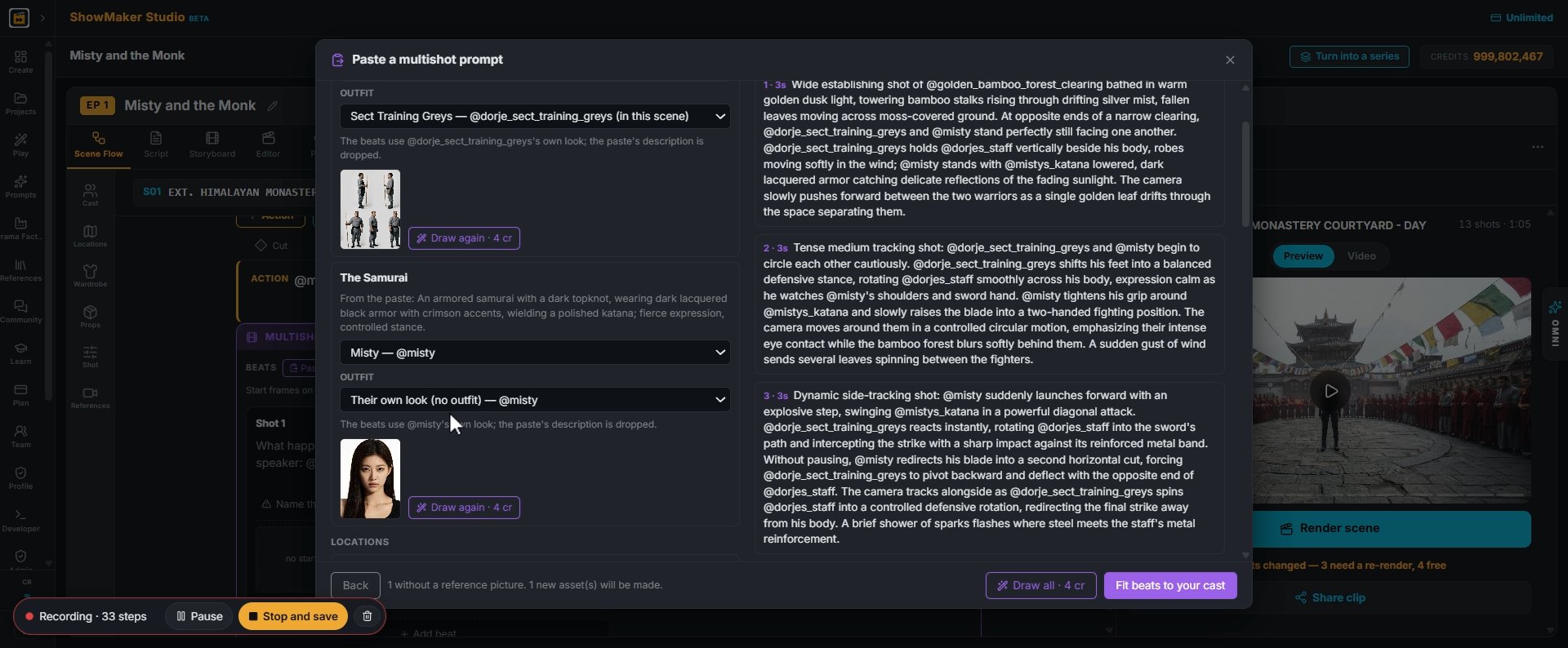
OUTFITTheir own look (no outfit) — @mistyBlindfolded Ninja — @misty_blindfolded…
7Do the same for every fighter. Keep "Create a new character" only for someone your show really doesn't have yet.
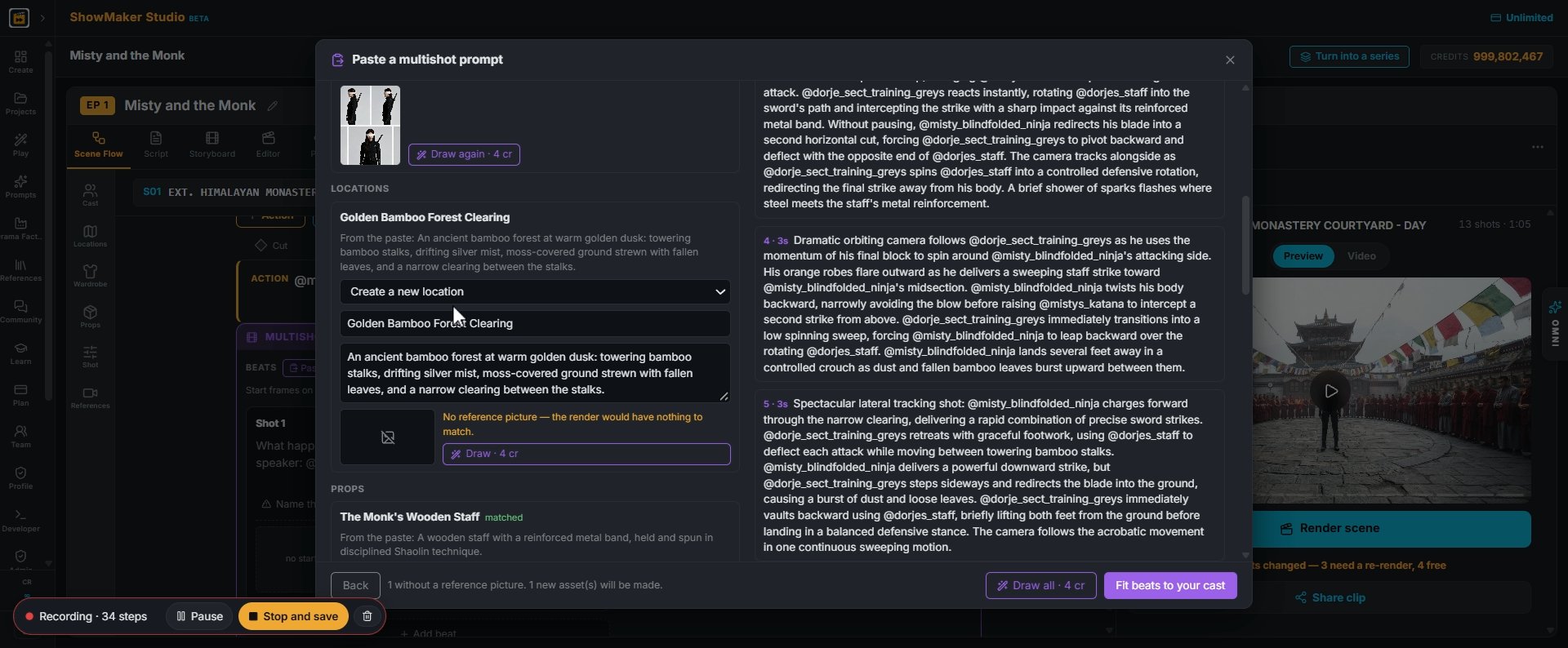
Himalayan Monastery Courtyard — @monastery_courtyard Himalayan Monastery Courty…
8Under LOCATIONS, swap the paste's setting for one of yours. The bamboo forest becomes the Himalayan Monastery Courtyard, so the fight plays in your world.
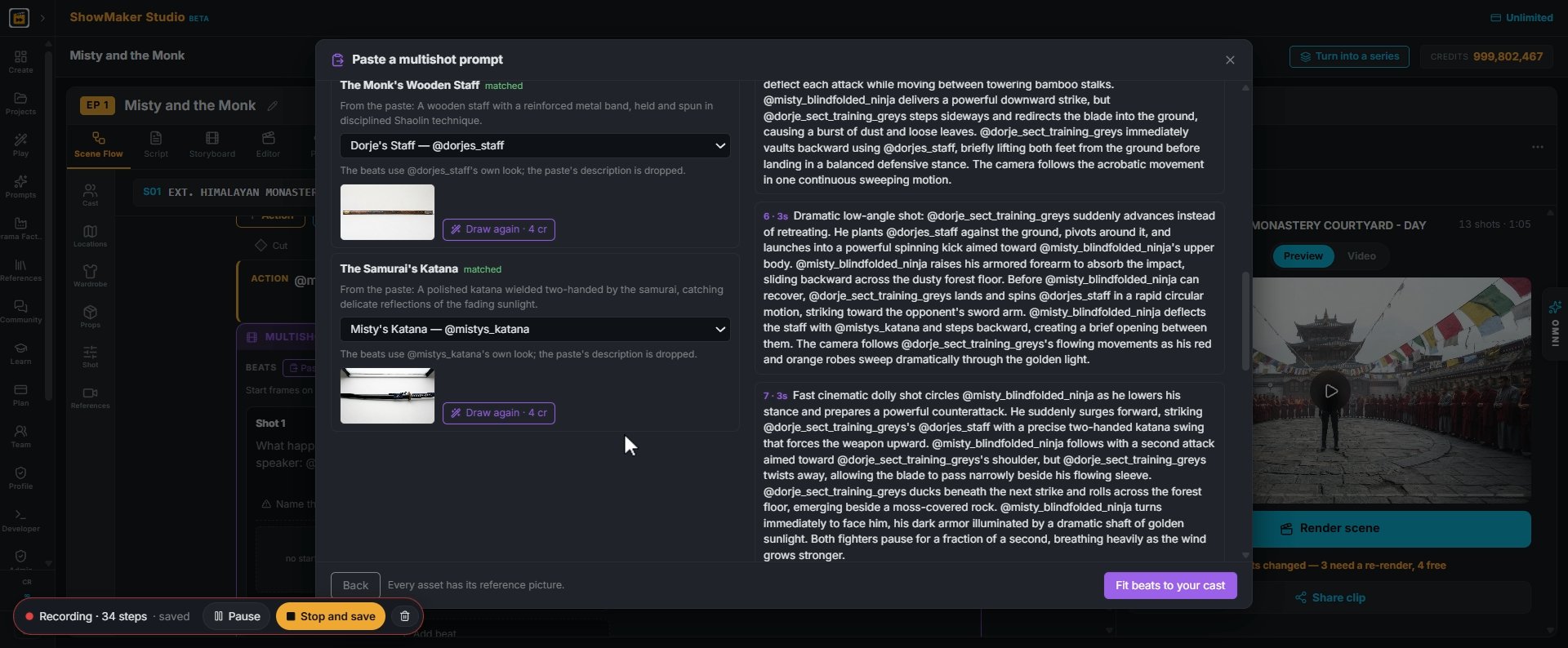
Paste a multishot prompt CHARACTERS The Monk matched From the paste: A Shaolin…
9Props work the same way: The Monk's Wooden Staff becomes Dorje's Staff, and the samurai's katana becomes Misty's Katana. When every asset has a picture, the footer says so.
Fit beats to your cast
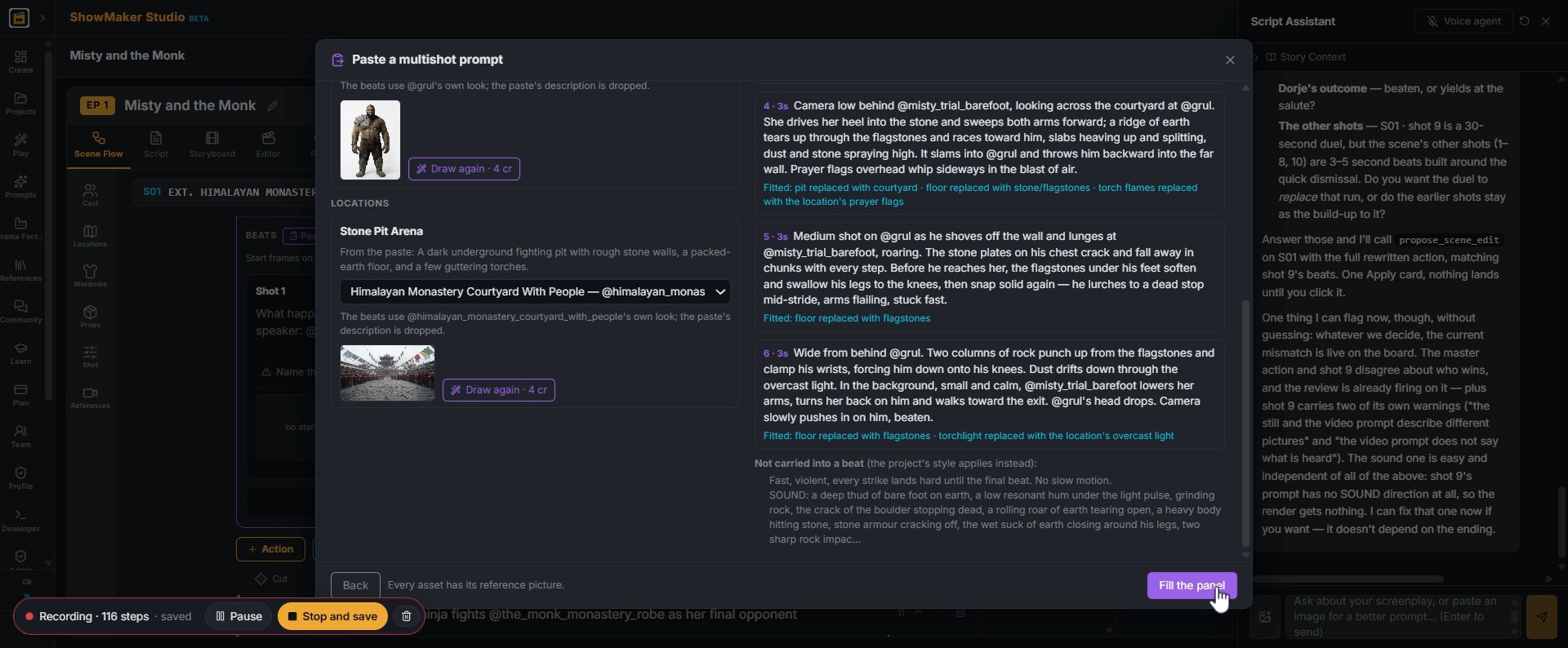
10Press Fit beats to your cast. The beats are rewritten so the looks, clothes and scenery match your assets, while the action, camera moves and timing stay as written.
Fill the panel
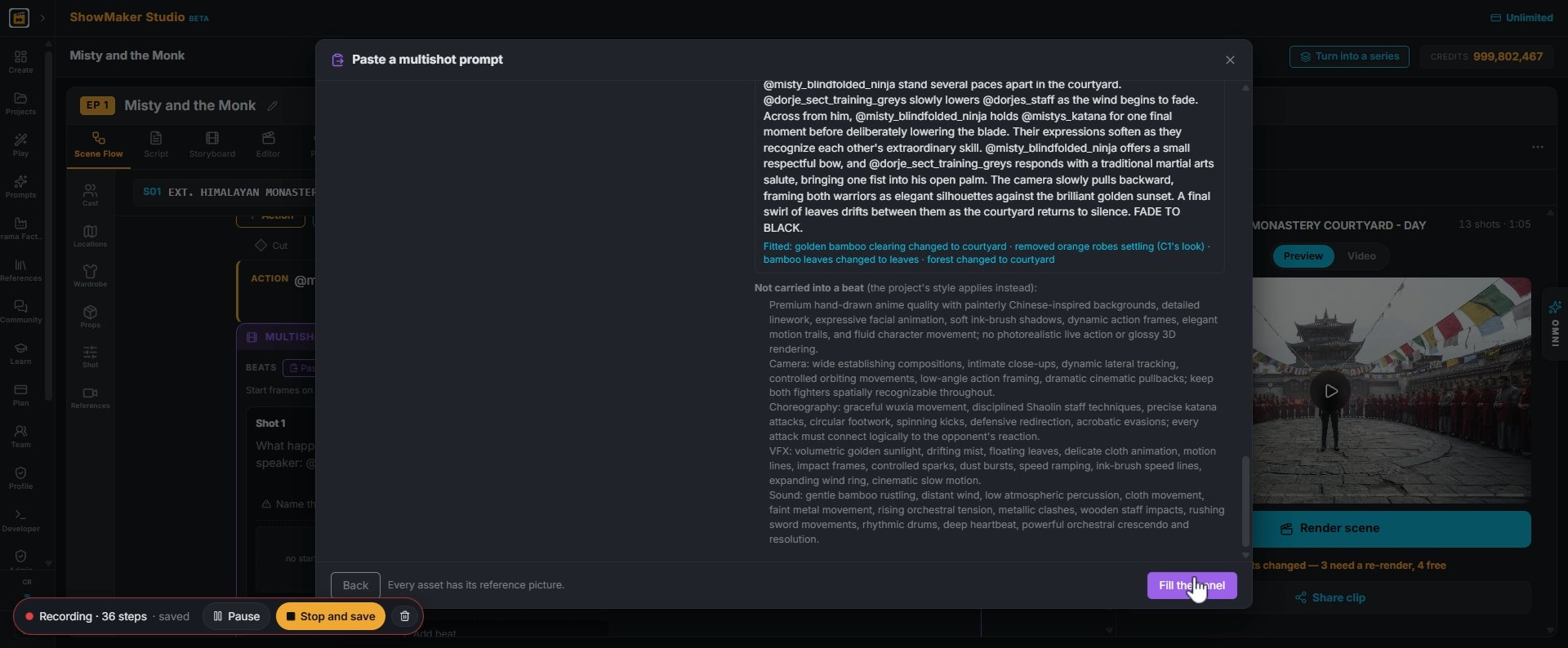
11Read the notes under the beats: what was changed to fit, and what was left out because your project's own style applies instead. Then press Fill the panel.
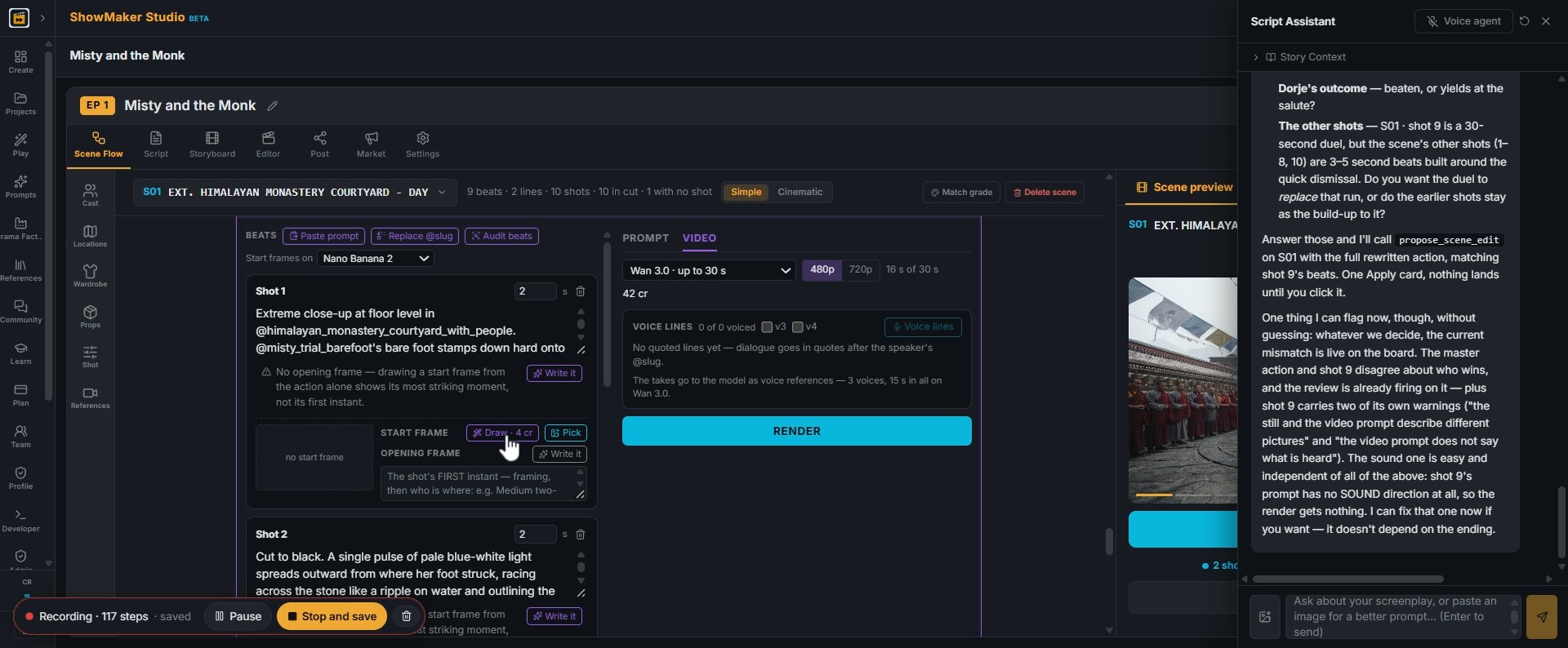
PROMPT
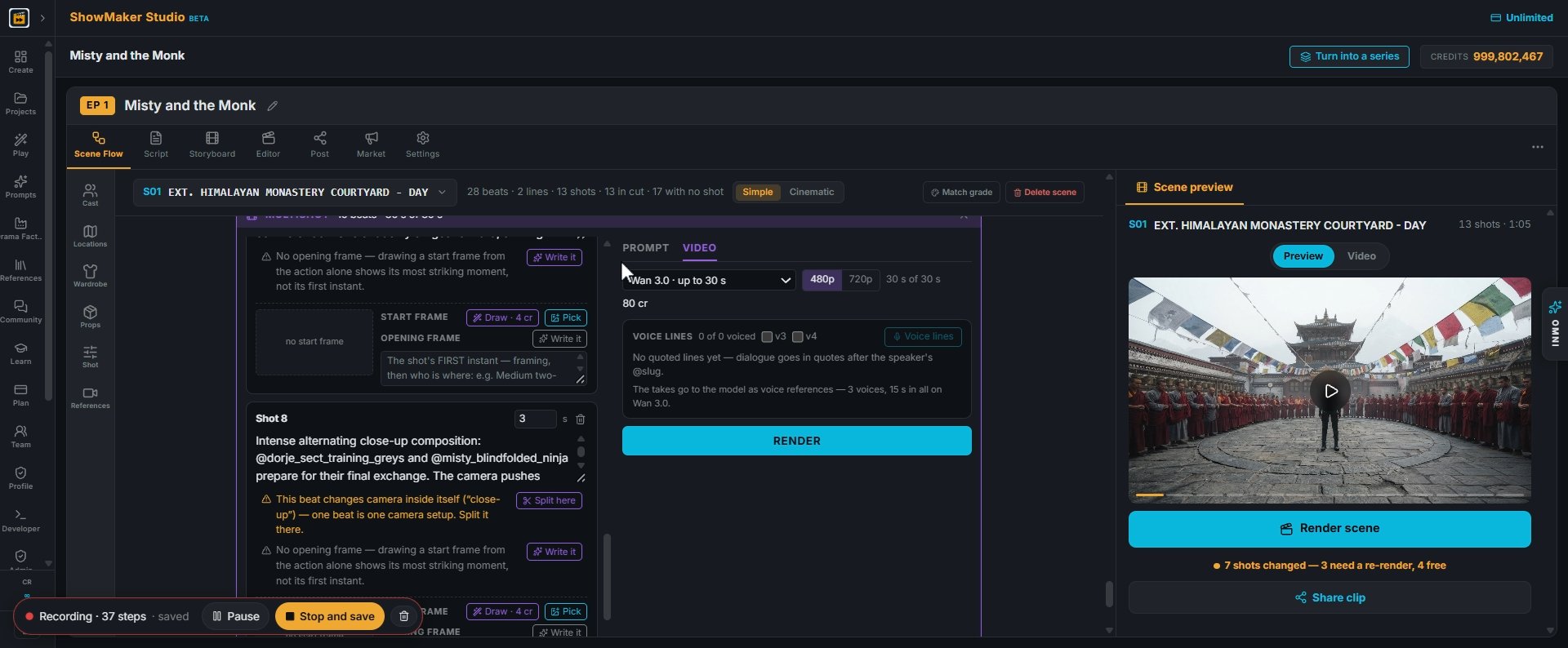
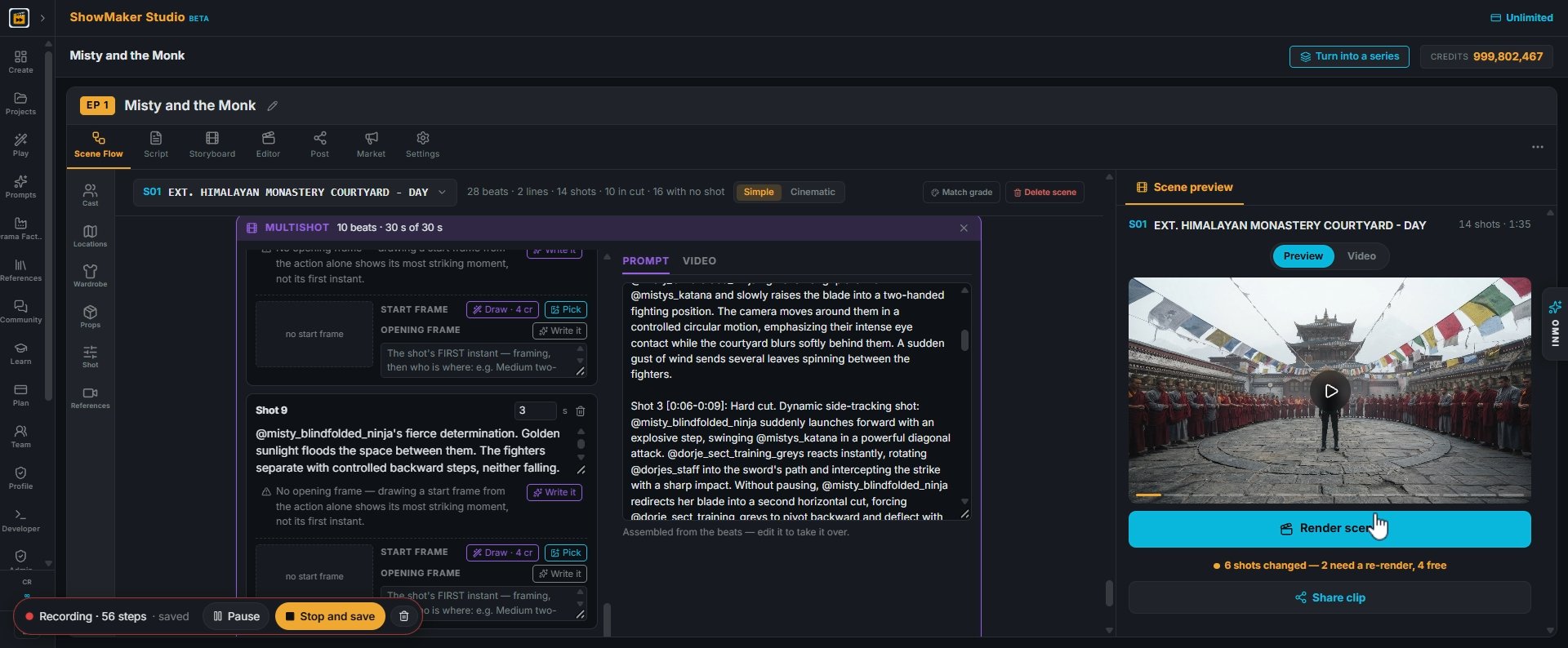
12The beats land in the panel, one per shot. If a beat changes camera inside itself, a warning offers Split here, because one beat is one camera setup.

Render and keep what works
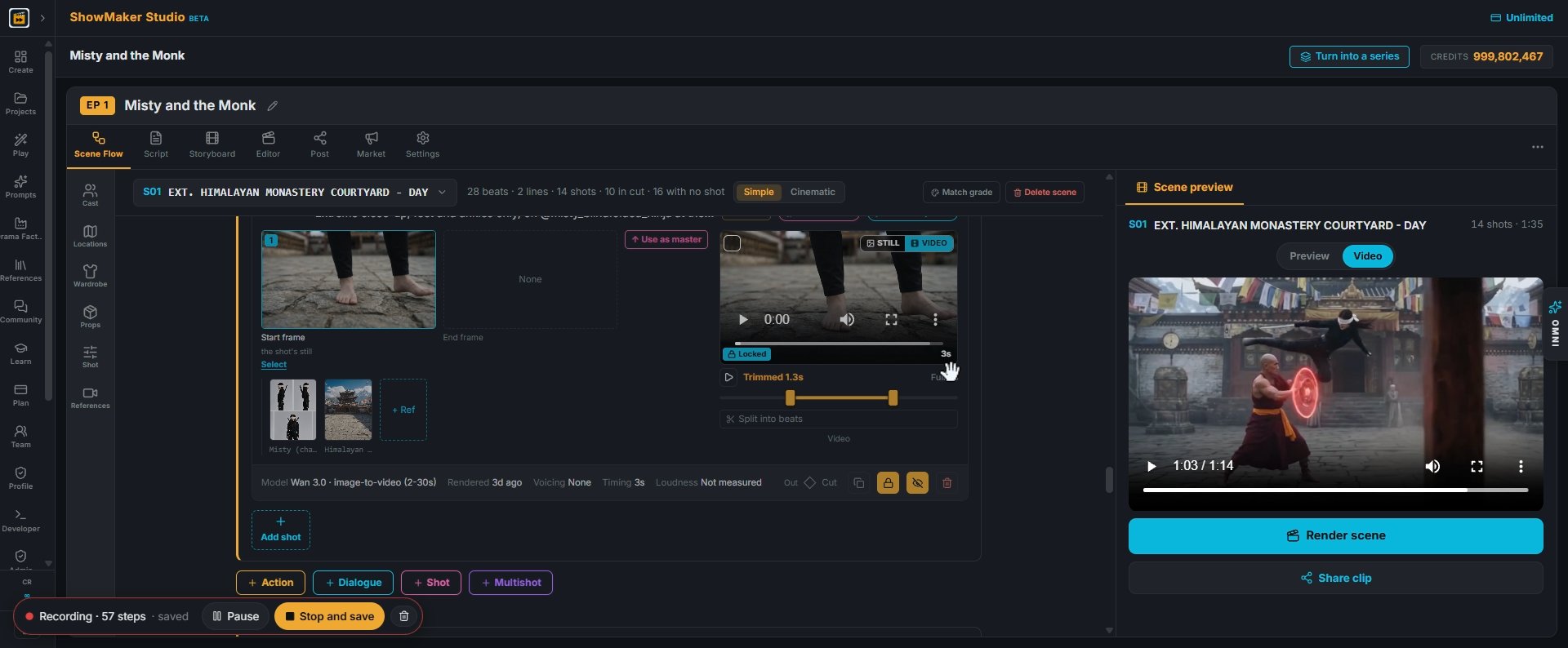
RENDER
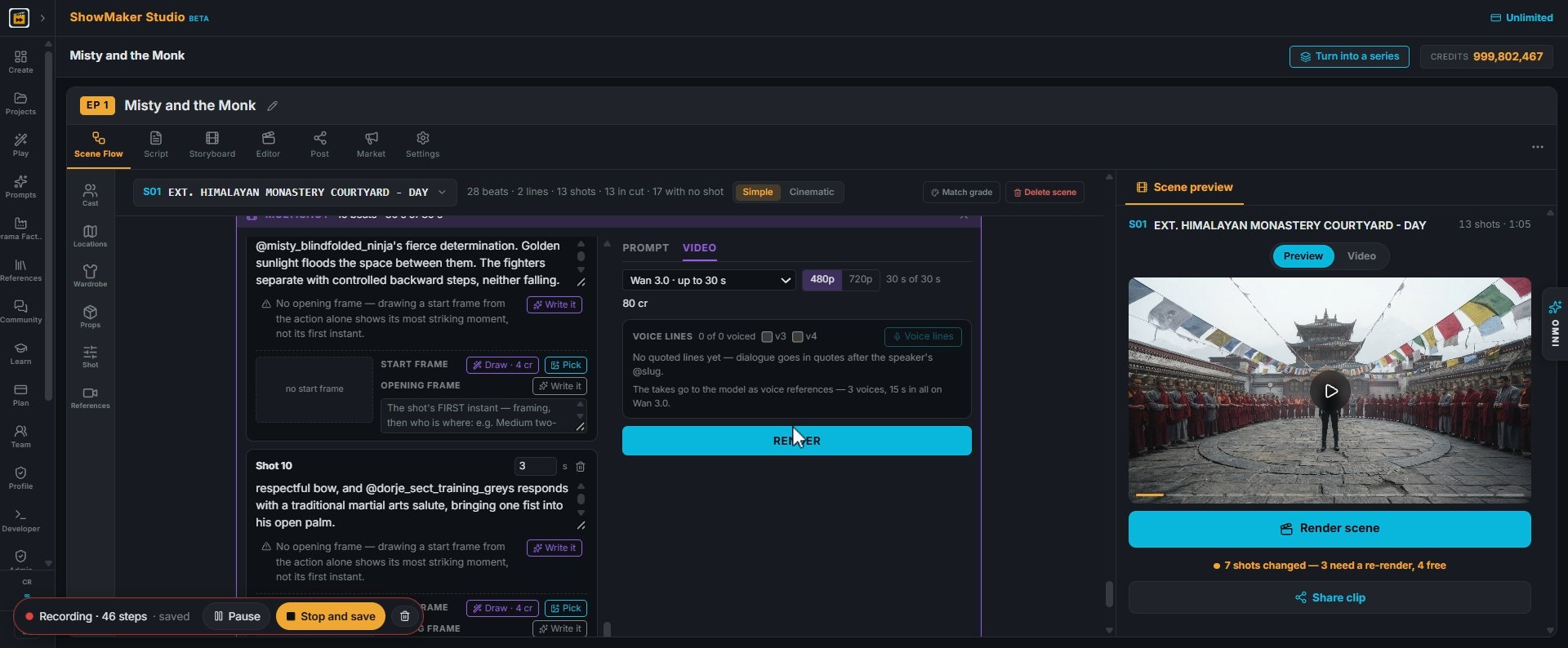
13Open the VIDEO tab, check the model (Wan 3.0, up to 30 s) and the resolution, then press RENDER.
Render
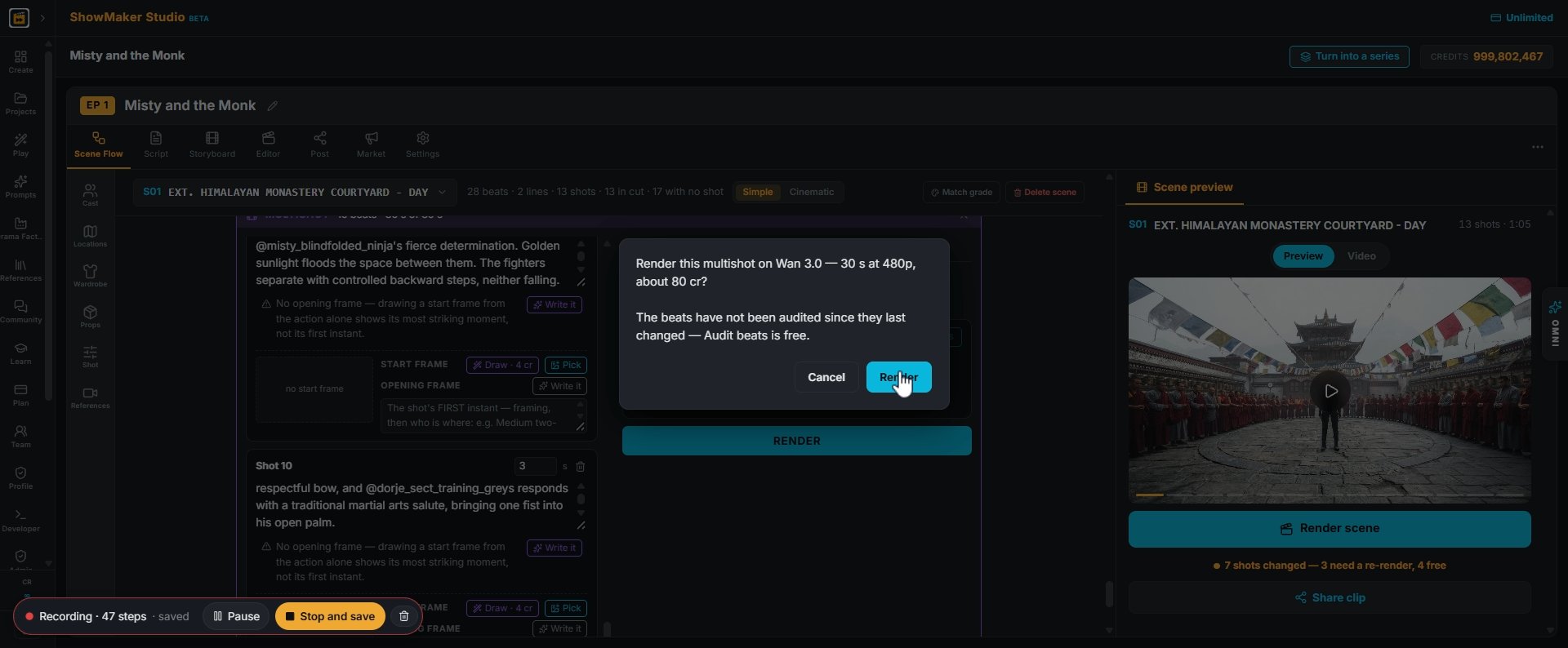
14The confirm box shows the price before anything is spent (about 80 cr for 30 s at 480p). If you changed the beats, Audit beats first; it's free. Then press Render.
Hide this shot from the cut
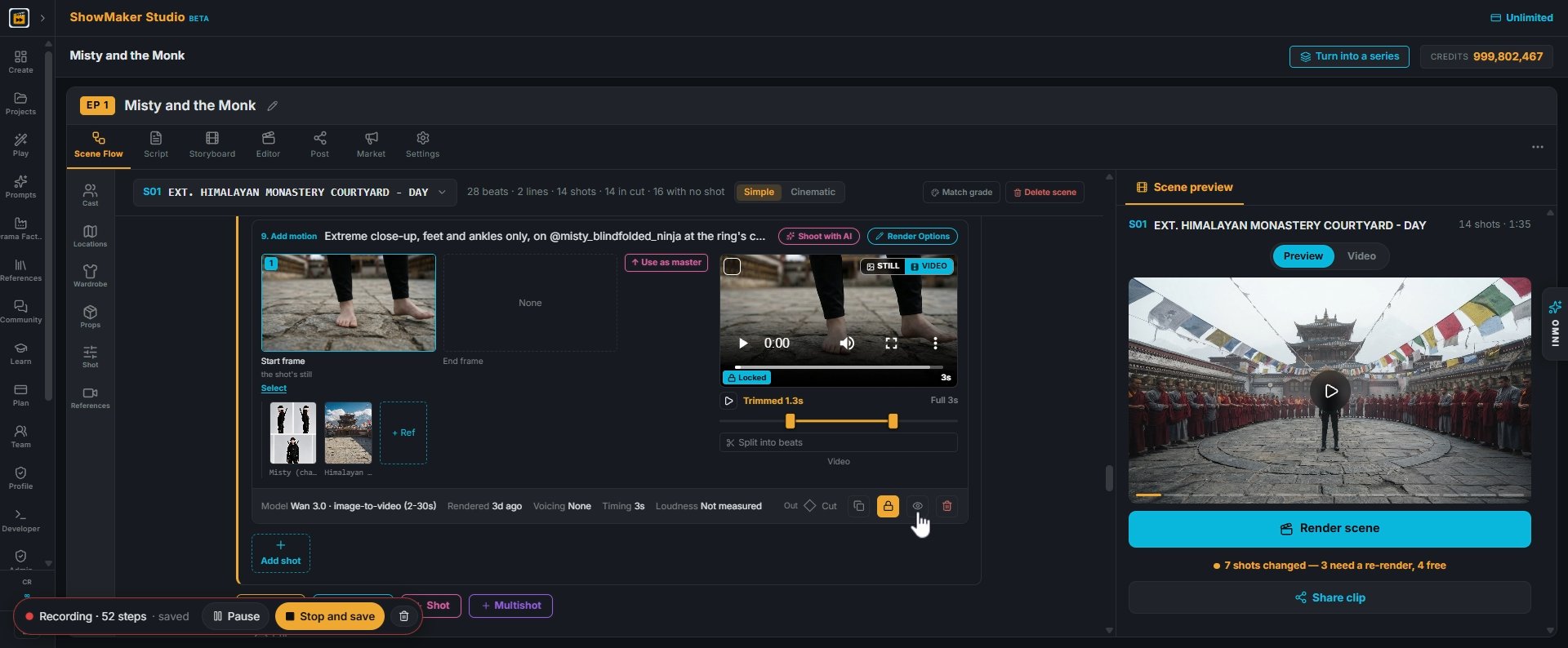
15Once the multishot is in, the single shots it replaces can go. Use the eye icon to hide a shot from the cut without deleting it.
Render scene
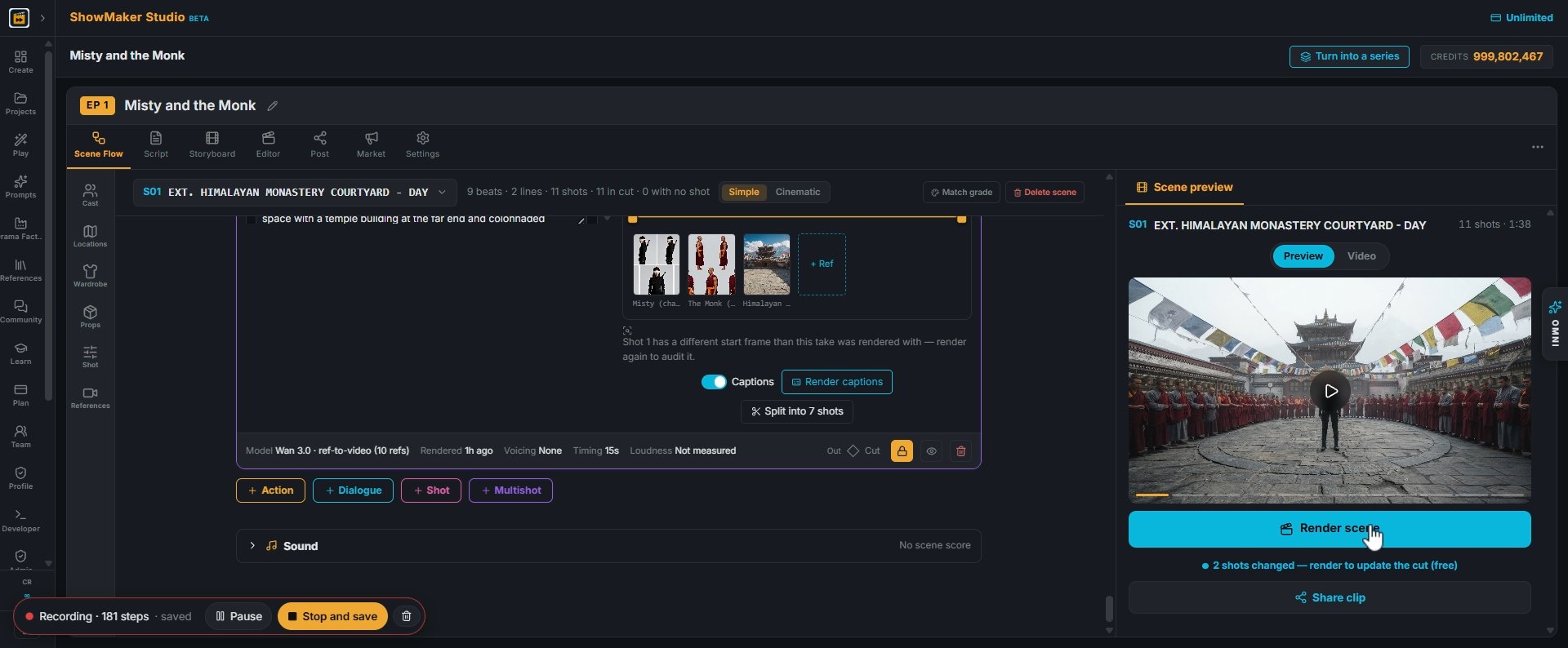
16Press Render scene to rebuild the scene preview with the new take. It's free when nothing needs re-rendering.
Delete this shot — it goes to the Bin, takes and all
17Switch the preview to Video and watch the fight. A shot you don't need can be deleted with the bin icon; it goes to the Bin with its takes.

Paste a second fight with a new opponent
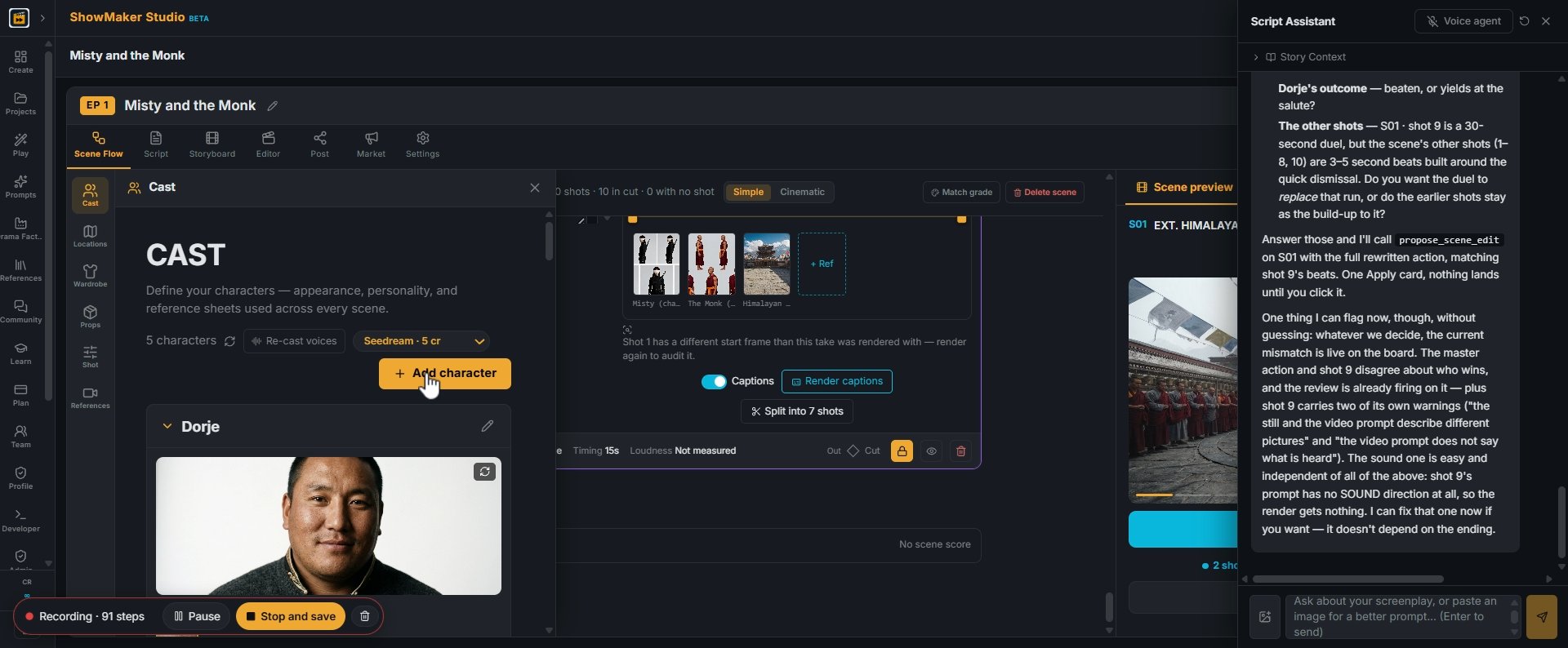
Add character
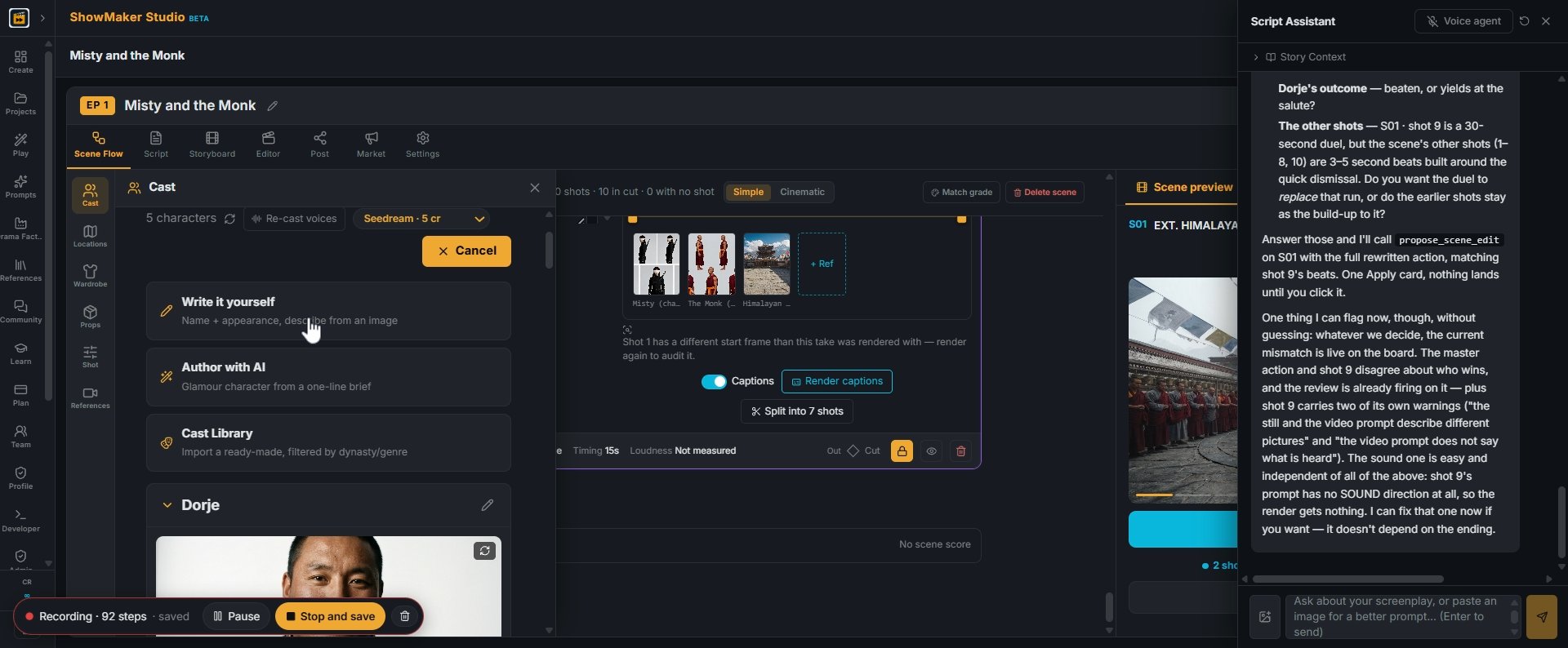
18To add someone new, open Cast from the left toolbar and press Add character.
Write it yourself Name + appearance, describe from an image
19Choose Write it yourself to give a name and appearance (or Author with AI to start from a one-line brief).
Describe the character's appearance — age, clothing, posture, expression…
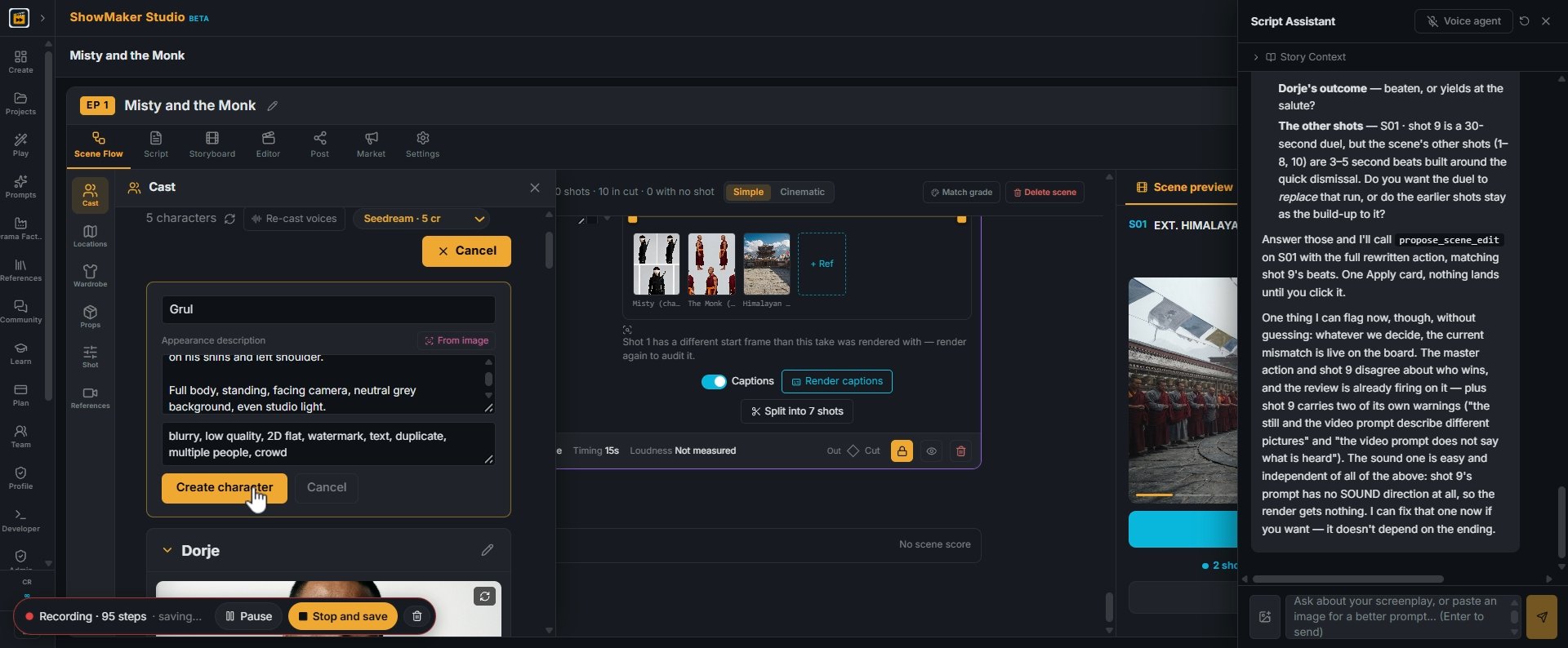
20Type the name (Grul) and describe the look: age, build, clothing, a full-body pose on a plain background. Press Create character.
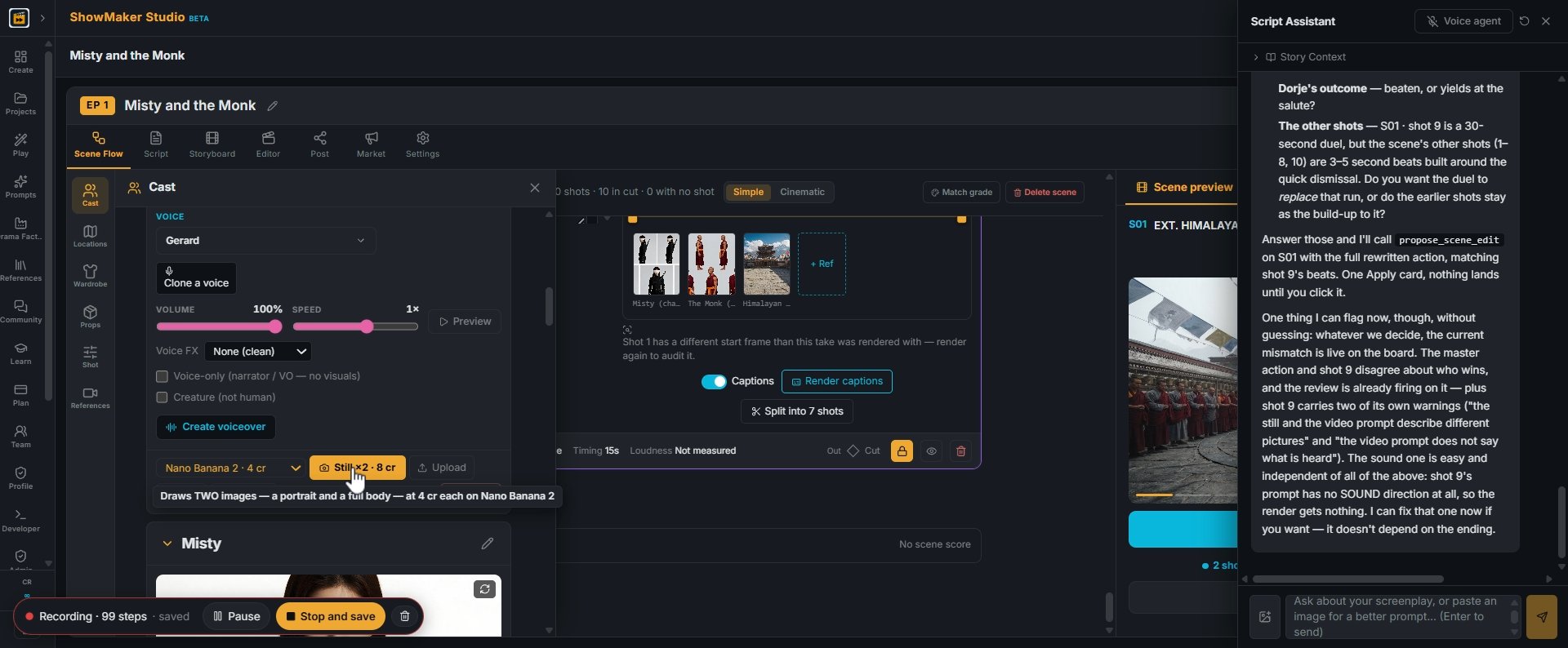
Draws TWO images — a portrait and a full body — at 4 cr each on Nano Banana 2
21Pick a still model and press Still ×2. It draws a portrait and a full body (8 cr on Nano Banana 2), which keeps his face the same in every shot.
Multishot
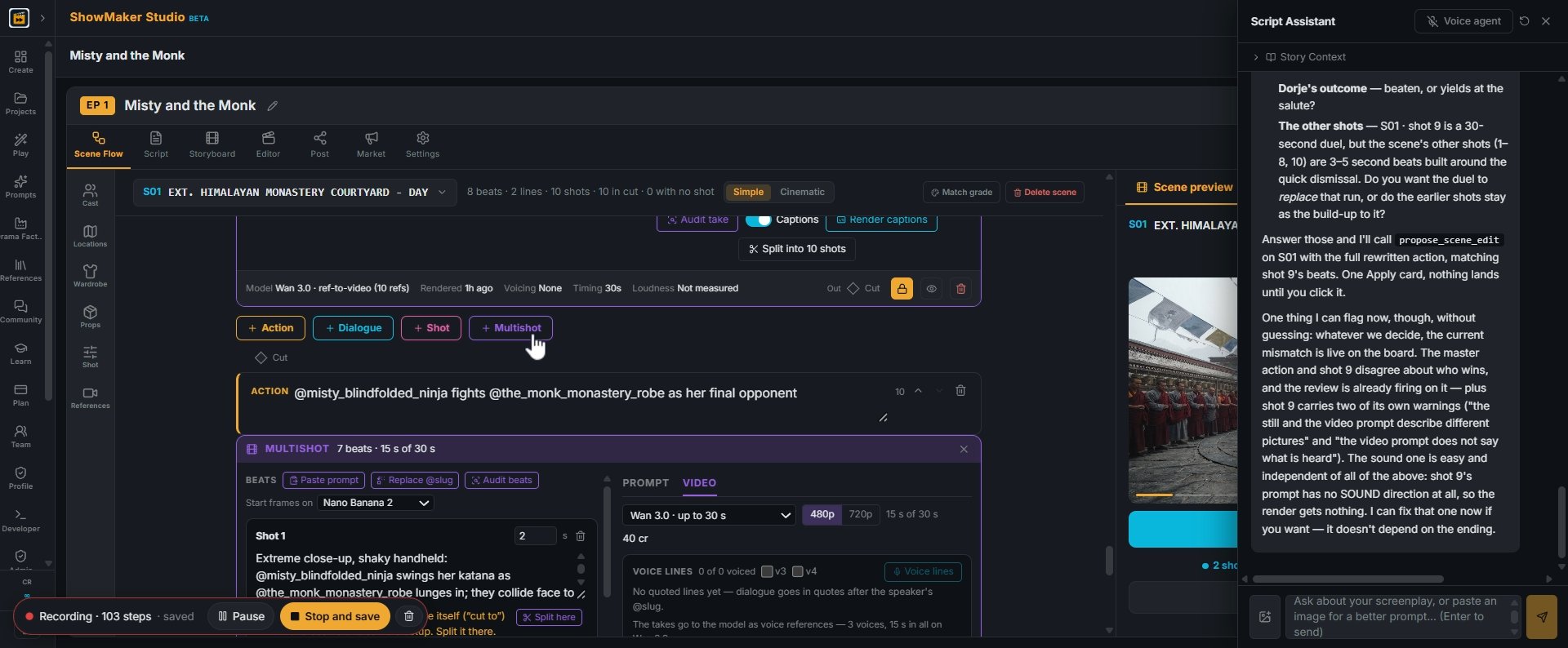
22Back in the scene, press + Multishot to add a new panel for the next fight.
Paste prompt
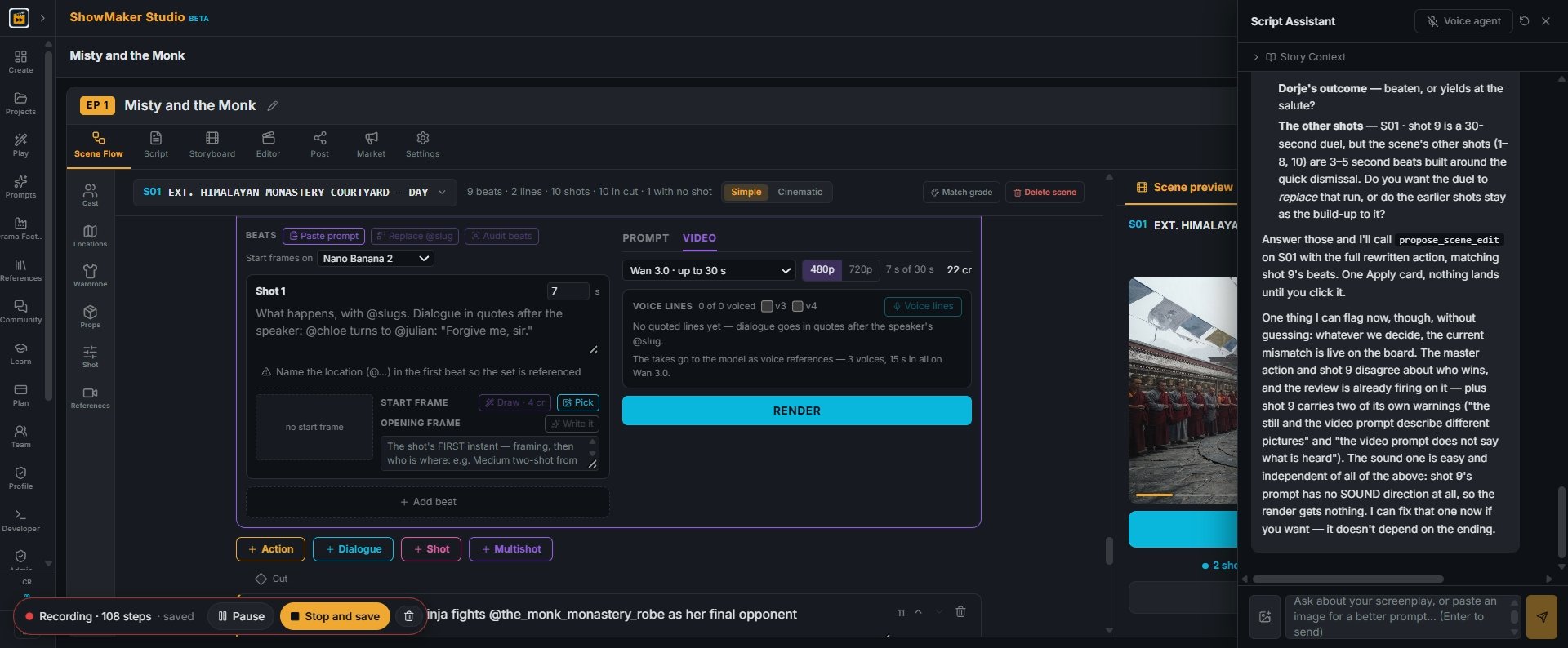
23Press Paste prompt in the new panel.
Shot 1 (0–3s): Wide, a rain-soaked rooftop at night. A tall swordsman in a torn…
24Paste the second fight prompt and press Read prompt.
Mei Lun matched From the paste: A woman, barefoot, blindfolded, calm and precis…
25Check the matches: Mei Lun from the paste is matched to Misty in her Trial Barefoot outfit, and the pit fighter to Grul. Set the location to your courtyard.
Fill the panel
26Press Fit beats to your cast, read what was fitted (the pit floor became courtyard flagstones), then press Fill the panel.

Give each beat a start frame
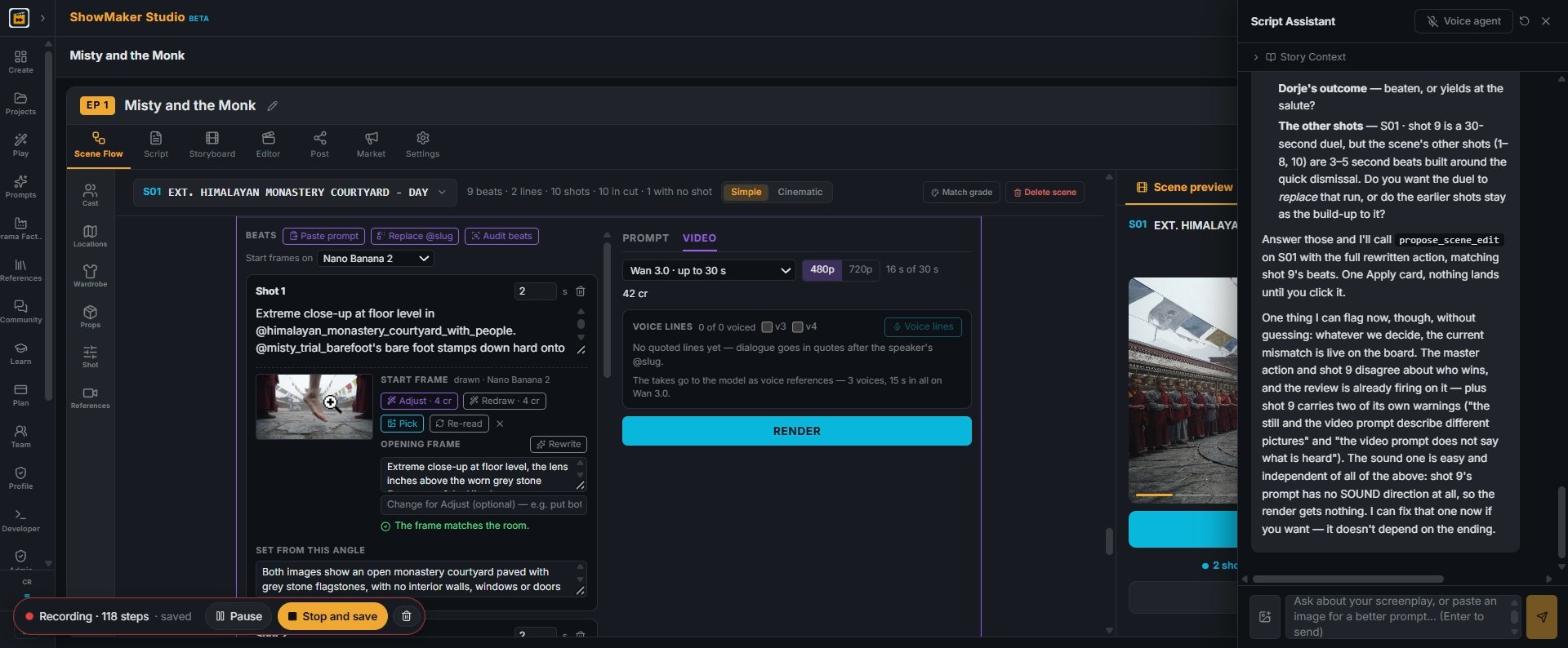
Draw · 4 cr
27A beat with no opening frame leaves the model to guess the room. Press Draw · 4 cr on the beat's START FRAME to paint its first instant from your cast and location sheets.
Step 28
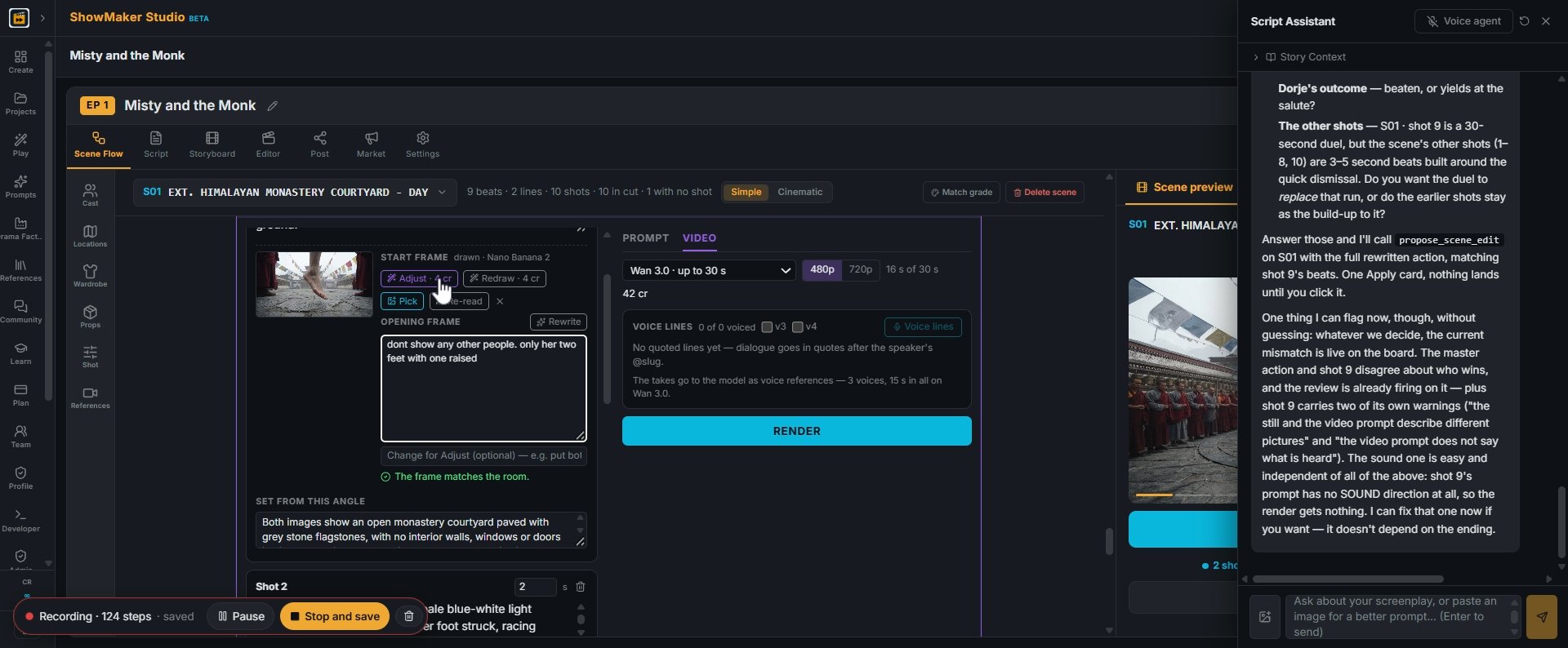
28The drawn frame appears with its OPENING FRAME text and a free room check underneath: "The frame matches the room."
Adjust · 4 cr
29If it's not right, type the change in the box, e.g. "don't show any other people, only her two feet with one raised", and press Adjust · 4 cr. The rest of the frame is kept.
Step 30
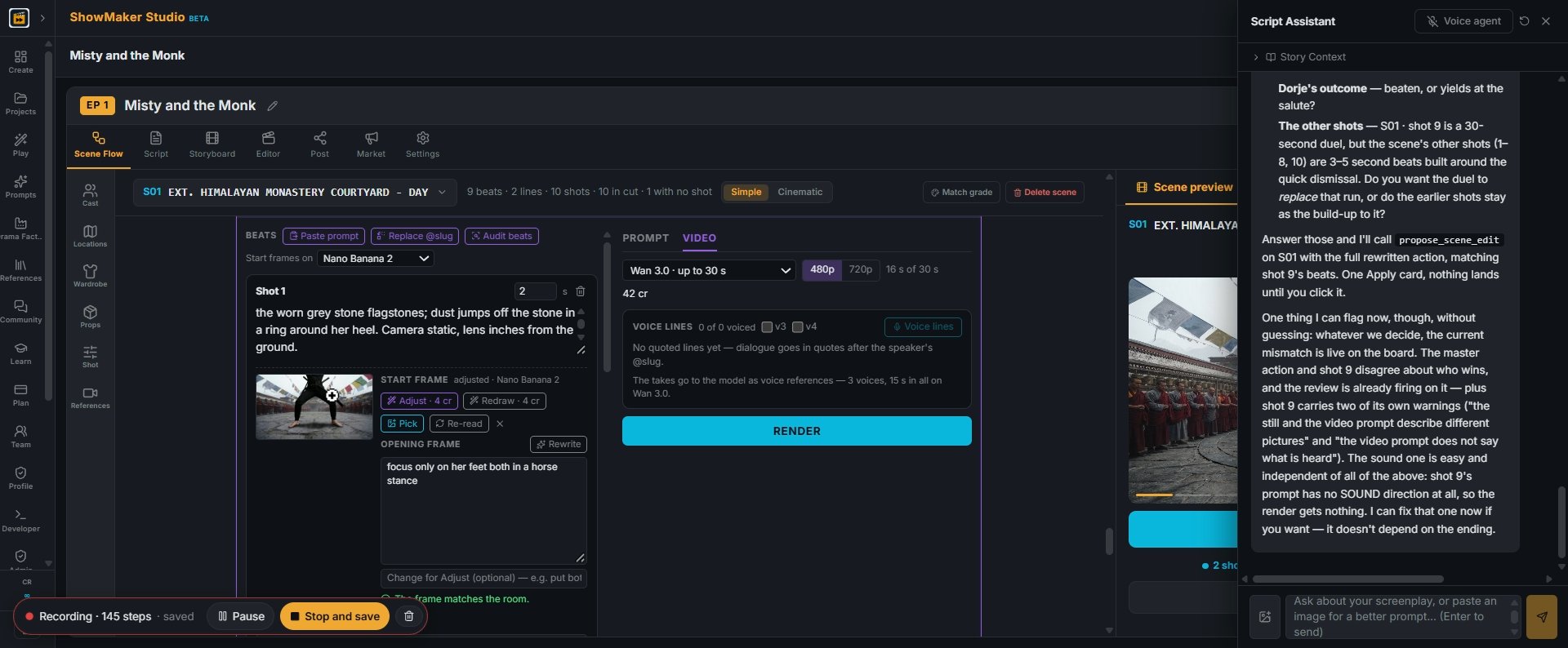
30Keep adjusting until the frame shows exactly the opening you want: here, only her feet in a horse stance.
Adjust · 4 cr
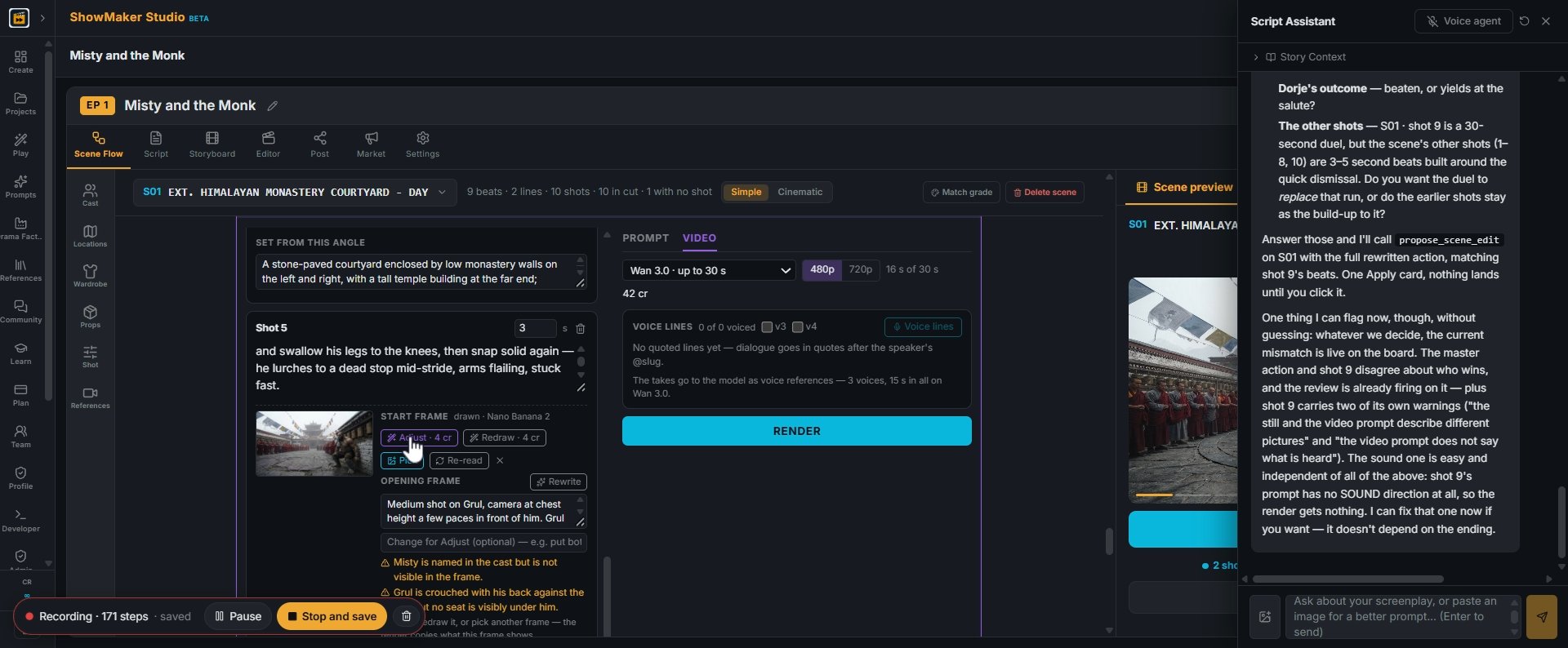
31Read the checks under each frame, like "Misty is named in the cast but not visible in the frame". Fix the beat text or Adjust the frame before you render.
Step 32
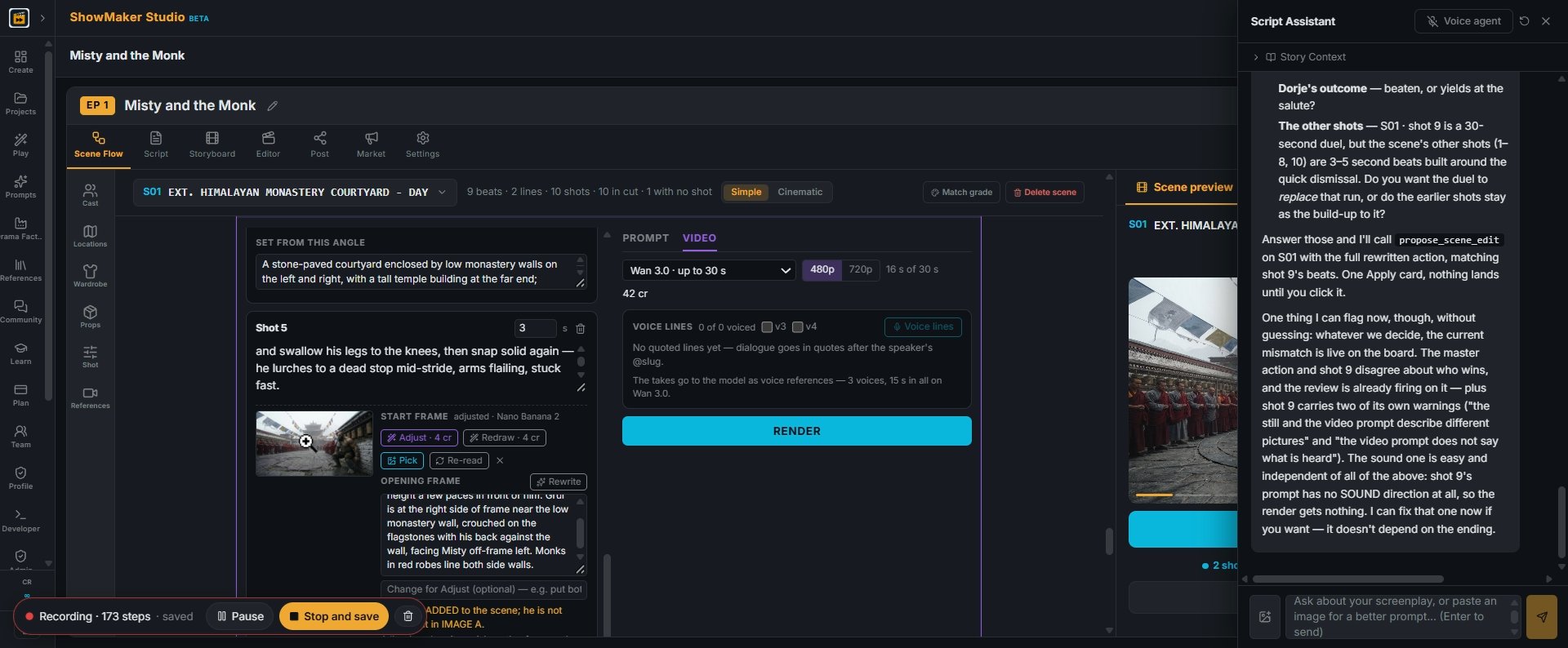
32After Adjust, the frame and its opening text update and the check runs again.
Render
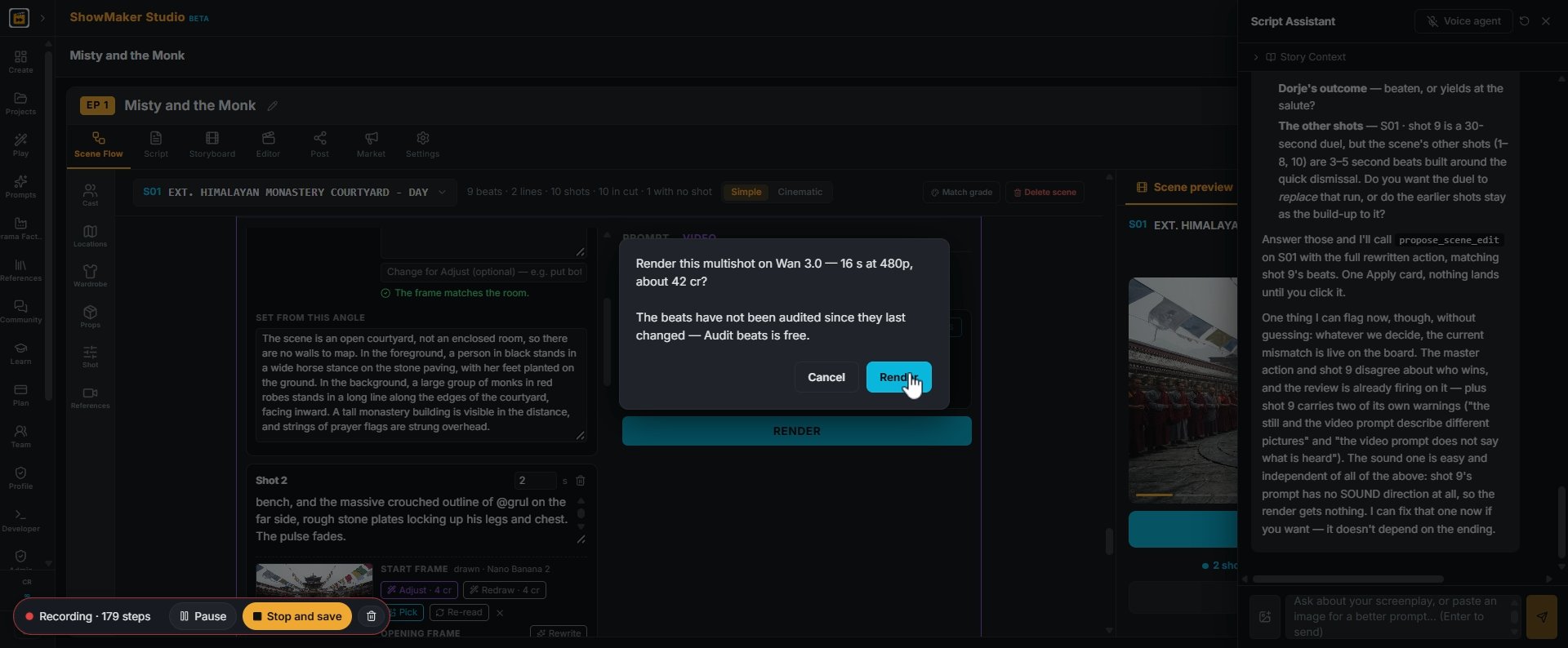
33Press RENDER on the panel. The confirm shows the length and the price (16 s at 480p, about 42 cr). Press Render.
Render scene
34When the take is in, press Render scene to put it into the scene preview.

Polish and score

Misty's Katana @mistys_katana
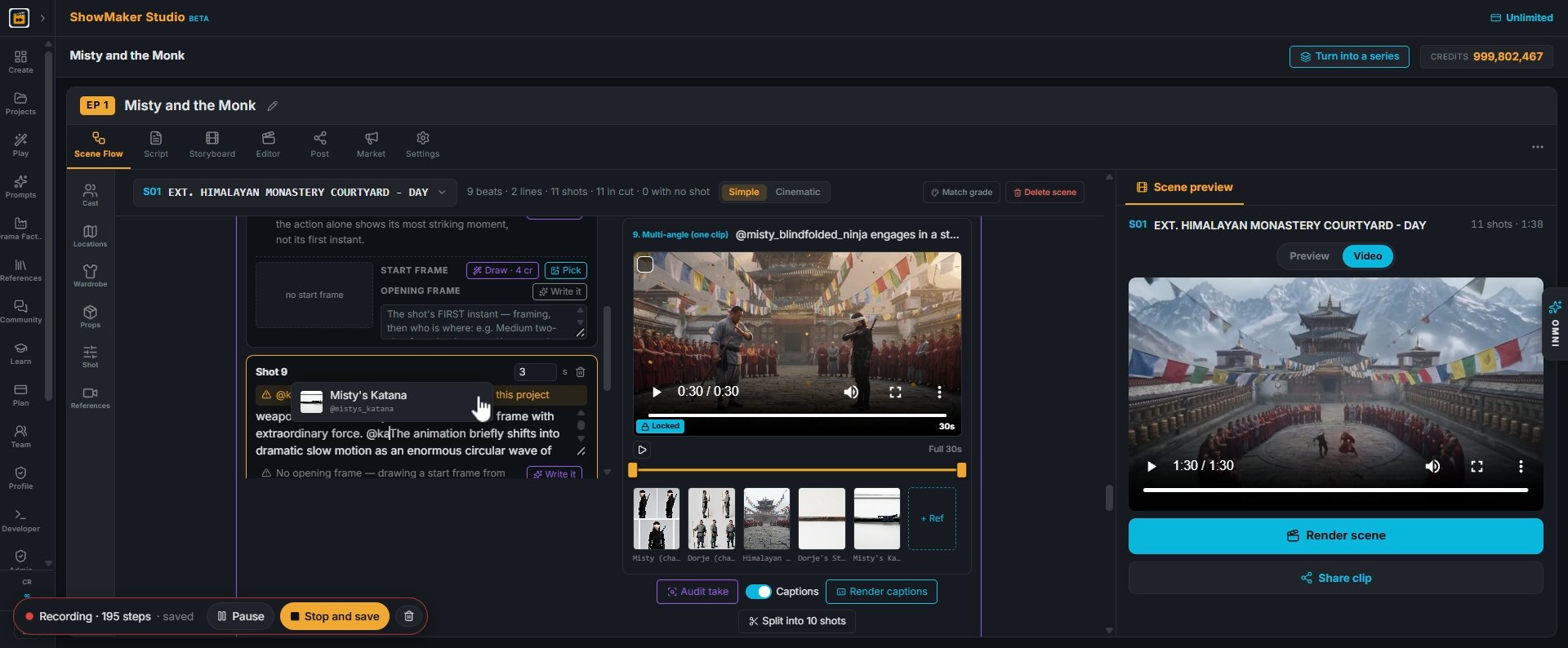
35To make sure a weapon renders, tag it in the beat: type @ and pick the prop, e.g. Misty's Katana.
RE-RENDER
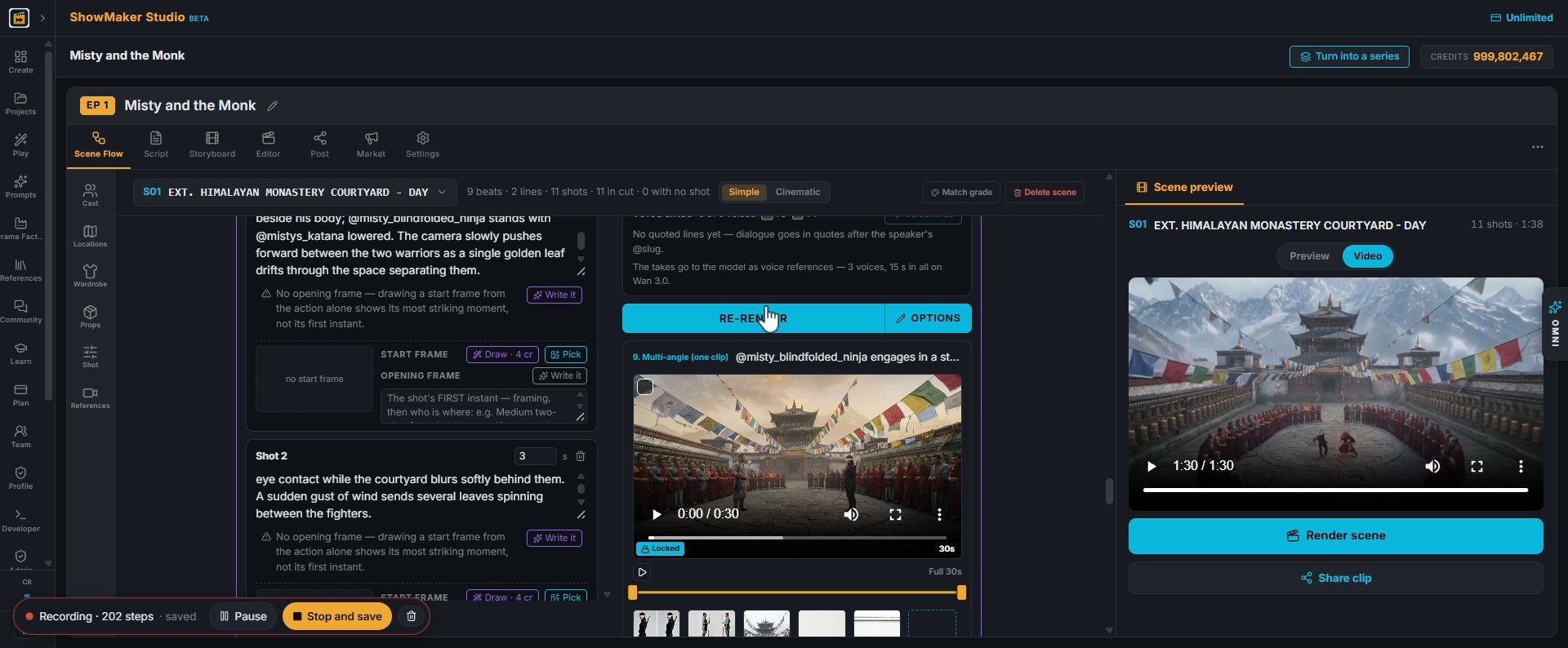
36Then press RE-RENDER on the panel to render the take again with the tagged props.
Sound No scene score
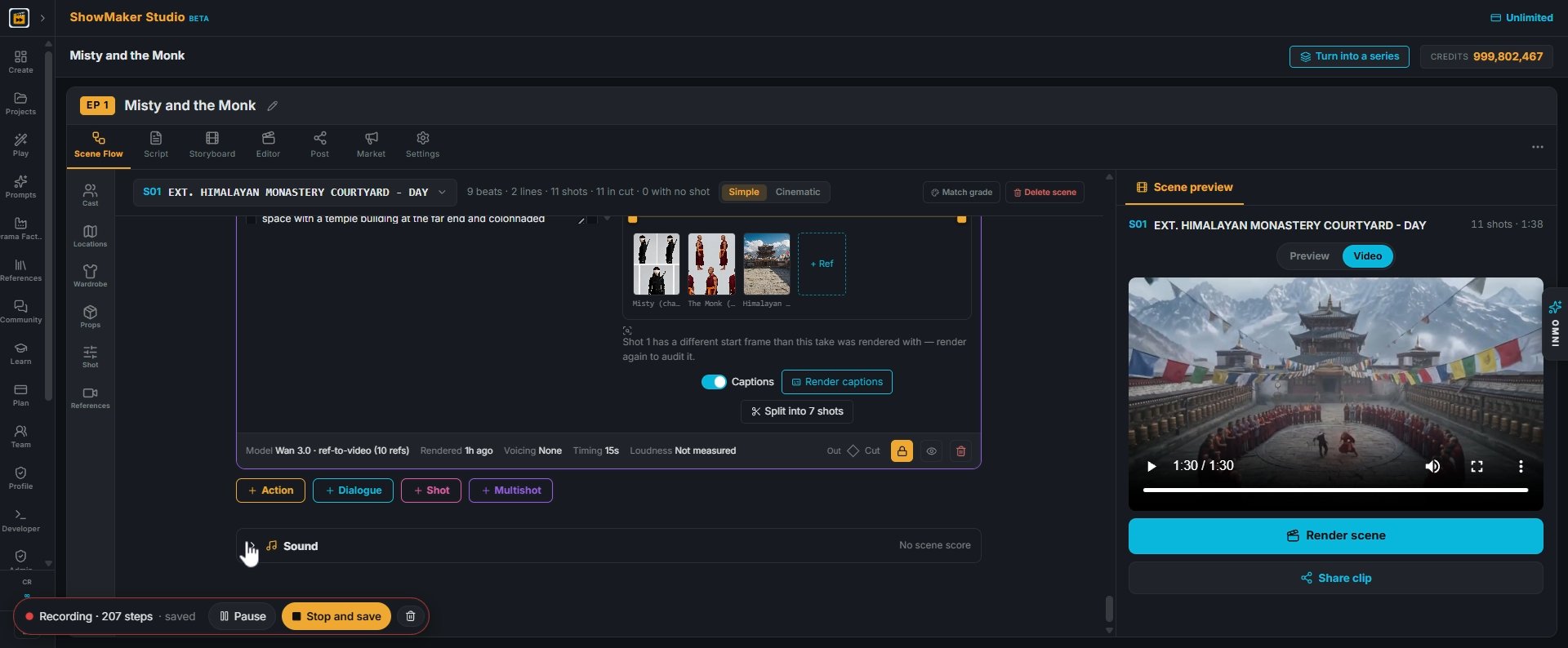
37Scroll to the bottom of the scene and open Sound.
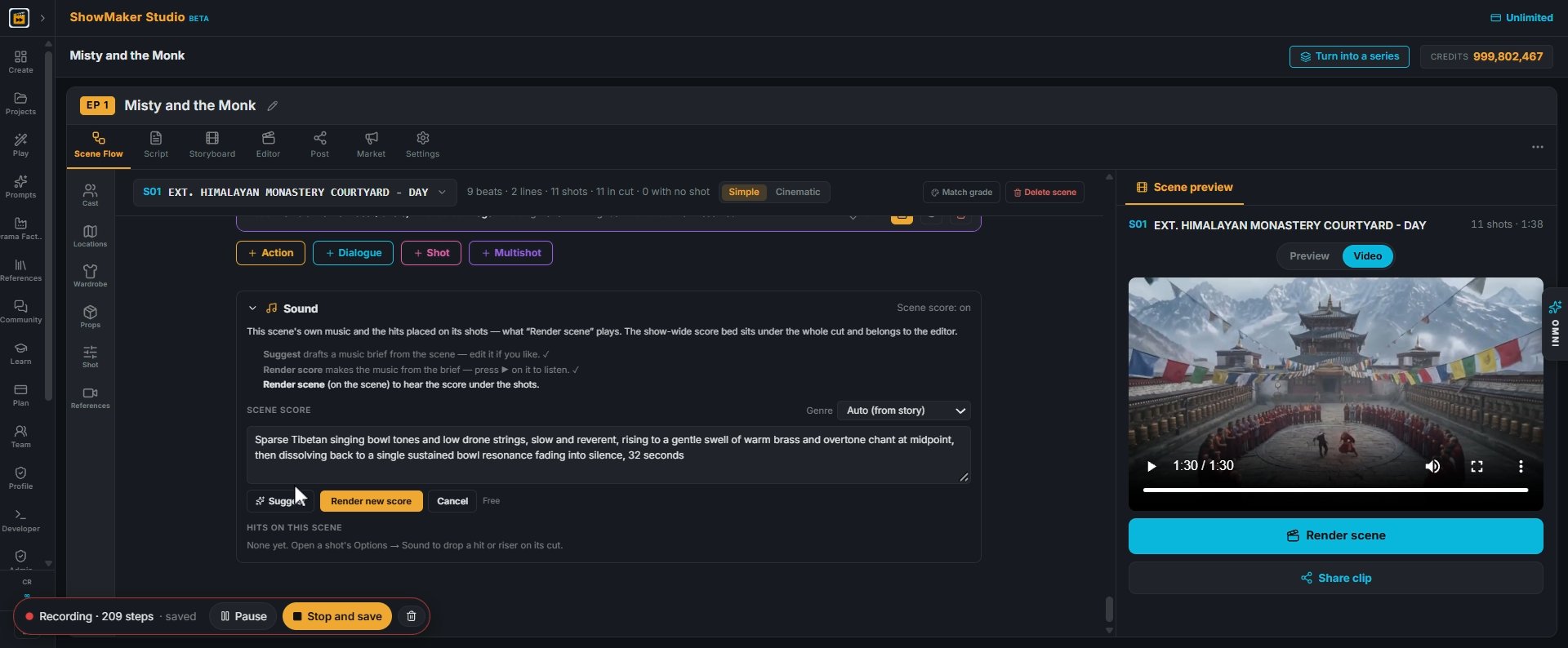
Suggest
38Press Rescore…, then Suggest. It drafts a music brief from the scene that you can edit, like sparse Tibetan singing bowls and low drone strings.
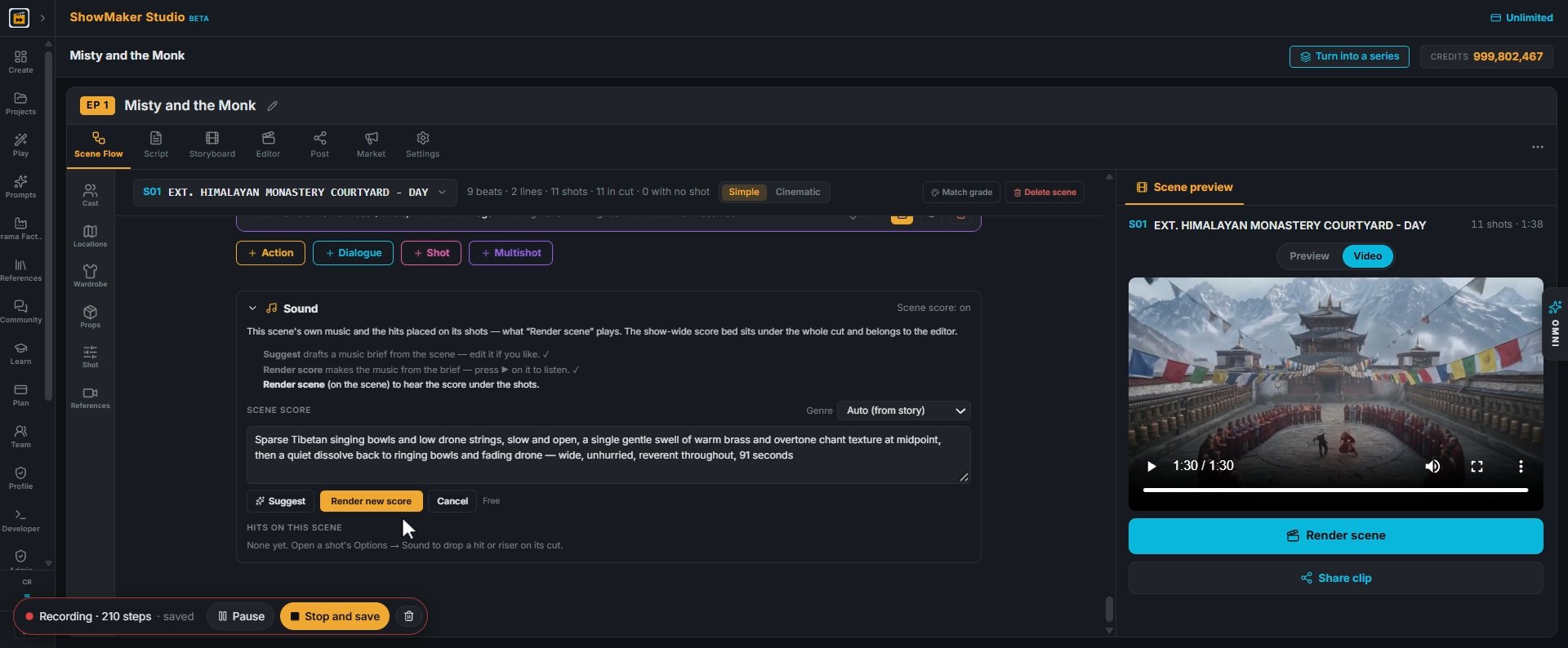
Render new score
39Press Render new score to make the music from the brief.
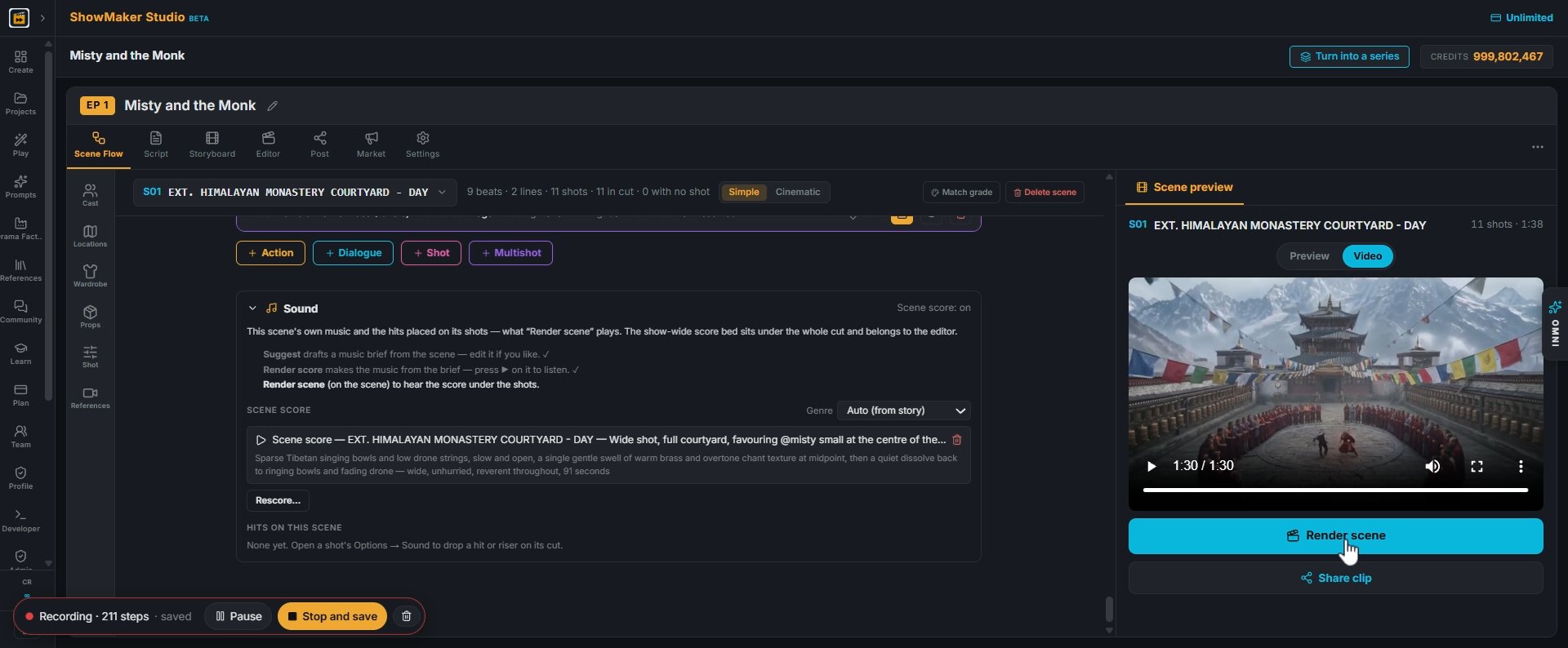
Render scene
40Press Render scene to hear the score under the shots.

Make your own episode.

Start free with 200 credits: a narrated film from AI stills, no credit card.

Paste any AI fight prompt into your own show: Misty and the Monk | ShowMaker Studio